

Arduino入門
2. デバイス&サンプル
3. M5Unified
4. M5GFX
5. 拡張モジュール&サンプル
Unit
Module
Atomic
Tab5
IoT
アクセサリー
StickS3 Button
StickS3 のボタン入力関連 API とサンプルプログラムについて。
注意事項:
使用時にはメインループ内に
M5.update()関数を含めて状態更新を読み取る必要があります。また、可能な限りブロッキングを減らすようにしてください。そうしないと、ボタンの状態変化をタイムリーに取得できない可能性があります。サンプルプログラム
コンパイル要件
- M5Stack ボードマネージャー版 >= 3.2.5
- 開発ボード選択 = M5StickS3
- M5Unified ライブラリ版 >= 0.2.12
- M5GFX ライブラリ版 >= 0.2.18
cpp
1 2 3 4 5 6 7 8 9 10 11 12 13 14 15 16 17 18 19 20 21 22 23 24 25 26 27 28 29 30 31 32 33 34 35 36 37 38 39 40 41 42 43
#include "M5Unified.h"
#include "M5GFX.h"

static int32_t w;
static int32_t h;
static bool drawed = false;

void setup()
{
    auto cfg = M5.config();
    M5.begin(cfg);

    M5.Lcd.setRotation(1);
    w = M5.Lcd.width();
    h = M5.Lcd.height();
    M5.Lcd.setFont(&fonts::FreeMonoBold12pt7b);
    M5.Lcd.drawString("Button Released", 0, 0);
}

void loop()
{
    M5.update();
    if(M5.BtnA.isPressed() || M5.BtnB.isPressed())
    {
        if (!drawed){
            M5.Lcd.clear();
        }
        M5.Lcd.drawString("Button  Detail:", 0, 0);
        if (M5.BtnA.isPressed()) {
            M5.Lcd.drawString("ButtonA Pressed", 0, 30);
        }
        else if (M5.BtnB.isPressed()) {
            M5.Lcd.drawString("ButtonB Pressed", 0, 60);
        }
        drawed = true;
    }
    else if (drawed){
        drawed = false;
        M5.Lcd.clear();
        M5.Lcd.drawString("Button Released", 0, 0);
    }
    vTaskDelay(1);
} ボタンを押すと、スクリーンに特定のボタン状態が表示されます。
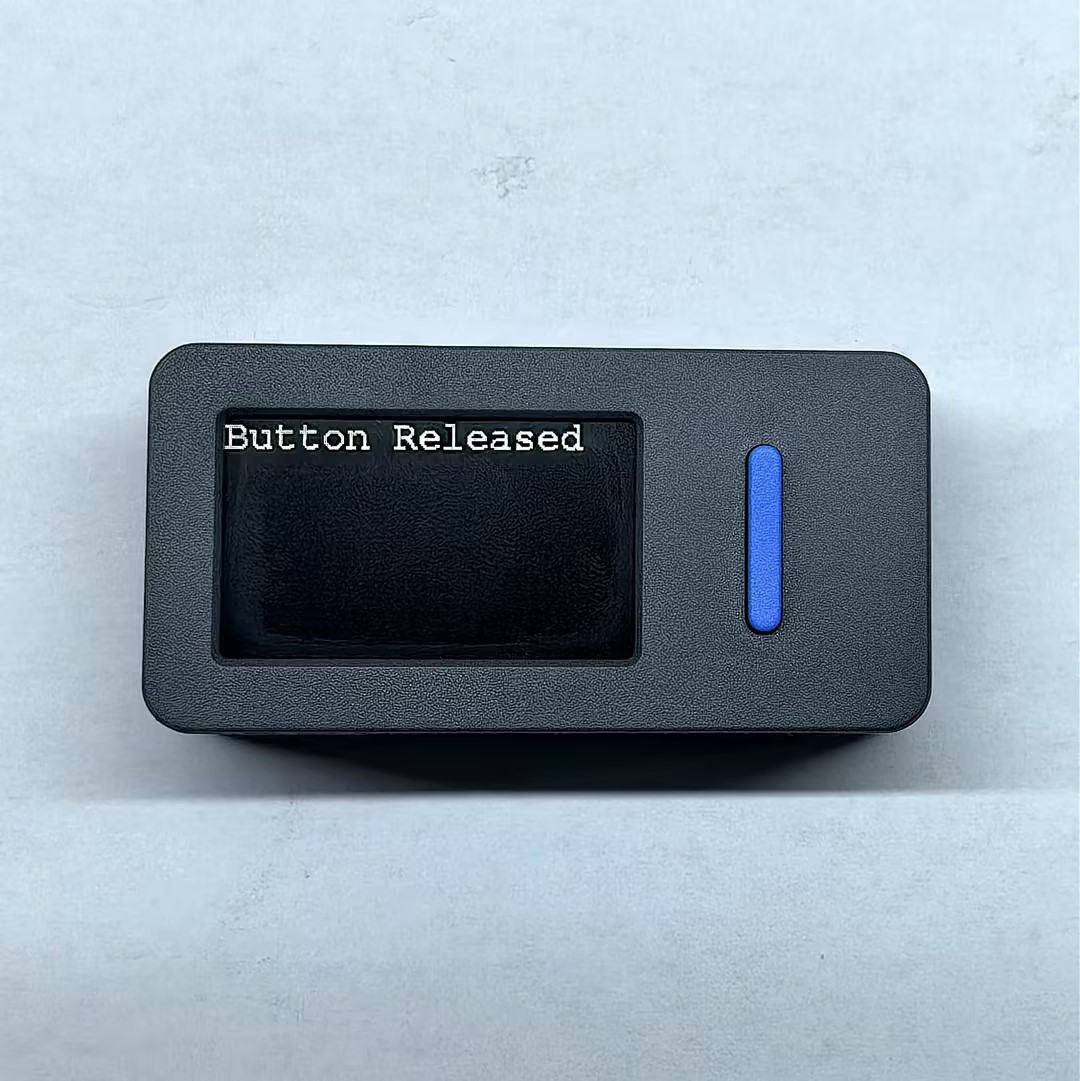
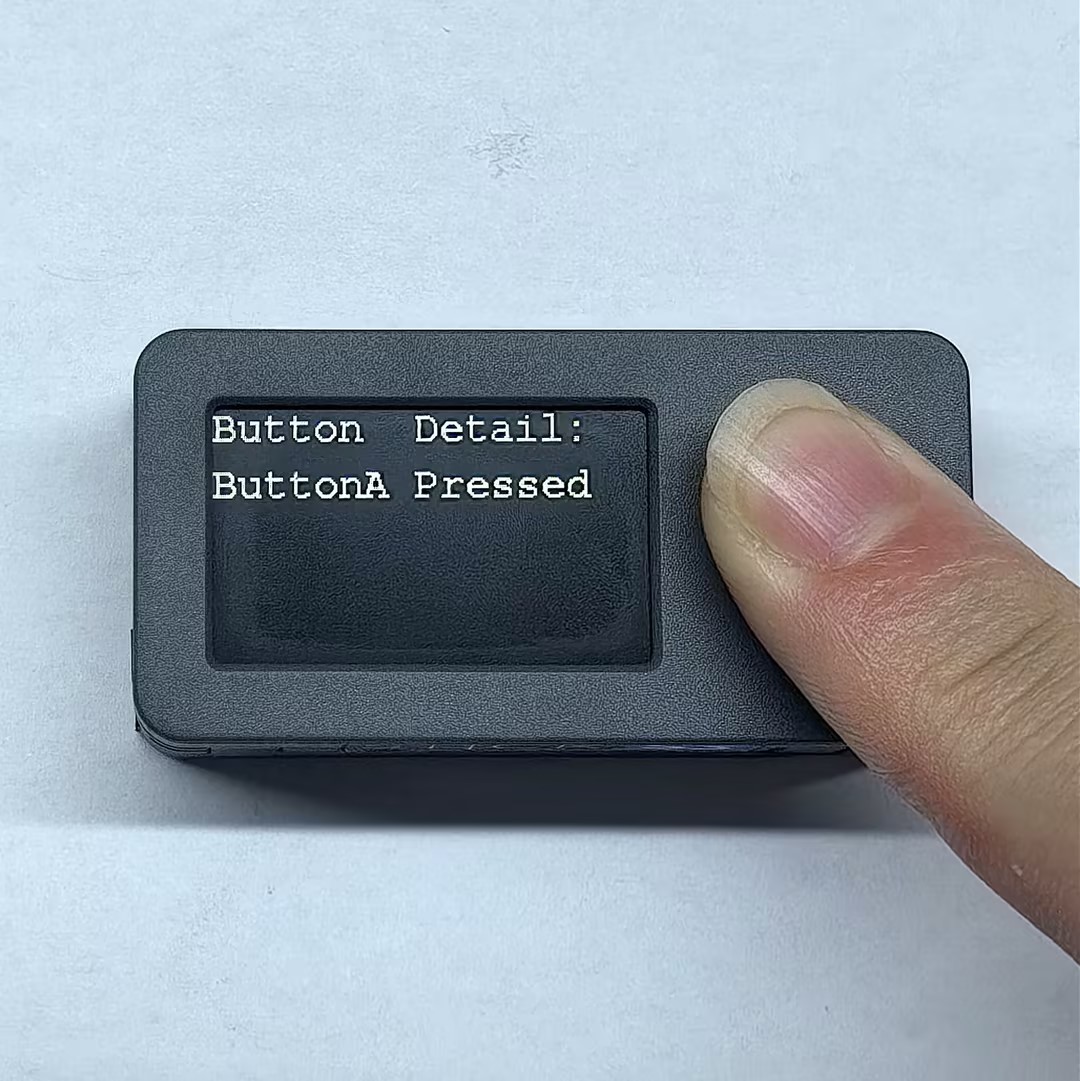
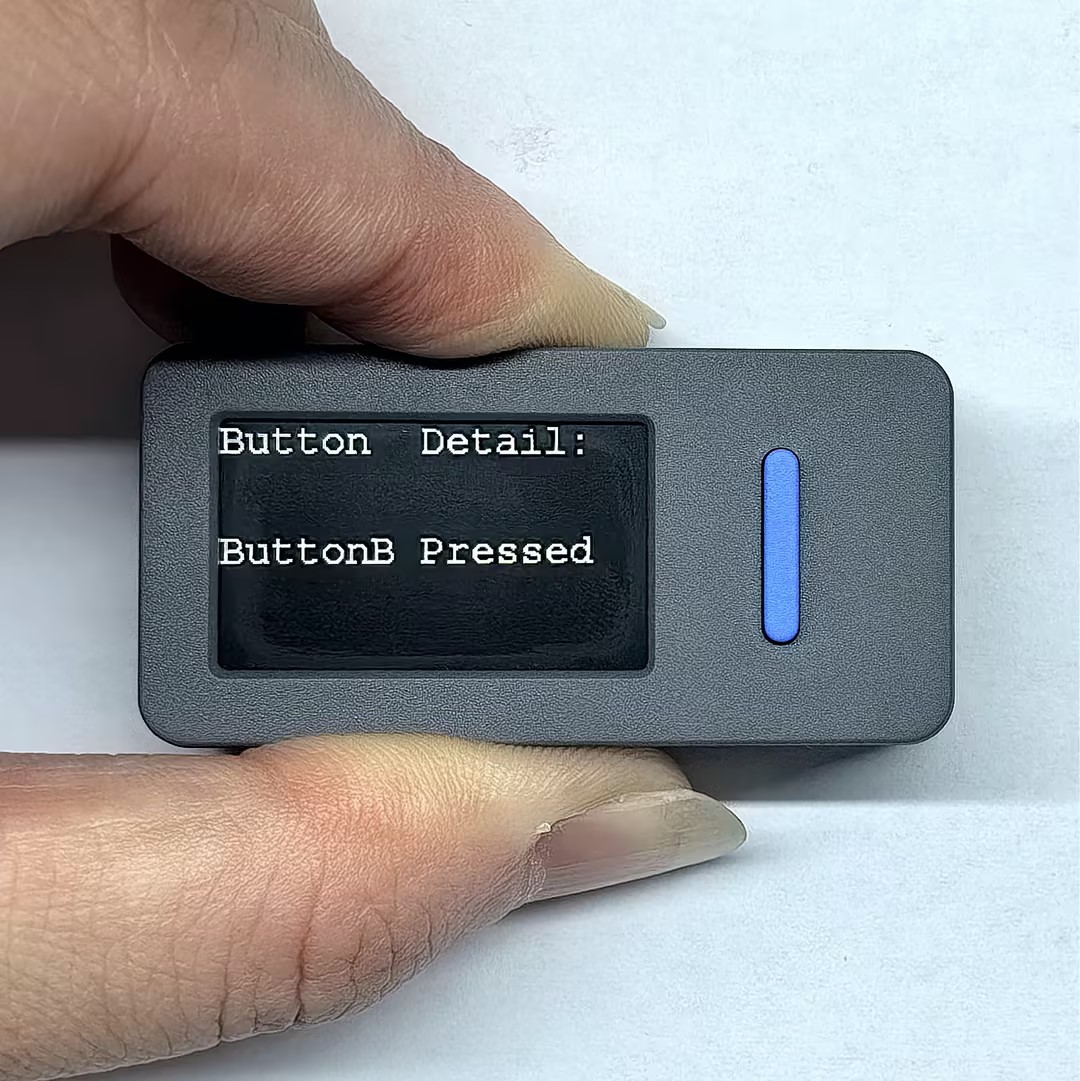
API
StickS3 のボタン操作部分にはM5UnifiedライブラリのButton_Classを使用しています。ボタン関連のその他の API については、以下のドキュメントをご参照ください:
Page Tools