Arduino 上手教程
2. 设备开发 & 案例程序
3. M5Unified
4. M5GFX
5. 拓展模块
Unit
Base
IoT
Hat Servo Arduino 使用教程
1. 准备工作
环境配置: 参考Arduino IDE上手教程完成 IDE 安装,并根据实际使用的开发板安装对应的板管理,与需要的驱动库。
使用到的驱动库:
使用到的硬件产品:
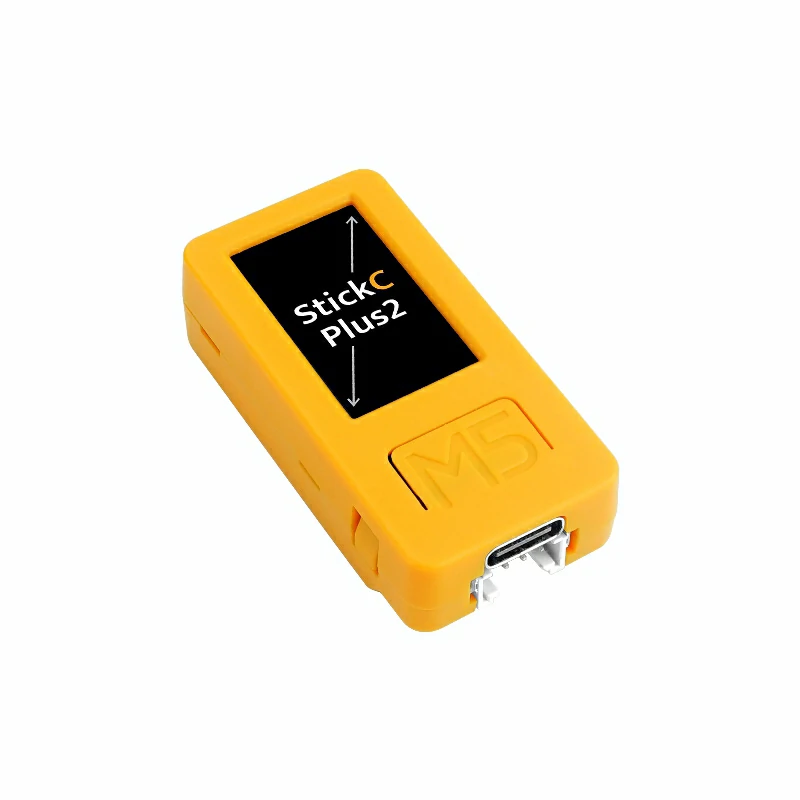
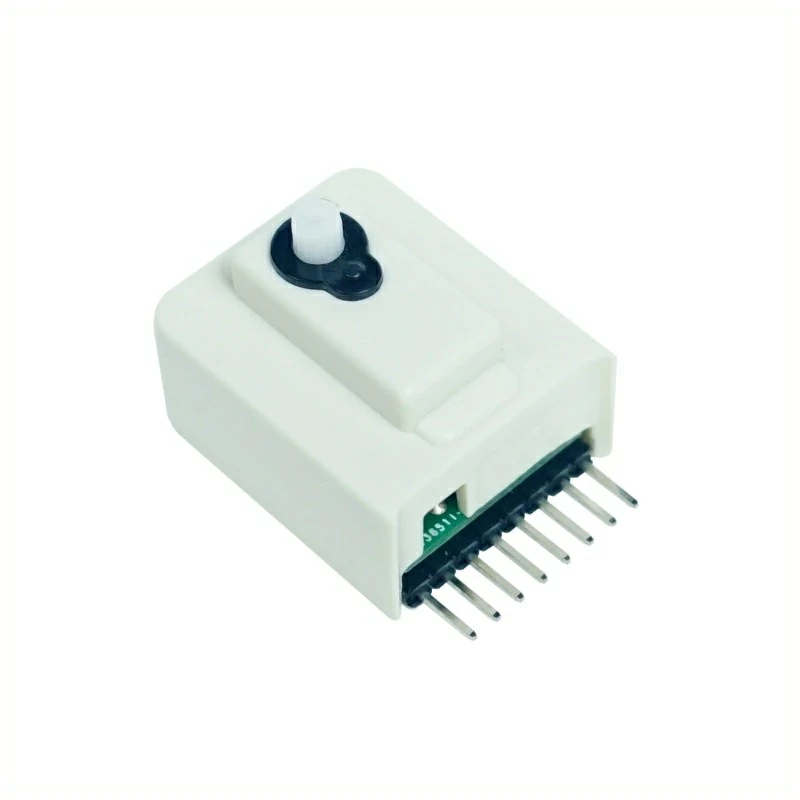
2. 案例程序
案例说明
Hat Servo 是一款供 StickC 使用的伺服电机模块。 舵机型号为 ES9251II,运动角度为 165° ± 10°,采用 PWM 的控制方式控制旋转角度。本案例将使用 StickC-Plus2 通过 GPIO 26 引脚输出 PWM 信号来控制 Hat Servo 的旋转角度,并在 M5StickC Plus2 的屏幕和电脑的串口监视器打印当前角度和状态信息。
完整程序
cpp
1 2 3 4 5 6 7 8 9 10 11 12 13 14 15 16 17 18 19 20 21 22 23 24 25 26 27 28 29 30 31 32 33 34 35 36 37 38 39 40 41 42 43 44 45 46 47 48 49 50 51 52 53 54 55 56 57 58 59 60 61 62 63 64 65
#include <M5Unified.h>

const int servo_pin = 26;
const int freq = 50;
const int resolution = 16;  // Use high resolution

void setup() {
    M5.begin();
    Serial.begin(115200);
    ledcAttach(servo_pin, freq, resolution);
}

int angleToDuty(int angle) {
    int min_us = 600;
    int max_us = 2400;

    // Ensure angle is within range
    angle = constrain(angle, 0, 165);

    int pulse_us = map(angle, 0, 165, min_us, max_us);
    int duty = (pulse_us * 65535L) / 20000;

    return duty;
}

void loop() {
    M5.Display.fillRect(0, 100, 320, 60, BLACK);
    M5.Display.setCursor(20, 100, 2);
    M5.Display.print("Moving 0->165");
    Serial.println("Moving 0->165");

    for(int angle = 0; angle <= 165; angle ++) {
        int duty = angleToDuty(angle);
        ledcWrite(servo_pin, duty);

         // Display current angle on M5StickC-Plus2
        M5.Display.fillRect(20, 120, 100, 20, BLACK);
        M5.Display.setCursor(20, 120, 2);
        M5.Display.printf("Angle: %3d", angle);
        Serial.printf("Angle: %3d\n", angle);

        delay(50);  // Control rotation speed
    }

    delay(1000);

    M5.Display.fillRect(0, 100, 320, 60, BLACK);
    M5.Display.setCursor(20, 100, 2);
    M5.Display.print("Moving 165->0");
    Serial.println("Moving 165->0");

    for(int angle = 165; angle >= 0; angle --) {
        int duty = angleToDuty(angle);
        ledcWrite(servo_pin, duty);

        M5.Display.fillRect(20, 120, 100, 20, BLACK);
        M5.Display.setCursor(20, 120, 2);
        M5.Display.printf("Angle: %3d", angle);
        Serial.printf("Angle: %3d\n", angle);

        delay(50);  // Control rotation speed
    }

    delay(1000);
}3. 编译上传
进入下载模式:不同的 Stick 设备进行程序烧录前需要安装对应的驱动程序,不同的主控设备使用的驱动与安装步骤可能有所不同。详情可参考Arduino IDE上手教程页面底部的设备程序下载教程列表,查看具体设备对应的操作方式。
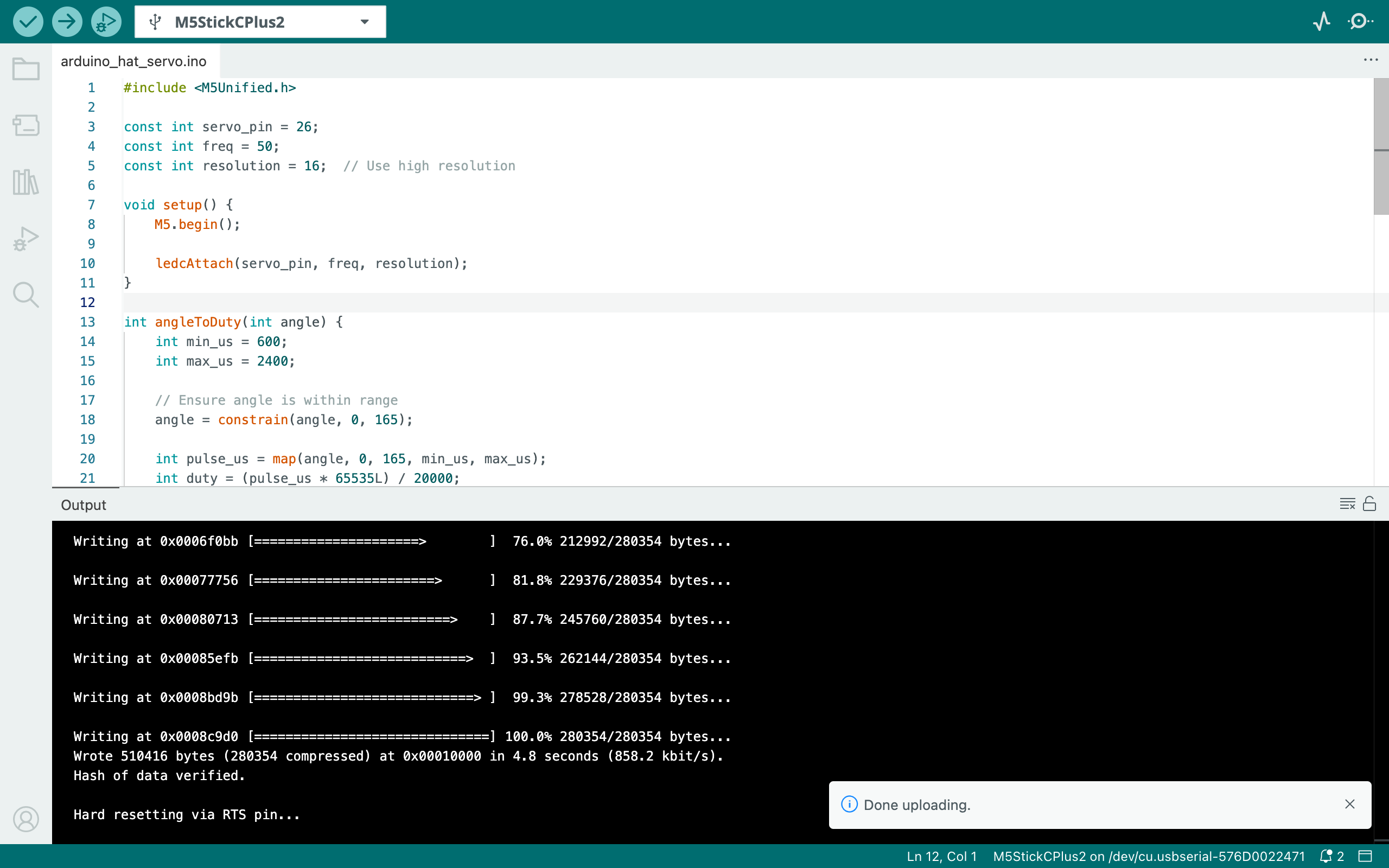
选中设备端口,点击 Arduino IDE 左上角编译上传按钮,等待程序完成编译并上传至设备。
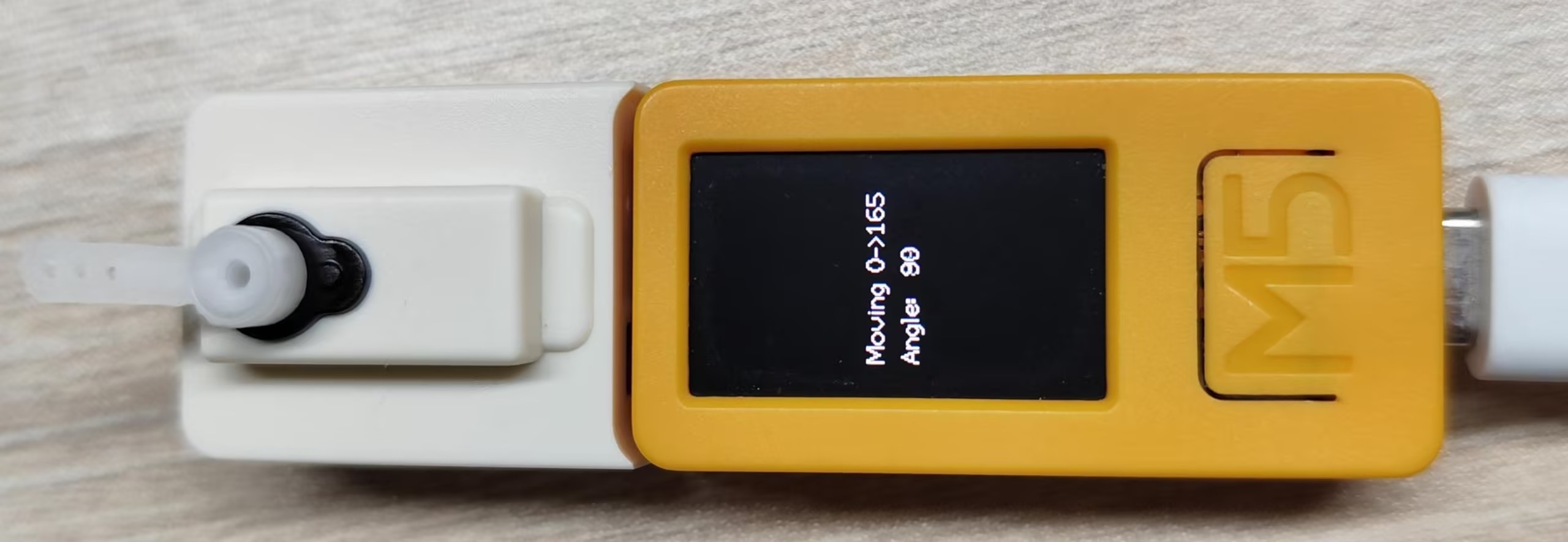
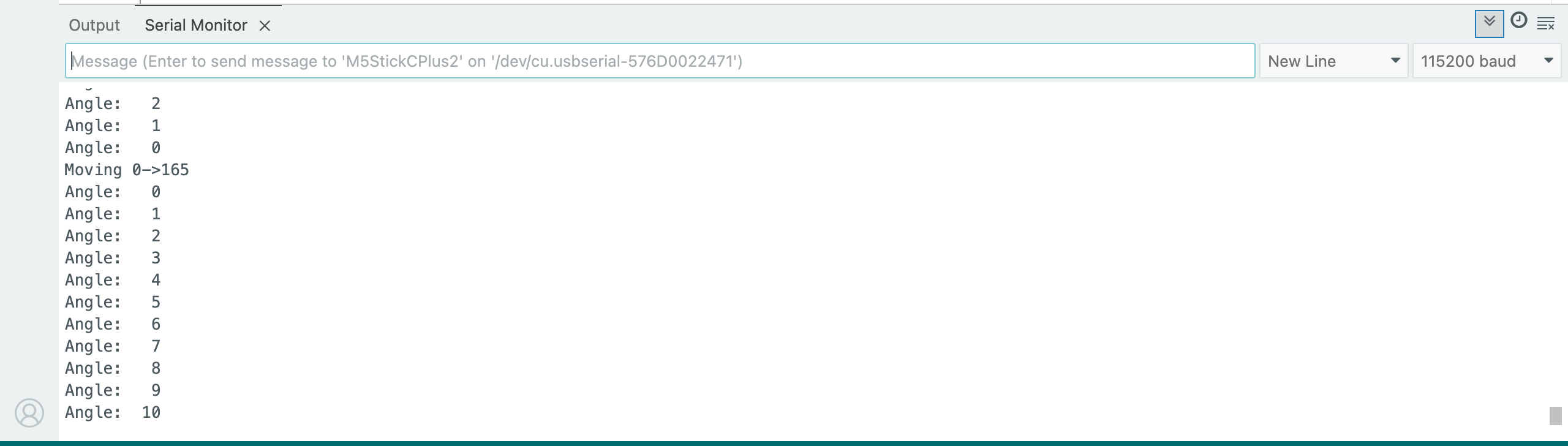
4.Hat Servo 当前角度和状态信息显示
该程序将控制 Hat Servo 的旋转角度,并在 StickC-Plus2 的屏幕和电脑的串口监视器打印当前角度和状态信息: