

Arduino入門
2. デバイス&サンプル
3. M5Unified
4. M5GFX
5. 拡張モジュール&サンプル
Unit
Module
Atomic
Tab5
IoT
アクセサリー
StackChan Mic マイク
StackChan Mic 関連の API とサンプルプログラムです。
サンプルプログラム
コンパイル要件
- M5Stack ボード管理バージョン >= 3.2.2
- 開発ボード選択 = M5CoreS3
- M5Unified ライブラリバージョン >= 0.2.11
cpp
1 2 3 4 5 6 7 8 9 10 11 12 13 14 15 16 17 18 19 20 21 22 23 24 25 26 27 28 29 30 31 32 33 34 35 36 37 38 39 40 41 42 43 44 45 46 47 48 49 50 51 52 53 54 55 56 57 58 59 60 61 62 63 64 65 66 67 68 69 70 71 72 73 74 75 76 77 78 79 80 81 82 83 84 85 86 87 88 89 90 91 92 93 94 95 96 97 98 99 100 101 102 103 104 105 106 107 108 109 110 111 112 113 114 115 116 117 118 119 120 121 122 123 124 125 126 127 128 129 130 131 132 133 134
#include <M5Unified.h>

static constexpr const size_t record_number     = 256;
static constexpr const size_t record_length     = 320;
static constexpr const size_t record_size       = record_number * record_length;
static constexpr const size_t record_samplerate = 17000;
static int16_t prev_y[record_length];
static int16_t prev_h[record_length];
static size_t rec_record_idx  = 2;
static size_t draw_record_idx = 0;
static int16_t *rec_data;

void setup(void) {
    auto cfg = M5.config();

    M5.begin(cfg);

    M5.Display.startWrite();
    M5.Display.setRotation(1);
    M5.Display.setTextDatum(top_center);
    M5.Display.setTextColor(WHITE);
    M5.Display.setFont(&fonts::FreeSansBoldOblique12pt7b);

    rec_data = (typeof(rec_data))heap_caps_malloc(record_size *

                                                      sizeof(int16_t),
                                                  MALLOC_CAP_8BIT);
    memset(rec_data, 0, record_size * sizeof(int16_t));
    M5.Speaker.setVolume(255);

    /// Since the microphone and speaker cannot be used at the same time,
    // turn
    /// off the speaker here.
    M5.Speaker.end();
    M5.Mic.begin();
    M5.Display.fillCircle(130, 15, 8, RED);
    M5.Display.drawString("REC", 180, 3);
}

void loop(void) {
    M5.update();

    if (M5.Mic.isEnabled()) {
        static constexpr int shift = 6;
        auto data                  = &rec_data[rec_record_idx * record_length];
        if (M5.Mic.record(data, record_length, record_samplerate)) {
            data = &rec_data[draw_record_idx * record_length];

            int32_t w = M5.Display.width();
            if (w > record_length - 1) {
                w = record_length - 1;
            }
            for (int32_t x = 0; x < w; ++x) {
                M5.Display.writeFastVLine(x, prev_y[x], prev_h[x],
                                              TFT_BLACK);
                int32_t y1 = (data[x] >> shift);
                int32_t y2 = (data[x + 1] >> shift);
                if (y1 > y2) {
                    int32_t tmp = y1;
                    y1          = y2;
                    y2          = tmp;
                }
                int32_t y = ((M5.Display.height()) >> 1) + y1;
                int32_t h = ((M5.Display.height()) >> 1) + y2 + 1 - y;
                prev_y[x] = y;
                prev_h[x] = h;
                M5.Display.writeFastVLine(x, prev_y[x], prev_h[x], WHITE);
            }

            M5.Display.display();
            M5.Display.fillCircle(130, 15, 8, RED);
            M5.Display.drawString("REC", 180, 3);
            if (++draw_record_idx >= record_number) {
                draw_record_idx = 0;
            }
            if (++rec_record_idx >= record_number) {
                rec_record_idx = 0;
            }
        }
    }

    int state = M5.BtnPWR.wasClicked();

    if (state) {
        auto cfg               = M5.Mic.config();
        cfg.noise_filter_level = (cfg.noise_filter_level + 8) & 255;
        M5.Mic.config(cfg);
        M5.Display.clear();
        M5.Display.fillCircle(130, 15, 8, GREEN);
        M5.Display.drawString("NF:" + String(cfg.noise_filter_level), 180, 3);
        delay(2000);
        M5.Display.clear();
    }

    if (M5.Touch.getCount() && M5.Touch.getDetail(0).wasClicked()) {
        if (M5.Speaker.isEnabled()) {
            M5.Display.clear();
            while (M5.Mic.isRecording()) {
                delay(1);
            }
            /// Since the microphone and speaker cannot be used at the same
            /// time, turn off the microphone here.
            M5.Mic.end();
            M5.Speaker.begin();

            M5.Display.fillTriangle(130 - 8, 15 - 8, 130 - 8, 15 + 8,
                                        130 + 8, 15, 0x1c9f);
            M5.Display.drawString("PLAY", 180, 3);
            int start_pos = rec_record_idx * record_length;
            if (start_pos < record_size) {
                M5.Speaker.playRaw(&rec_data[start_pos],
                                       record_size - start_pos,
                                       record_samplerate, false, 1, 0);
            }
            if (start_pos > 0) {
                M5.Speaker.playRaw(rec_data, start_pos, record_samplerate,
                                       false, 1, 0);
            }
            do {
                delay(1);
                M5.update();
            } while (M5.Speaker.isPlaying());

            /// Since the microphone and speaker cannot be used at the same
            /// time, turn off the speaker here.
            M5.Speaker.end();
            M5.Mic.begin();

            M5.Display.clear();
            M5.Display.fillCircle(130, 15, 8, RED);
            M5.Display.drawString("REC", 180, 3);
        }
    }
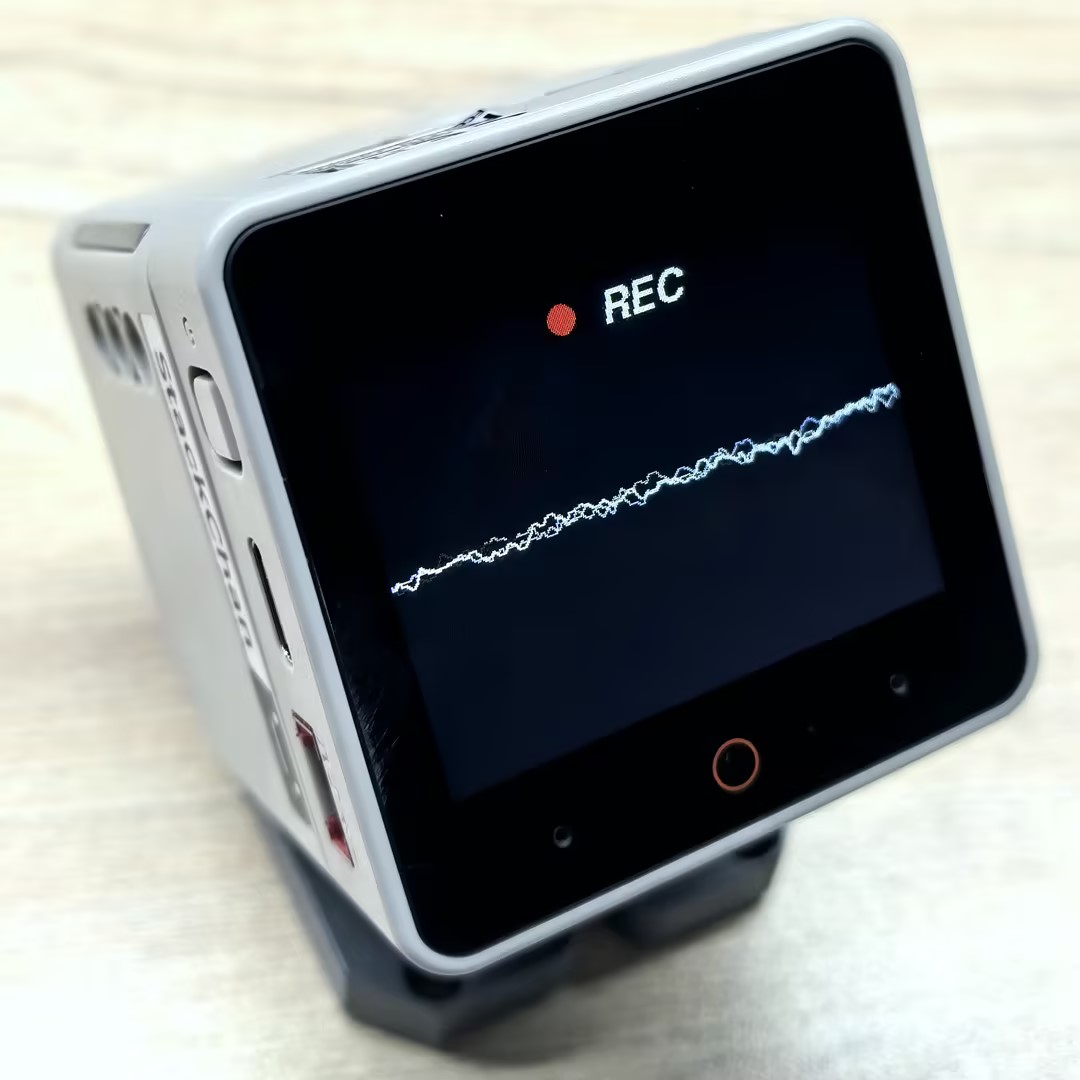
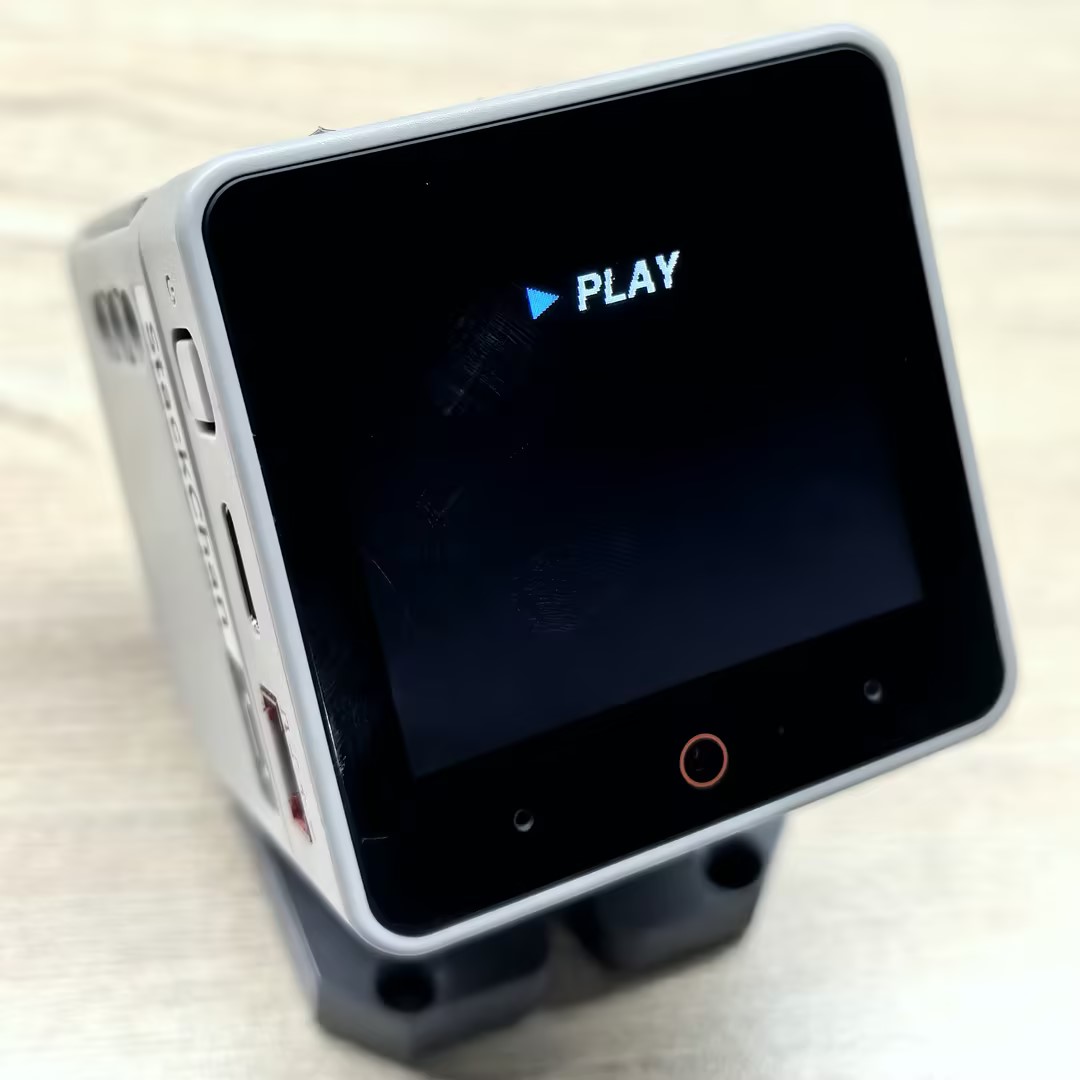
}書き込みが完了すると、StackChan で音声を録音して再生することができます。画面をタッチして録音を開始し、電源ボタン(BtnPWR)を押すとノイズフィルターレベルを調整できます。再度画面をタッチすると、先ほど録音した音声が再生されます。
API
StackChan Mic 機能は、M5Unified ライブラリの Mic_Class を使用しています。関連する API の詳細については、以下のドキュメントをご参照ください:
Page Tools