

Arduino Quick Start
2. Devices & Examples
3. M5Unified
4. M5GFX
5. Extensions
Unit
Module
Atomic
Tab5
IoT
Accessories
StickC-Plus SE Microphone
APIs and example program for the StickC-Plus SE microphone.
Example
Compilation Requirements
- M5Stack board manager version >= 3.3.8
- Board option = M5StickCPlus
- M5Unified library version >= 0.2.18
- M5GFX library version >= 0.2.24
cpp
1 2 3 4 5 6 7 8 9 10 11 12 13 14 15 16 17 18 19 20 21 22 23 24 25 26 27 28 29 30 31 32 33 34 35 36 37 38 39 40 41 42 43 44 45 46 47 48 49 50 51 52 53 54 55 56 57 58 59 60 61 62 63 64 65 66 67 68 69 70 71 72 73 74 75 76 77 78 79 80 81 82 83 84 85 86 87 88 89 90 91 92 93 94 95 96 97 98 99 100 101 102 103 104 105 106 107 108 109 110 111 112 113 114 115 116 117 118 119 120 121 122 123 124 125 126 127 128 129 130 131 132 133 134 135 136 137 138 139 140 141 142 143 144 145 146 147 148 149 150 151 152 153 154 155 156 157 158 159 160 161 162 163 164 165 166 167 168 169 170 171
#include <M5Unified.h>

static constexpr const size_t record_number = 200;   // more may fail on ESP32-PICO-D4
static constexpr const size_t record_length = 240;
static constexpr const size_t record_size = record_number * record_length;
static constexpr const size_t record_samplerate = 17000;

static int16_t prev_y[record_length];
static int16_t prev_h[record_length];

static size_t rec_record_idx = 2;
static size_t draw_record_idx = 0;
// Allocate the audio buffer dynamically to avoid reserving a large static RAM block.
static int16_t *rec_data = nullptr;

void showError(const char *msg) {
  // Show the error on the display and stop here so the board does not keep rebooting.
  M5.Display.clear();
  M5.Display.setTextDatum(middle_center);
  M5.Display.setTextColor(RED);
  M5.Display.drawString(msg, M5.Display.width() / 2, M5.Display.height() / 2);

  while (true) {
    delay(1000);
  }
}

void setup(void) {
  auto cfg = M5.config();
  M5.begin(cfg);

  M5.Display.startWrite();
  M5.Display.setRotation(1);
  M5.Display.setTextDatum(top_center);
  M5.Display.setTextColor(WHITE);
  M5.Display.setFont(&fonts::FreeSansBoldOblique12pt7b);

  // Allocate the recording ring buffer in internal 8-bit-capable RAM.
  rec_data = (int16_t *)heap_caps_malloc(record_size * sizeof(int16_t), MALLOC_CAP_8BIT);

  if (rec_data == nullptr) {
    showError("malloc failed");
  }

  memset(rec_data, 0, record_size * sizeof(int16_t));

  M5.Speaker.setVolume(255);

  // Disable the speaker because the microphone and speaker cannot be used at the same time.
  M5.Speaker.end();

  if (!M5.Mic.begin()) {
    showError("Mic begin failed");
  }

  M5.Display.clear();
  M5.Display.fillCircle(70, 15, 8, RED);
  M5.Display.drawString("REC", 120, 3);
}

void loop(void) {
  M5.update();

  if (M5.Mic.isEnabled() && rec_data != nullptr) {
    // Record one block, then draw the previous block to keep recording and display updates smooth.
    static constexpr int shift = 6;

    auto data = &rec_data[rec_record_idx * record_length];

    if (M5.Mic.record(data, record_length, record_samplerate)) {
      data = &rec_data[draw_record_idx * record_length];

      int32_t w = M5.Display.width();
      if (w > record_length - 1) {
        w = record_length - 1;
      }

      for (int32_t x = 0; x < w; ++x) {
        M5.Display.writeFastVLine(x, prev_y[x], prev_h[x], TFT_BLACK);

        int32_t y1 = data[x] >> shift;
        int32_t y2 = data[x + 1] >> shift;

        if (y1 > y2) {
          int32_t tmp = y1;
          y1 = y2;
          y2 = tmp;
        }

        int32_t y = (M5.Display.height() >> 1) + y1;
        int32_t h = (M5.Display.height() >> 1) + y2 + 1 - y;

        prev_y[x] = y;
        prev_h[x] = h;

        M5.Display.writeFastVLine(x, prev_y[x], prev_h[x], WHITE);
      }

      M5.Display.display();
      M5.Display.fillCircle(70, 15, 8, RED);
      M5.Display.drawString("REC", 120, 3);

      // Advance the recording and drawing positions in the ring buffer.
      if (++draw_record_idx >= record_number) {
        draw_record_idx = 0;
      }

      if (++rec_record_idx >= record_number) {
        rec_record_idx = 0;
      }
    }
  }

  if (M5.BtnA.wasHold()) {
    auto cfg = M5.Mic.config();
    cfg.noise_filter_level = (cfg.noise_filter_level + 8) & 255;
    M5.Mic.config(cfg);

    M5.Display.clear();
    M5.Display.fillCircle(70, 15, 8, GREEN);
    M5.Display.drawString("NF:" + String(cfg.noise_filter_level), 120, 3);

  } else if (M5.BtnA.wasClicked()) {
    if (rec_data == nullptr) {
      return;
    }

    M5.Display.clear();

    while (M5.Mic.isRecording()) {
      delay(1);
    }

    // Disable the microphone before playback because the microphone and speaker cannot be used at the same time.
    M5.Mic.end();

    if (!M5.Speaker.begin()) {
      showError("Speaker begin failed");
    }

    M5.Display.fillTriangle(70 - 8, 15 - 8, 70 - 8, 15 + 8, 70 + 8, 15, 0x1c9f);
    M5.Display.drawString("PLAY", 120, 3);

    int start_pos = rec_record_idx * record_length;

    // Play the ring buffer from the oldest sample to the newest sample.
    if (start_pos < record_size) {
      M5.Speaker.playRaw(&rec_data[start_pos], record_size - start_pos, record_samplerate, false, 1, 0);
    }

    if (start_pos > 0) {
      M5.Speaker.playRaw(rec_data, start_pos, record_samplerate, false, 1, 0);
    }

    do {
      delay(1);
      M5.update();
    } while (M5.Speaker.isPlaying());

    // Disable the speaker before switching back to recording.
    M5.Speaker.end();

    if (!M5.Mic.begin()) {
      showError("Mic begin failed");
    }

    M5.Display.clear();
    M5.Display.fillCircle(70, 15, 8, RED);
    M5.Display.drawString("REC", 120, 3);
  }
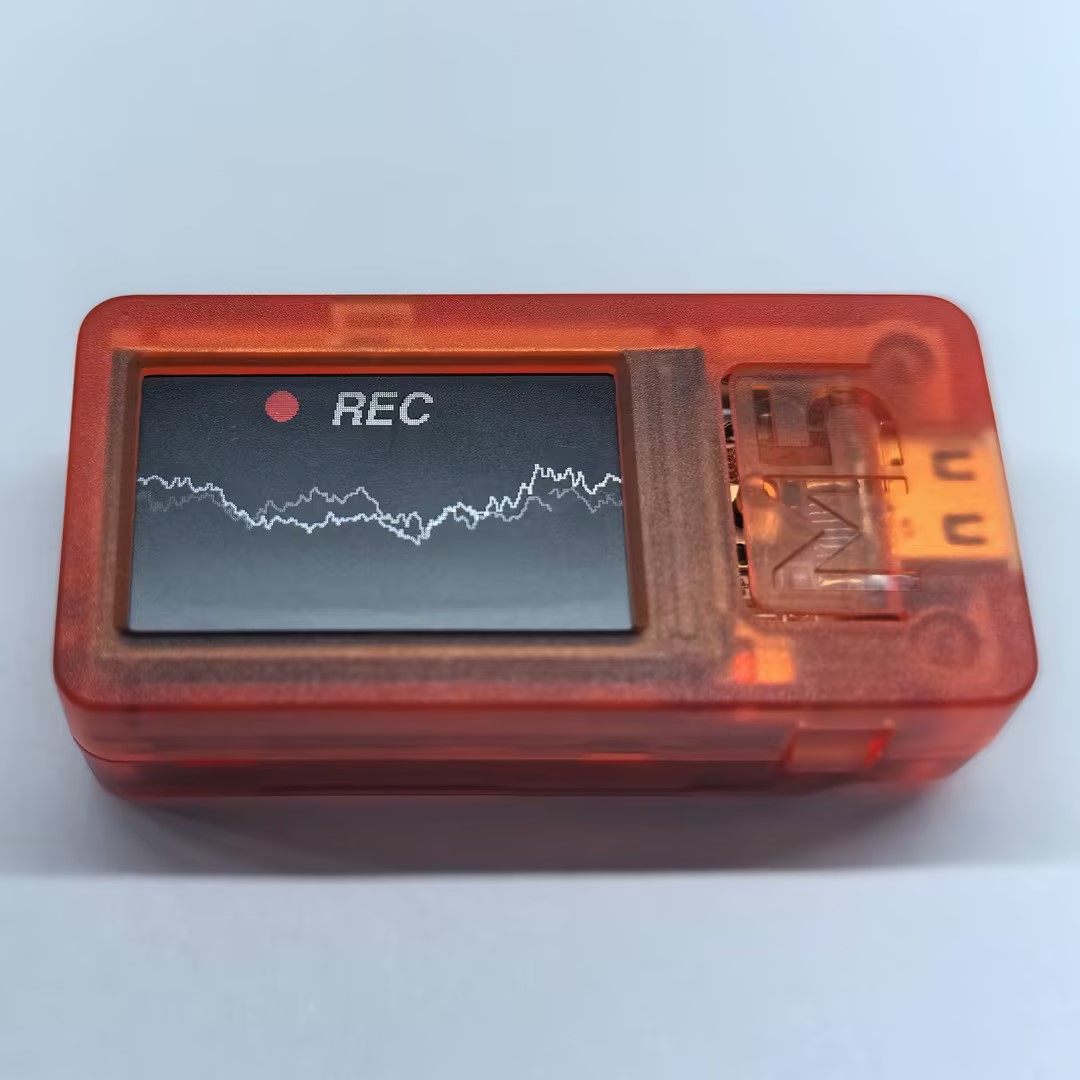
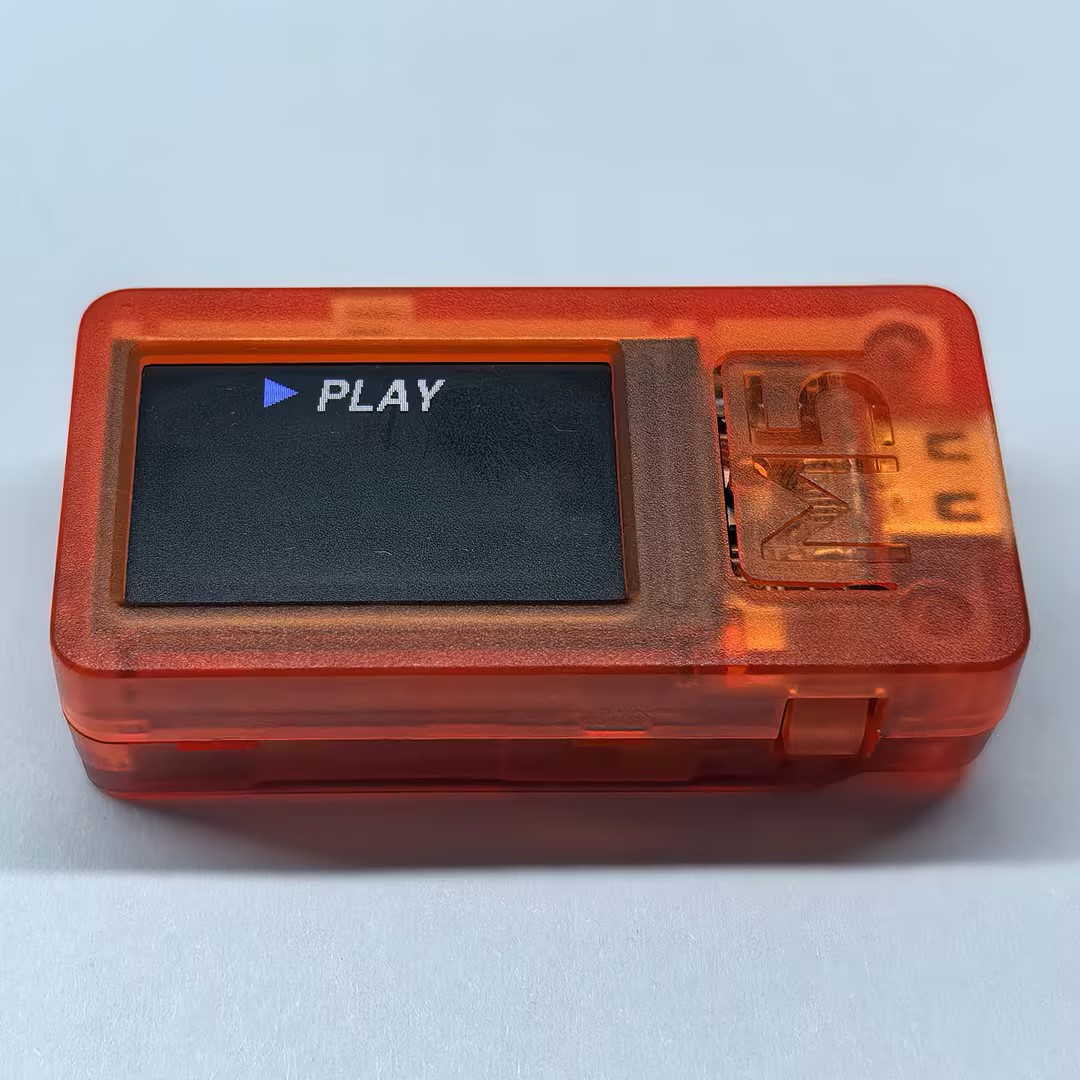
}This program displays the microphone recording status on the screen. Press Button A to play the recording. When playback finishes, the device automatically returns to recording mode.
API
The StickC-Plus SE microphone uses Mic_Class and Speaker_Class from the M5Unified library. For more APIs, refer to the documentation below:
Page Tools