

Arduino Quick Start
2. Devices & Examples
3. M5Unified
4. M5GFX
5. Extensions
Unit
Module
Atomic
Tab5
IoT
Accessories
StackChan Mic
Microphone-related APIs and sample programs for the StackChan.
Sample Program
Build Requirements
- M5Stack board manager version >= 3.2.2
- Development board selection = M5CoreS3
- M5Unified library version >= 0.2.11
cpp
1 2 3 4 5 6 7 8 9 10 11 12 13 14 15 16 17 18 19 20 21 22 23 24 25 26 27 28 29 30 31 32 33 34 35 36 37 38 39 40 41 42 43 44 45 46 47 48 49 50 51 52 53 54 55 56 57 58 59 60 61 62 63 64 65 66 67 68 69 70 71 72 73 74 75 76 77 78 79 80 81 82 83 84 85 86 87 88 89 90 91 92 93 94 95 96 97 98 99 100 101 102 103 104 105 106 107 108 109 110 111 112 113 114 115 116 117 118 119 120 121 122 123 124 125 126 127 128 129 130 131 132 133 134
#include <M5Unified.h>

static constexpr const size_t record_number     = 256;
static constexpr const size_t record_length     = 320;
static constexpr const size_t record_size       = record_number * record_length;
static constexpr const size_t record_samplerate = 17000;
static int16_t prev_y[record_length];
static int16_t prev_h[record_length];
static size_t rec_record_idx  = 2;
static size_t draw_record_idx = 0;
static int16_t *rec_data;

void setup(void) {
    auto cfg = M5.config();

    M5.begin(cfg);

    M5.Display.startWrite();
    M5.Display.setRotation(1);
    M5.Display.setTextDatum(top_center);
    M5.Display.setTextColor(WHITE);
    M5.Display.setFont(&fonts::FreeSansBoldOblique12pt7b);

    rec_data = (typeof(rec_data))heap_caps_malloc(record_size *

                                                      sizeof(int16_t),
                                                  MALLOC_CAP_8BIT);
    memset(rec_data, 0, record_size * sizeof(int16_t));
    M5.Speaker.setVolume(255);

    /// Since the microphone and speaker cannot be used at the same time,
    // turn
    /// off the speaker here.
    M5.Speaker.end();
    M5.Mic.begin();
    M5.Display.fillCircle(130, 15, 8, RED);
    M5.Display.drawString("REC", 180, 3);
}

void loop(void) {
    M5.update();

    if (M5.Mic.isEnabled()) {
        static constexpr int shift = 6;
        auto data                  = &rec_data[rec_record_idx * record_length];
        if (M5.Mic.record(data, record_length, record_samplerate)) {
            data = &rec_data[draw_record_idx * record_length];

            int32_t w = M5.Display.width();
            if (w > record_length - 1) {
                w = record_length - 1;
            }
            for (int32_t x = 0; x < w; ++x) {
                M5.Display.writeFastVLine(x, prev_y[x], prev_h[x],
                                              TFT_BLACK);
                int32_t y1 = (data[x] >> shift);
                int32_t y2 = (data[x + 1] >> shift);
                if (y1 > y2) {
                    int32_t tmp = y1;
                    y1          = y2;
                    y2          = tmp;
                }
                int32_t y = ((M5.Display.height()) >> 1) + y1;
                int32_t h = ((M5.Display.height()) >> 1) + y2 + 1 - y;
                prev_y[x] = y;
                prev_h[x] = h;
                M5.Display.writeFastVLine(x, prev_y[x], prev_h[x], WHITE);
            }

            M5.Display.display();
            M5.Display.fillCircle(130, 15, 8, RED);
            M5.Display.drawString("REC", 180, 3);
            if (++draw_record_idx >= record_number) {
                draw_record_idx = 0;
            }
            if (++rec_record_idx >= record_number) {
                rec_record_idx = 0;
            }
        }
    }

    int state = M5.BtnPWR.wasClicked();

    if (state) {
        auto cfg               = M5.Mic.config();
        cfg.noise_filter_level = (cfg.noise_filter_level + 8) & 255;
        M5.Mic.config(cfg);
        M5.Display.clear();
        M5.Display.fillCircle(130, 15, 8, GREEN);
        M5.Display.drawString("NF:" + String(cfg.noise_filter_level), 180, 3);
        delay(2000);
        M5.Display.clear();
    }

    if (M5.Touch.getCount() && M5.Touch.getDetail(0).wasClicked()) {
        if (M5.Speaker.isEnabled()) {
            M5.Display.clear();
            while (M5.Mic.isRecording()) {
                delay(1);
            }
            /// Since the microphone and speaker cannot be used at the same
            /// time, turn off the microphone here.
            M5.Mic.end();
            M5.Speaker.begin();

            M5.Display.fillTriangle(130 - 8, 15 - 8, 130 - 8, 15 + 8,
                                        130 + 8, 15, 0x1c9f);
            M5.Display.drawString("PLAY", 180, 3);
            int start_pos = rec_record_idx * record_length;
            if (start_pos < record_size) {
                M5.Speaker.playRaw(&rec_data[start_pos],
                                       record_size - start_pos,
                                       record_samplerate, false, 1, 0);
            }
            if (start_pos > 0) {
                M5.Speaker.playRaw(rec_data, start_pos, record_samplerate,
                                       false, 1, 0);
            }
            do {
                delay(1);
                M5.update();
            } while (M5.Speaker.isPlaying());

            /// Since the microphone and speaker cannot be used at the same
            /// time, turn off the speaker here.
            M5.Speaker.end();
            M5.Mic.begin();

            M5.Display.clear();
            M5.Display.fillCircle(130, 15, 8, RED);
            M5.Display.drawString("REC", 180, 3);
        }
    }
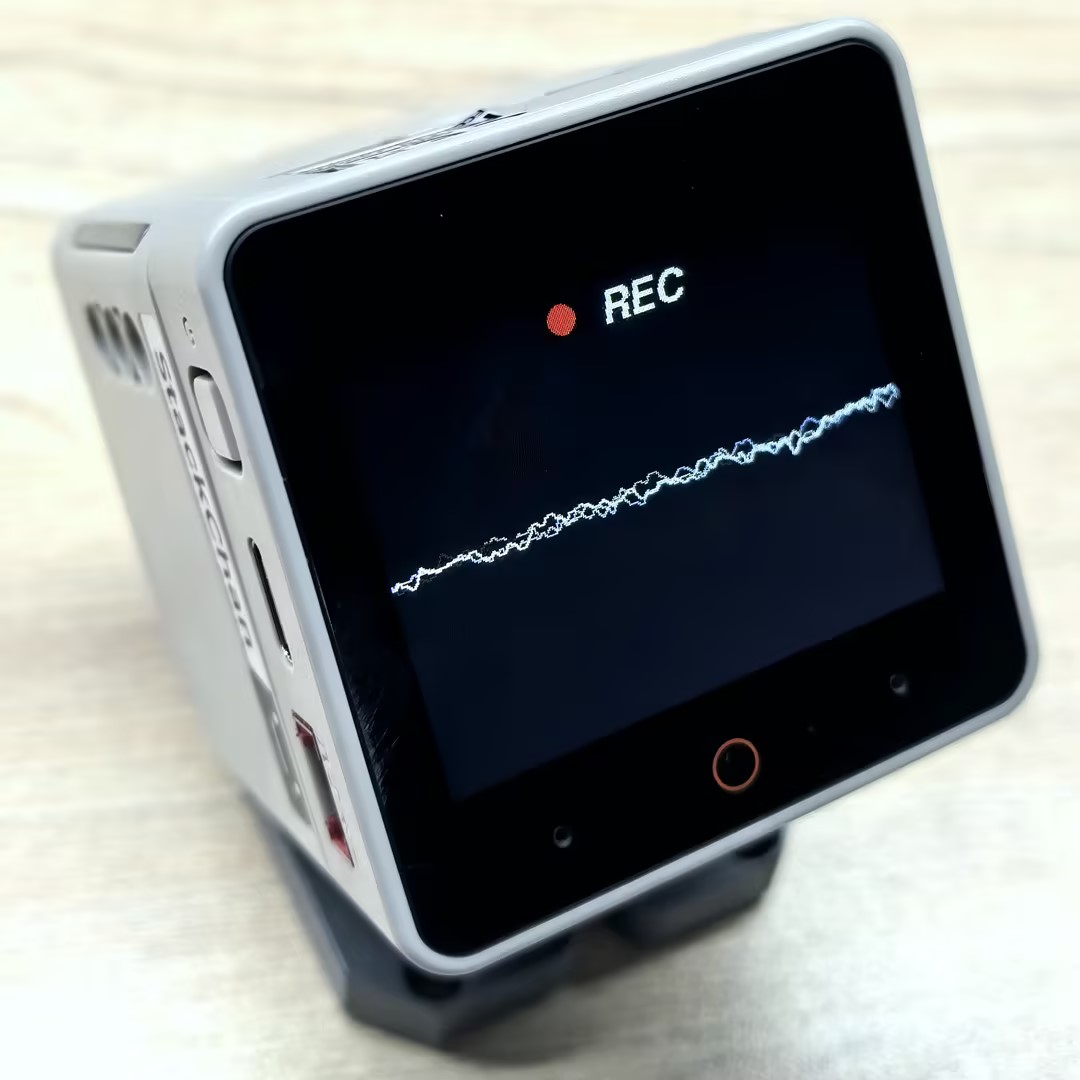
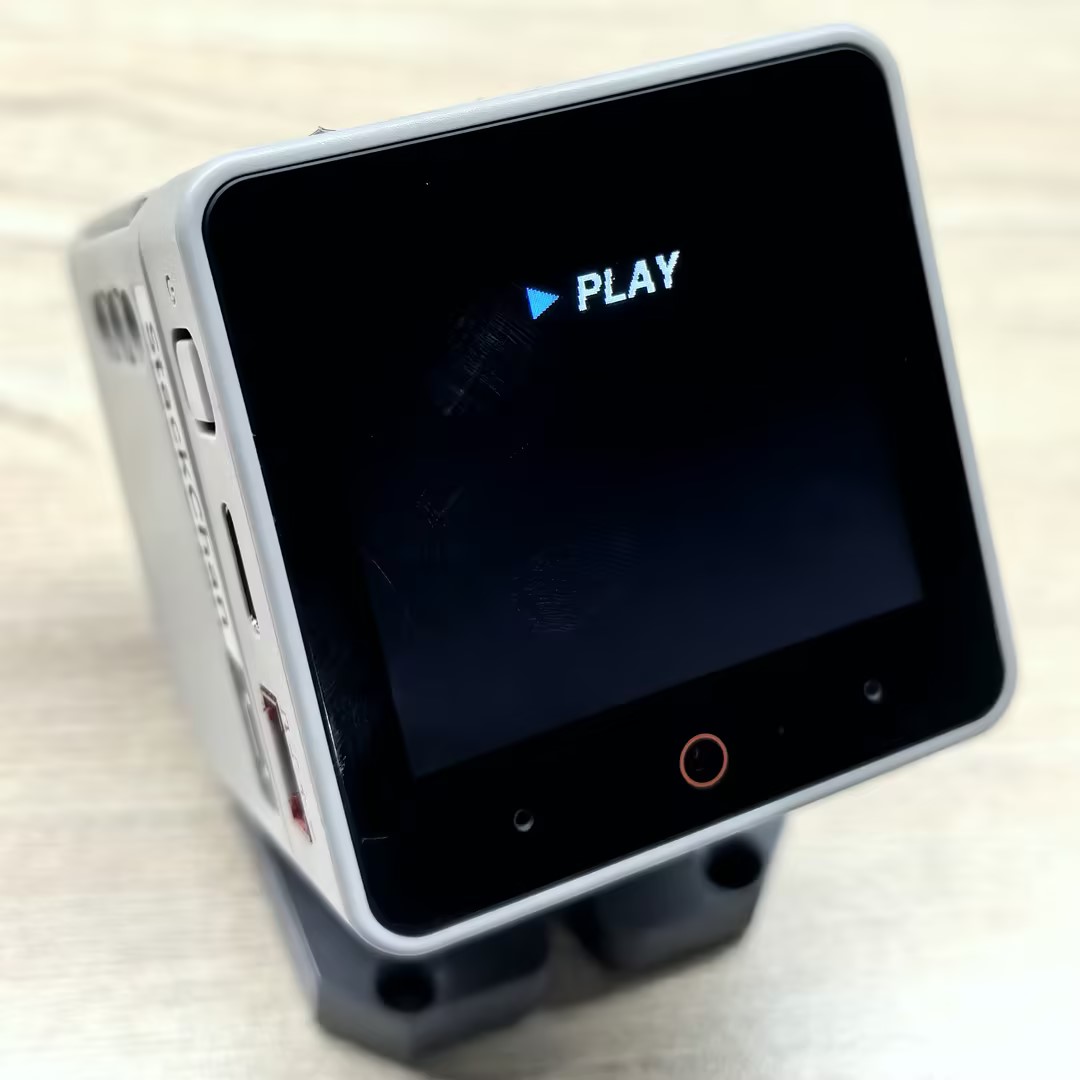
}Once the firmware is successfully flashed, you can record and play back audio on the StackChan. Tap the screen to start recording, and press the power button (BtnPWR) to adjust the noise filter level. Tapping the screen again will play back the audio that was just recorded.
API
The StackChan Mic functionality is implemented using the Mic_Class from the M5Unified library. For more related APIs, refer to the documentation below:
Page Tools