

Arduino Quick Start
2. Devices & Examples
3. M5Unified
4. M5GFX
5. Extensions
Unit
Module
Atomic
Tab5
IoT
Accessories
StickC-Plus SE Sleep and Wakeup
APIs and example program for StickC-Plus SE sleep and wakeup.
Example
Compilation Requirements
- M5Stack board manager version >= 3.3.8
- Board option = M5StickCPlus
- M5Unified library version >= 0.2.18
- M5GFX library version >= 0.2.24
cpp
1 2 3 4 5 6 7 8 9 10 11 12 13 14 15 16 17 18 19 20 21 22 23 24 25 26 27 28 29 30 31
#include <M5Unified.h>

void setup(void) {
    auto cfg = M5.config();
    M5.begin(cfg);

    M5.Display.setTextColor(GREEN);
    M5.Display.setTextDatum(middle_center);
    M5.Display.setFont(&fonts::FreeMonoBold18pt7b);
    M5.Display.setTextSize(1);

    M5.Display.drawString("BtnA", M5.Display.width() / 2,
                              M5.Display.height() / 2 - 60);
    M5.Display.drawString("to sleep", M5.Display.width() / 2,
                              M5.Display.height() / 2 - 20);
    M5.Display.drawString("After 5s", M5.Display.width() / 2,
                              M5.Display.height() / 2 + 20);
    M5.Display.drawString("Wakeup", M5.Display.width() / 2,
                              M5.Display.height() / 2 + 60);
}

void loop(void) {
    M5.update();

    if (M5.BtnA.wasClicked()) {
        M5.Power.timerSleep(5);
        // M5.Power.timerSleep(const rtc_time_t& time);
        // M5.Power.timerSleep(const rtc_date_t& date, const rtc_time_t& time);
        // M5.Power.powerOff(); shutdown
    }
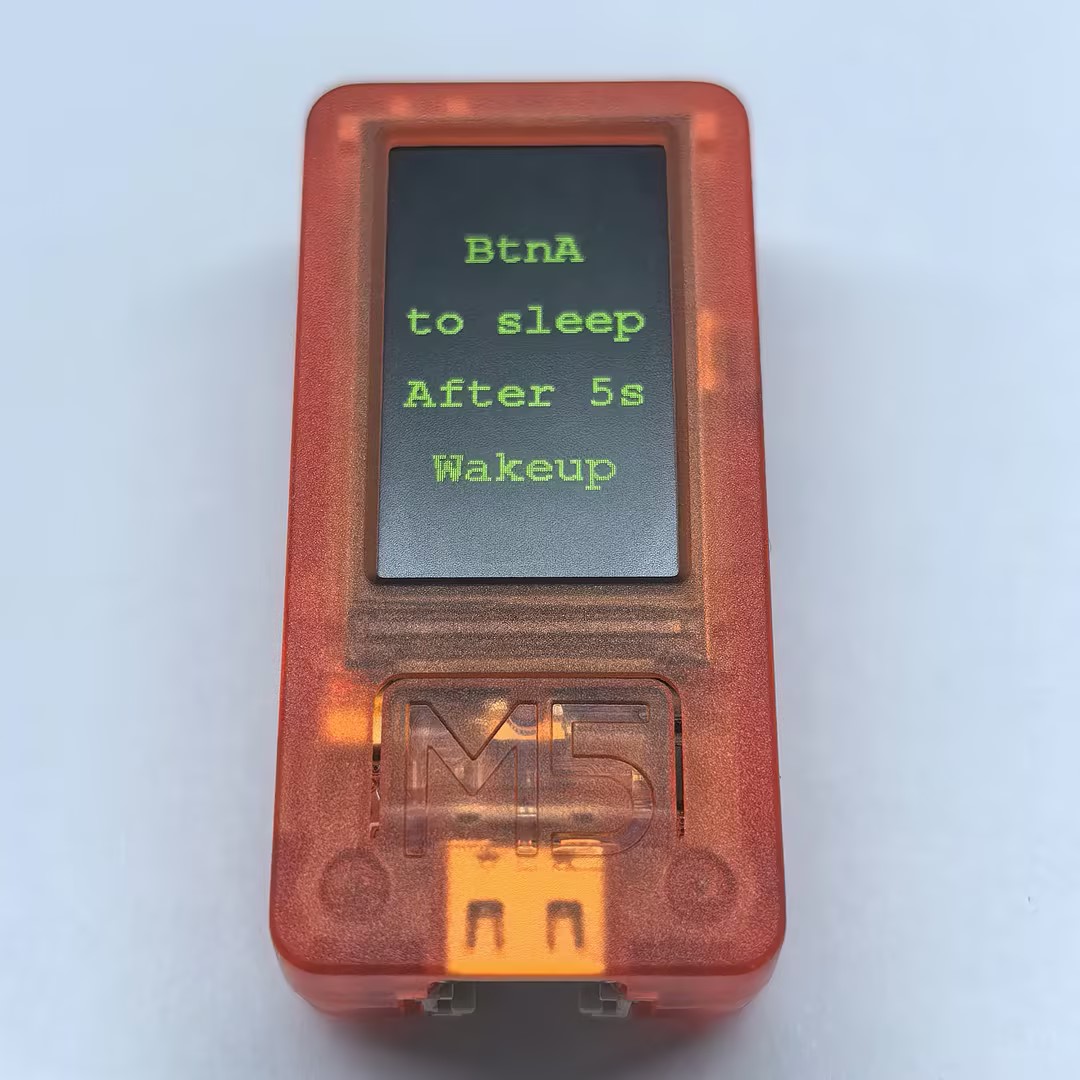
}After flashing, press BtnA on the front of the StickC-Plus SE to enter sleep mode. The device automatically wakes up after 5 seconds.
API
The StickC-Plus SE power functions use Power_Class from the M5Unified library. For more APIs, refer to the documentation below:
Page Tools