

Arduino Quick Start
2. Devices & Examples
3. M5Unified
4. M5GFX
5. Extensions
Unit
Module
Atomic
Tab5
IoT
Accessories
StickC-Plus SE Display
Description
StickC-Plus SE uses the M5GFX library as its display driver. Refer to the API and example below for basic display operations. For more APIs, see the M5GFX source code.
Example
Compilation Requirements
- M5Stack board manager version >= 3.3.8
- Board option = M5StickCPlus
- M5Unified library version >= 0.2.18
- M5GFX library version >= 0.2.24
cpp
1 2 3 4 5 6 7 8 9 10 11 12 13 14 15 16 17 18 19 20 21 22 23 24 25 26 27 28 29 30 31 32 33
#include "M5Unified.h"

void draw_function(LovyanGFX* gfx)
{
    int x      = rand() % gfx->width();
    int y      = rand() % gfx->height();
    int r      = (gfx->width() >> 4) + 2;
    uint16_t c = rand();
    gfx->fillRect(x - r, y - r, r * 2, r * 2, c);
}

void setup()
{
    auto cfg = M5.config();
    M5.begin(cfg);
    int textsize = M5.Display.height() / 60;
    if (textsize == 0) {
        textsize = 1;
    }
    M5.Display.setTextSize(textsize);
    M5.Display.clear(TFT_WHITE);
}

void loop()
{
    int x      = rand() % M5.Display.width();
    int y      = rand() % M5.Display.height();
    int r      = (M5.Display.width() >> 4) + 2;
    uint16_t c = rand();
    M5.Display.fillCircle(x, y, r, c);
    draw_function(&M5.Display);
    delay(1000);
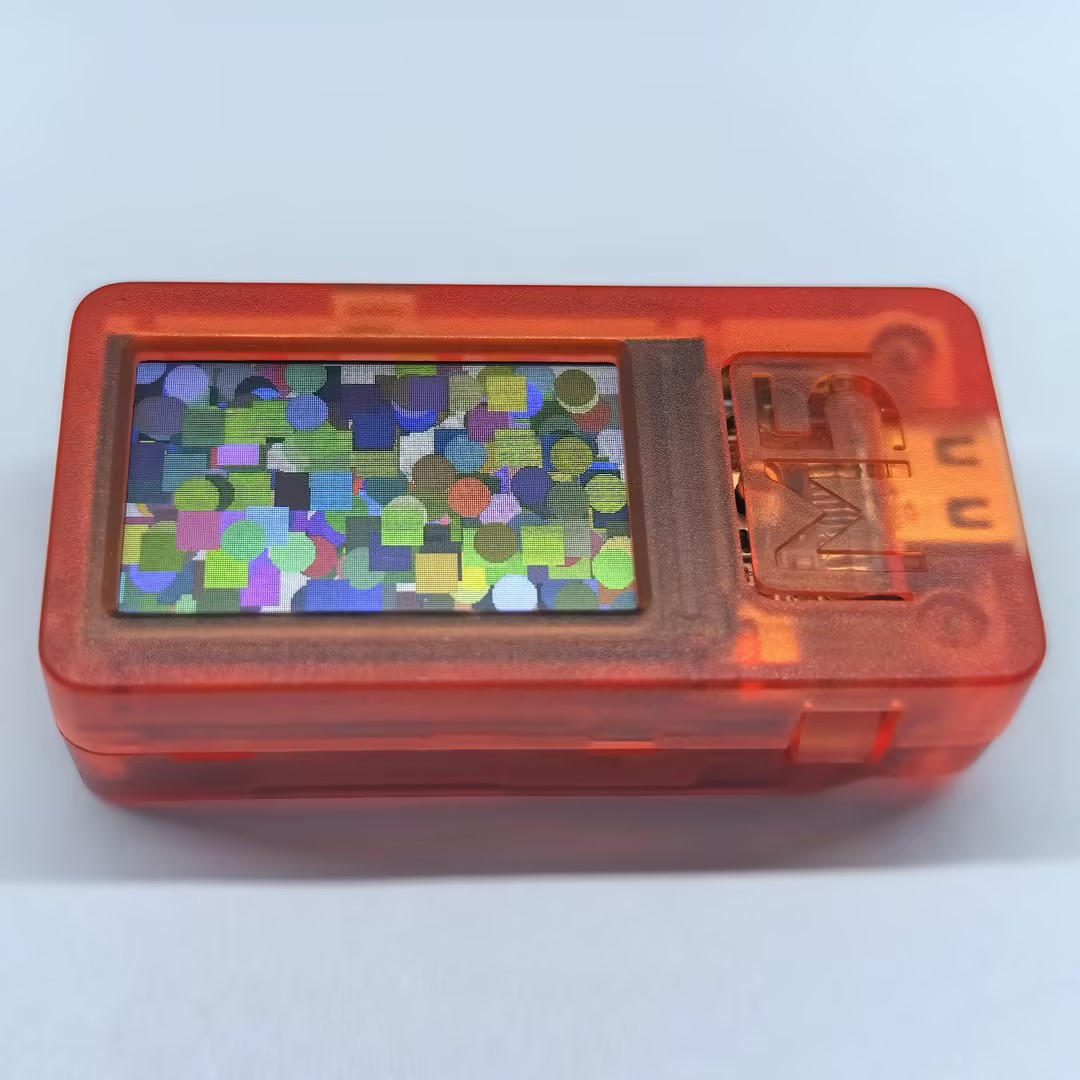
}The example output is shown below:
Page Tools