

Arduino Quick Start
2. Devices & Examples
3. M5Unified
4. M5GFX
5. Extensions
Unit
Module
Atomic
Tab5
IoT
Accessories
PaperMono RGB LED
APIs and example programs for the PaperMono RGB LED.
Example Programs
Build Requirements
- M5Stack Board Manager version >= 3.3.9
- Board option =
M5PaperMono - M5Unified library version >= 0.2.20
- M5GFX library version >= 0.2.27
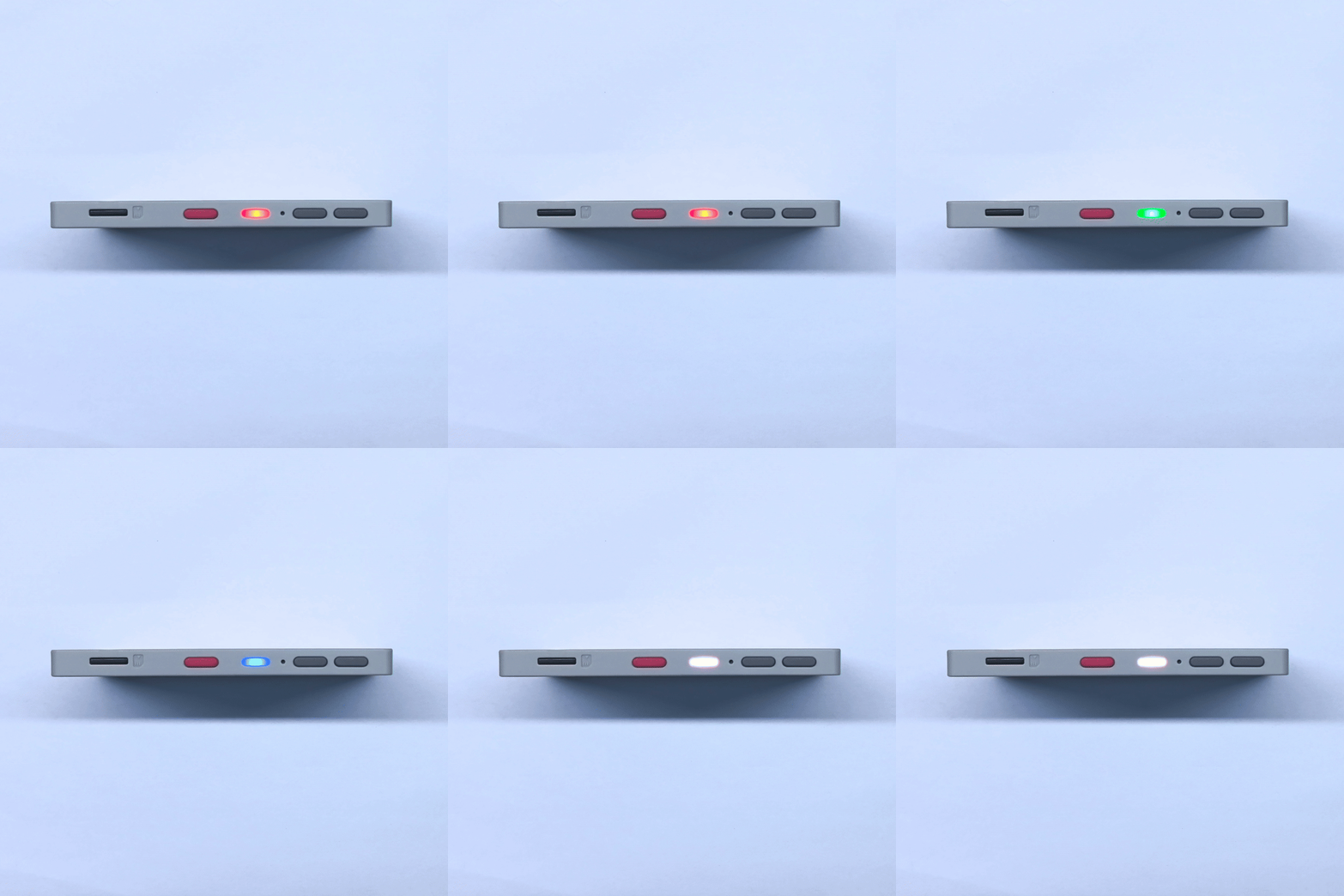
The RGB LED integrated on the side of PaperMono has its red channel controlled by M5PM1 LED_EN_PP, while its green and blue channels are controlled by M5IOE1 PYG8 and PYG89. Arduino can use M5Unified's M5.Led to set the color and brightness together.
cpp
1 2 3 4 5 6 7 8 9 10 11 12 13 14 15 16 17 18 19 20 21 22 23 24 25 26 27 28 29 30 31 32
#include <M5Unified.h>

void setup()
{
    auto cfg = M5.config();
    cfg.clear_display = false;
    M5.begin(cfg);

    M5.Led.setAutoDisplay(false);
    M5.Led.setBrightness(80);
}

void loop()
{
    M5.update();

    M5.Led.setAllColor(255, 0, 0);
    M5.Led.display();
    delay(1000);

    M5.Led.setAllColor(0, 255, 0);
    M5.Led.display();
    delay(1000);

    M5.Led.setAllColor(0, 0, 255);
    M5.Led.display();
    delay(1000);

    M5.Led.setAllColor(255, 255, 255);
    M5.Led.display();
    delay(1000);
}
API
The PaperMono RGB LED features use Led_Class from the M5Unified library. For more information, refer to the following documentation:
Page Tools