

Arduino入門
2. デバイス&サンプル
3. M5Unified
4. M5GFX
5. 拡張モジュール&サンプル
Unit
Module
Atomic
Tab5
IoT
アクセサリー
StackChan Wakeup スリープ・ウェイクアップ
StackChan のスリープ・ウェイクアップに関連する API とサンプルプログラムです。
サンプルプログラム
ビルド要件
- M5Stack ボードマネージャーバージョン >= 3.2.2
- ボード設定 = M5CoreS3
- M5Unified ライブラリバージョン >= 0.2.11
cpp
1 2 3 4 5 6 7 8 9 10 11 12 13 14 15 16 17 18 19 20 21 22 23 24 25 26 27
#include <M5Unified.h>
void setup(void) {
    auto cfg = M5.config();
    M5.begin(cfg);
    M5.Display.setTextColor(GREEN);
    M5.Display.setTextDatum(middle_center);
    M5.Display.setFont(&fonts::FreeSerifItalic18pt7b);
    M5.Display.setTextSize(1);
    M5.Display.drawString("Touch", M5.Display.width() / 2,
                              M5.Display.height() / 2 - 60);
    M5.Display.drawString("to sleep", M5.Display.width() / 2,
                              M5.Display.height() / 2 - 20);
    M5.Display.drawString("After 5s", M5.Display.width() / 2,
                              M5.Display.height() / 2 + 20);
    M5.Display.drawString("Wakeup", M5.Display.width() / 2,
                              M5.Display.height() / 2 + 60);
}
void loop(void) {
    M5.update();
    if (M5.Touch.getCount() && M5.Touch.getDetail(0).wasClicked()) {
        M5.Power.timerSleep(5);
        // M5.Power.timerSleep(const rtc_time_t& time);
        // M5.Power.timerSleep(const rtc_date_t& date, const rtc_time_t&
        // time);
        // M5.Power.powerOff(); shutdown
    }
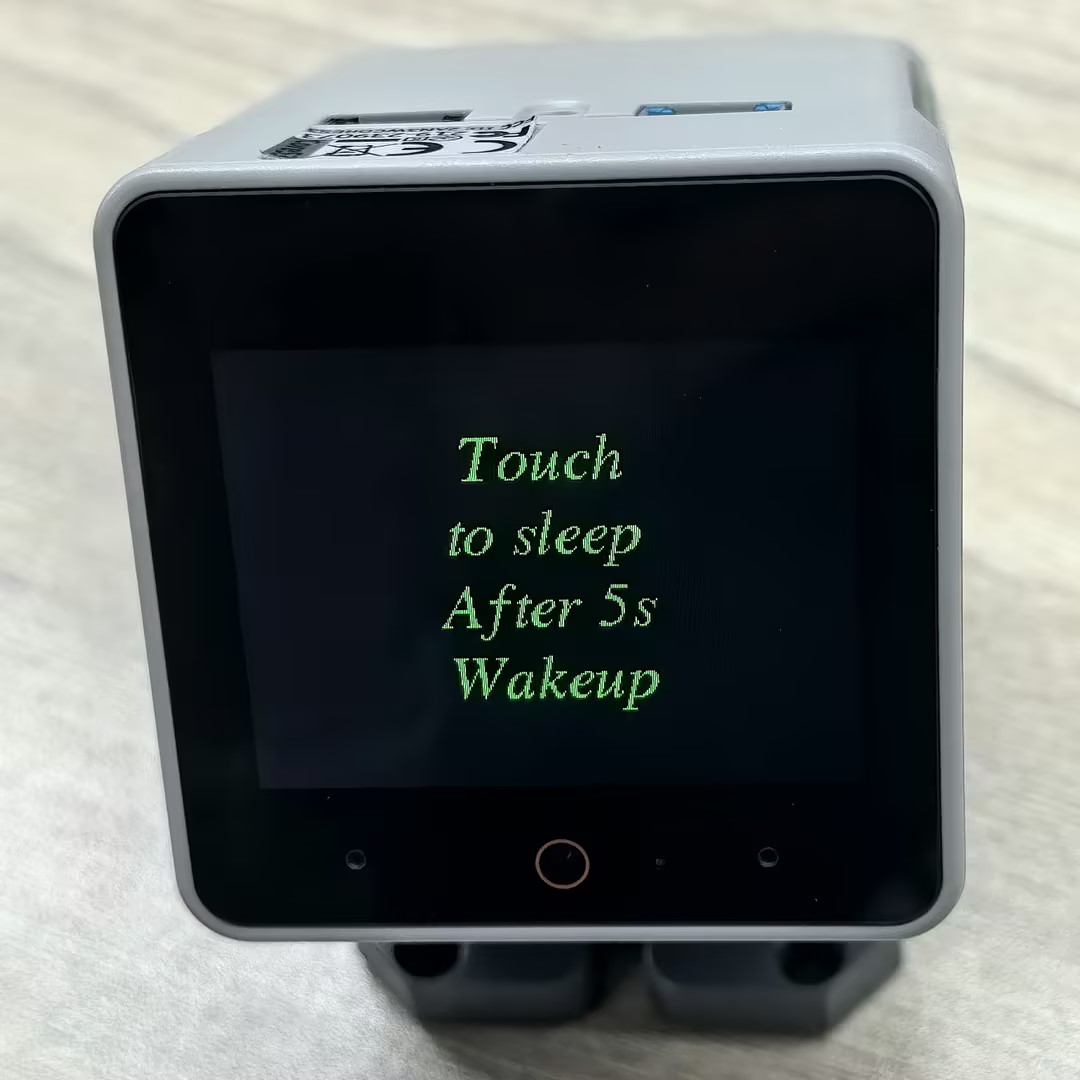
}書き込みが完了すると、StackChan の画面をタッチしてスリープを起動できます。画面をタップすると、デバイスがスリープ状態に移行し、5秒後に自動的に復帰します。
API
StackChan の電源管理部分には、M5Unified ライブラリの Power_Class が使用されています。関連する API の詳細については、以下のドキュメントをご参照ください。
Page Tools