

Arduino入門
2. デバイス&サンプル
3. M5Unified
4. M5GFX
5. 拡張モジュール&サンプル
Unit
Module
Atomic
Tab5
IoT
アクセサリー
Base Dual 16340 Arduino 使用チュートリアル
1. 準備
1. 環境設定: Arduino IDE 入門チュートリアルを参考に IDE のインストールを完了し、実際に使用する開発ボードに応じて対応するボードマネージャと必要なドライバライブラリをインストールします。
2. 使用するドライバライブラリ:
ライブラリ説明
M5GFX は M5Unified の依存関係としてすでに含まれているため、通常は M5Unified のみをインストールすれば使用できます。コンパイル時に M5GFX が不足していると表示された場合は、別途インストールしてください。
- 3. 使用するハードウェア製品:
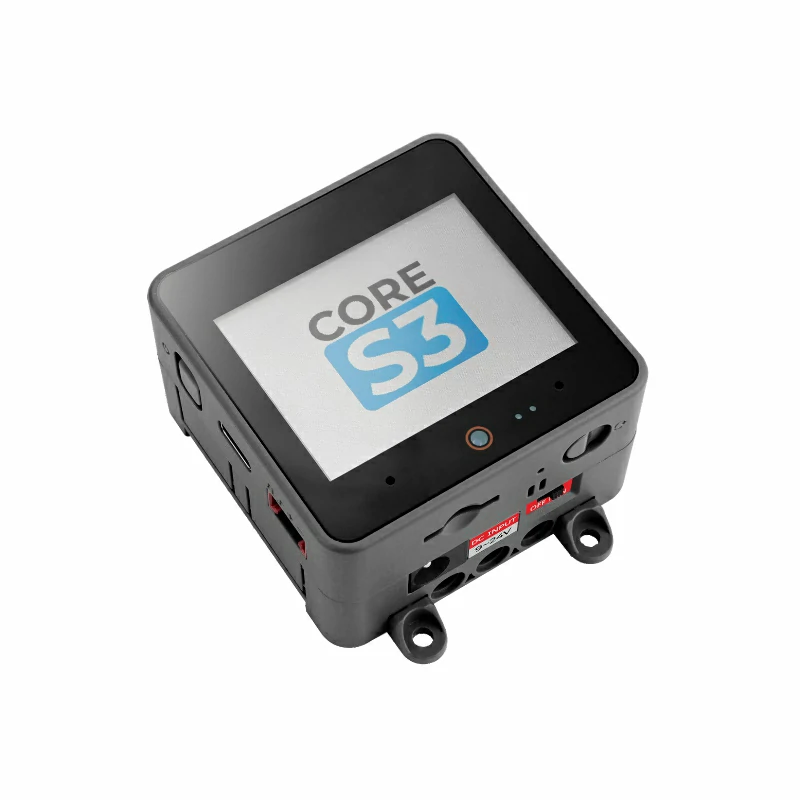
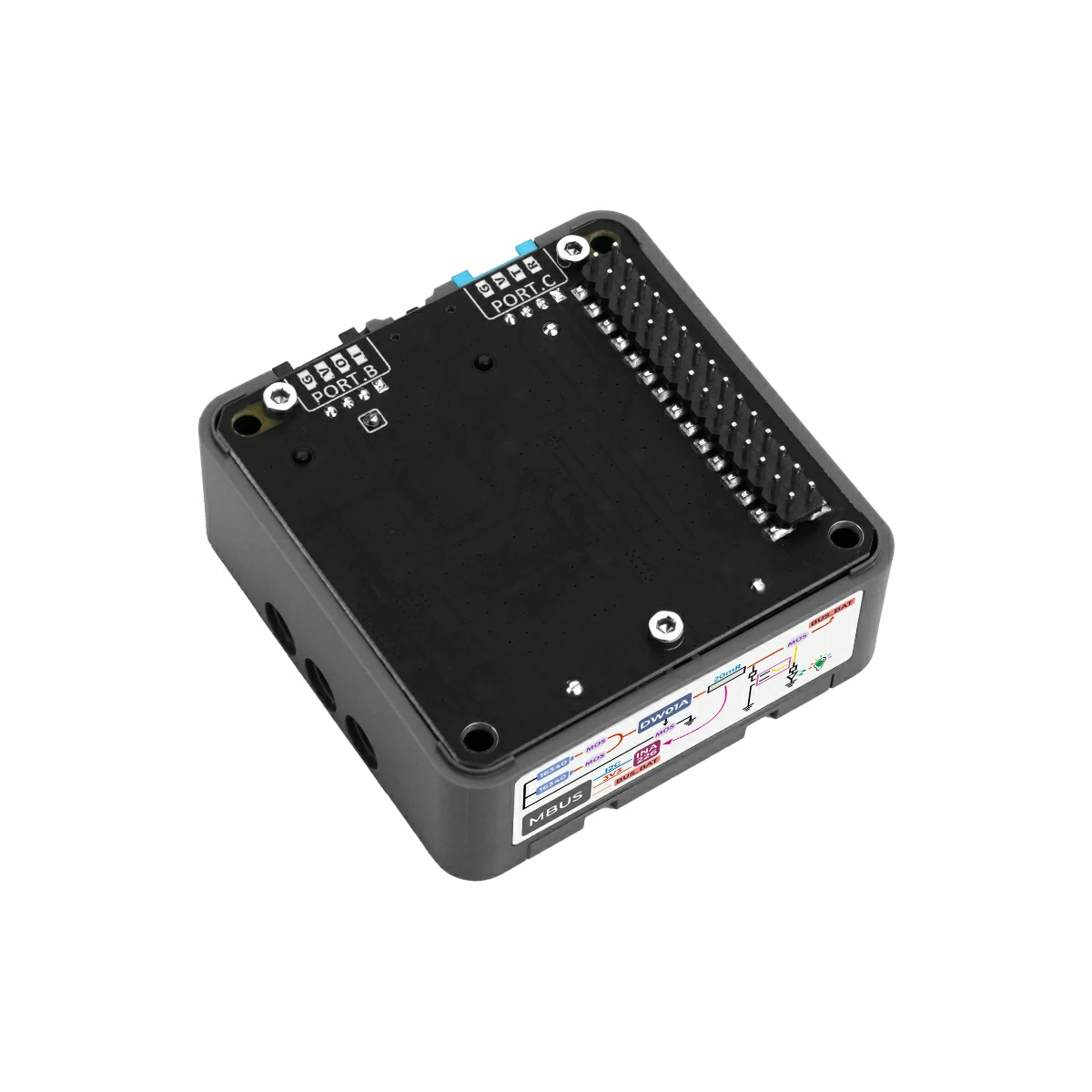
2. 注意事項
電池の取り付けと給電
まず 2 本の 16340 電池の正極と負極が正しく取り付けられていることを確認してから、ベースのスライドスイッチを
ON に切り替えてください。ベースには保護回路が搭載されていますが、通電状態で電池を頻繁に抜き差しすることは推奨しません。ピン互換性
ホストごとにピン設定が異なるため、使用前に製品ドキュメント内のピン互換表を参照し、実際のピン接続状況に応じてサンプルプログラムを変更してください。
3. サンプルプログラム
- このチュートリアルでは、メインコントローラとして CoreS3 を使用し、Base Dual 16340 と組み合わせます。ベースに搭載された INA226 は内部 I2C バスを介してコントローラと通信します。CoreS3 とベースのスタック時のピン定義を参考に、この例で使用する I2C ピンは
G12 (SDA)、G11 (SCL)です。
cpp
1 2 3 4 5 6 7 8 9 10 11 12 13 14 15 16 17 18 19 20 21 22 23 24 25 26 27 28 29 30 31 32 33 34 35 36 37 38 39 40 41 42 43 44 45 46 47 48 49 50 51 52 53 54 55 56 57 58 59 60 61 62 63 64 65 66 67 68 69 70 71 72 73 74 75 76 77 78 79 80 81 82
#include "M5Unified.h"

// INA226 current/voltage monitor on internal I2C bus(M5.In_I2C)
// INA226 I2C address: 0x45
m5::INA226_Class Ina226(0x45);
bool ina226Ready = false;

void setup()
{
    auto cfg = M5.config();
    M5.begin(cfg);
    M5.Display.setFont(&fonts::FreeMonoBold9pt7b);

    // Initialize INA226 at I2C address 0x45
    if (Ina226.begin()) {
        ina226Ready = true;
        M5.Display.setCursor(10, 10);
        M5.Display.print("INA226 found!");

        // Configure INA226 measurement parameters
        m5::INA226_Class::config_t ina_cfg;

        // Shunt resistor value: 20mΩ (Fixed value for Base Dual 16340)
        ina_cfg.shunt_res = 0.02f;
        // Maximum expected current: 3A — used by the chip to set the calibration register
        ina_cfg.max_expected_current = 3.0f;
        // Operating mode: continuous measurement of both bus voltage and shunt voltage
        ina_cfg.mode = m5::INA226_Class::Mode::ShuntAndBus;
        // ADC sampling rate: average 16 samples per reading for noise reduction
        ina_cfg.sampling_rate = m5::INA226_Class::Sampling::Rate16;
        // Bus voltage conversion time: 1.1 ms per sample
        ina_cfg.bus_conversion_time = m5::INA226_Class::ConversionTime::US_1100;
        // Shunt voltage conversion time: 1.1 ms per sample
        ina_cfg.shunt_conversion_time = m5::INA226_Class::ConversionTime::US_1100;
        // Apply all configuration settings to the INA226
        Ina226.config(ina_cfg);
    } else {
        M5.Display.setCursor(10, 10);
        M5.Display.print("INA226 not found!");
    }
}

void loop()
{
    M5.update();
    M5.Display.clear();

    if (!ina226Ready) {
        M5.Display.setCursor(10, 10);
        M5.Display.print("INA226 not found!");
        delay(1000);
        return;
    }

    // VBUS is wired to BUS_BAT, so this is the battery output bus voltage.
    float batteryVoltage_V = Ina226.getBusVoltage();
    float batteryVoltage_mV = batteryVoltage_V * 1000.0f;
    M5.Display.setCursor(10, 10);
    M5.Display.printf("Battery Voltage: %.0fmV", batteryVoltage_mV);

    // Current through the shunt resistor is the battery current if no bypass path exists.
    float batteryCurrent_A = Ina226.getShuntCurrent();
    float batteryCurrent_mA = batteryCurrent_A * 1000.0f;
    M5.Display.setCursor(10, 40);
    M5.Display.printf("Battery Current: %.1fmA", batteryCurrent_mA);

    // Voltage drop across the 20mΩ shunt resistor.
    float shuntVoltage_mV = Ina226.getShuntVoltage() * 1000.0f;
    M5.Display.setCursor(10, 70);
    M5.Display.printf("Shunt Voltage: %.3fmV", shuntVoltage_mV);

    float shuntCurrent_mA = batteryCurrent_mA;
    M5.Display.setCursor(10, 100);
    M5.Display.printf("Shunt Current: %.1fmA", shuntCurrent_mA);

    // INA226 calculates power from bus voltage and calibrated shunt current.
    float batteryPower_mW = Ina226.getPower() * 1000.0f;
    M5.Display.setCursor(10, 130);
    M5.Display.printf("Battery Power: %.1fmW", batteryPower_mW);

    delay(1000);
}4. コンパイルとアップロード
- 1. ダウンロードモードに入る:CoreS3 のリセットボタンを約 2 秒間長押しし、内部の緑色 LED が点灯したら離します。この時点でデバイスはダウンロードモードに入り、書き込み待機状態になります。 ボタンを離すと緑色 LEDが消灯し、デバイスがダウンロードモードに入ったことを確認できます。
説明
デバイスによっては、プログラムを書き込む前にダウンロードモードへ入る必要があります。この手順はホストデバイスによって異なる場合があります。詳細は Arduino IDE 入門チュートリアル ページ下部のデバイス別プログラム書き込みチュートリアル一覧を参照し、具体的な操作方法を確認してください。
.gif)
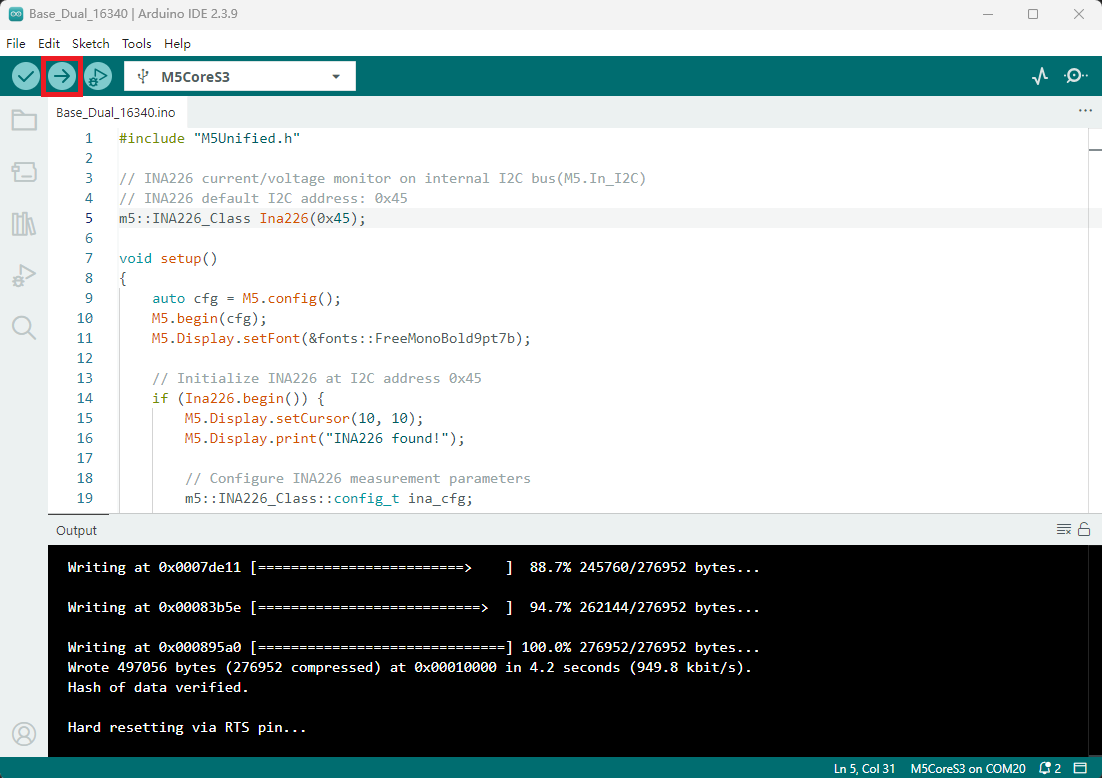
- 2. デバイスポートを選択し、Arduino IDE 左上のコンパイル・アップロードボタンをクリックして、プログラムのコンパイルとデバイスへのアップロードが完了するまで待ちます。
5. 電池監視の動作
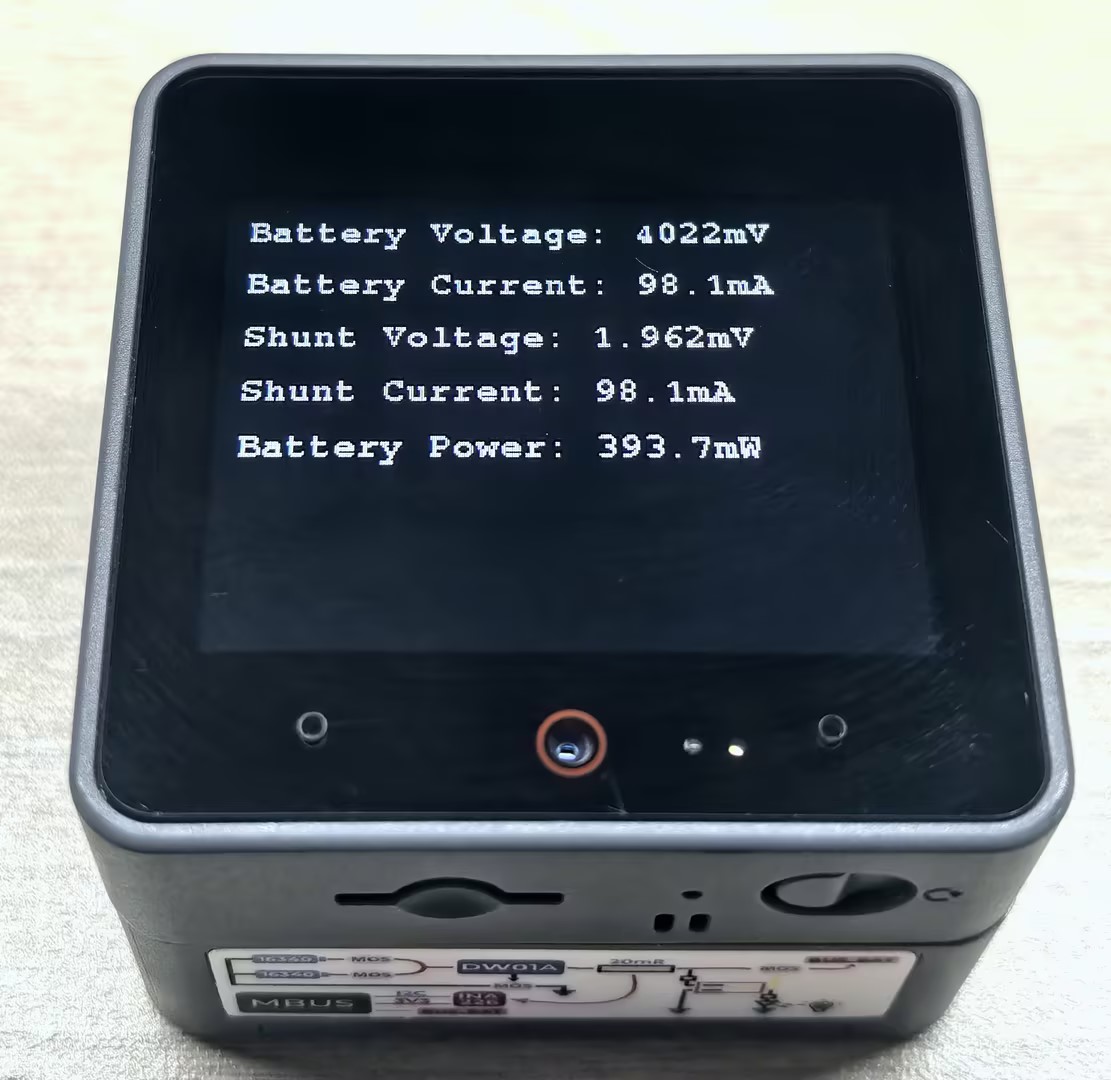
プログラムのアップロードに成功すると、コントローラの画面に電池の電圧、電流、電力などの情報がリアルタイムで繰り返し表示され、電池の使用状態を簡単に監視できます。
Page Tools