

Arduino Quick Start
2. Devices & Examples
3. M5Unified
4. M5GFX
5. Extensions
Unit
Module
Atomic
Tab5
IoT
Accessories
CoreMatrix Button
CoreMatrix button input APIs and example program.
Note
Include the
M5.update() function in the main loop to read state updates and minimize blocking as much as possible. Otherwise, button state changes may not be captured in time.Example Program
Compilation Requirements
- M5Stack Board Manager Version >=
3.3.10-a - Board Selection =
M5CoreMatrix - M5Unified Library Version >=
0.2.29 - M5GFX Library Version >=
0.2.36
KEY1, KEY2, and KEY3 are connected to M5PM1 G0, G1, and G2 respectively, with pull-up resistors to 3V3_L1. The pins read low when pressed. M5Unified maps the three buttons to M5.BtnA, M5.BtnB, and M5.BtnC.
cpp
1 2 3 4 5 6 7 8 9 10 11 12 13 14 15 16 17 18 19 20 21 22 23 24 25 26 27 28 29 30 31 32 33 34 35 36 37 38 39 40 41 42 43 44 45 46 47 48 49 50 51 52 53 54 55 56 57 58 59 60 61 62 63 64 65
#include <M5Unified.h>

static void drawButtons(const bool pressed[3])
{
  M5.Display.startWrite();
  M5.Display.fillScreen(TFT_BLACK);

  for (int i = 0; i < 3; ++i) {
    const int x = 1 + i * 5;
    M5.Display.drawRect(x, 3, 4, 10, TFT_WHITE);
    if (pressed[i]) {
      M5.Display.fillRect(x + 1, 4, 2, 8, TFT_WHITE);
    }
  }

  M5.Display.endWrite();
  M5.Display.display();
}

void setup()
{
  auto cfg = M5.config();
  cfg.serial_baudrate = 115200;
  M5.begin(cfg);

  M5.Display.setColorDepth(8);
  M5.Display.setRotation(1);
  M5.Display.setBrightness(128);

  const bool pressed[3] = {false, false, false};
  drawButtons(pressed);
}

void loop()
{
  M5.update();

  const bool pressed[3] = {
    M5.BtnA.isPressed(),
    M5.BtnB.isPressed(),
    M5.BtnC.isPressed(),
  };

  static bool lastPressed[3] = {false, false, false};
  bool changed = false;
  for (int i = 0; i < 3; ++i) {
    if (pressed[i] != lastPressed[i]) {
      changed = true;
      lastPressed[i] = pressed[i];
    }
  }
  if (changed) {
    drawButtons(pressed);
  }

  if (M5.BtnA.wasPressed()) Serial.println("KEY1 pressed");
  if (M5.BtnB.wasPressed()) Serial.println("KEY2 pressed");
  if (M5.BtnC.wasPressed()) Serial.println("KEY3 pressed");

  if (M5.BtnA.wasClicked()) Serial.println("KEY1 clicked");
  if (M5.BtnB.wasClicked()) Serial.println("KEY2 clicked");
  if (M5.BtnC.wasClicked()) Serial.println("KEY3 clicked");

  delay(10);
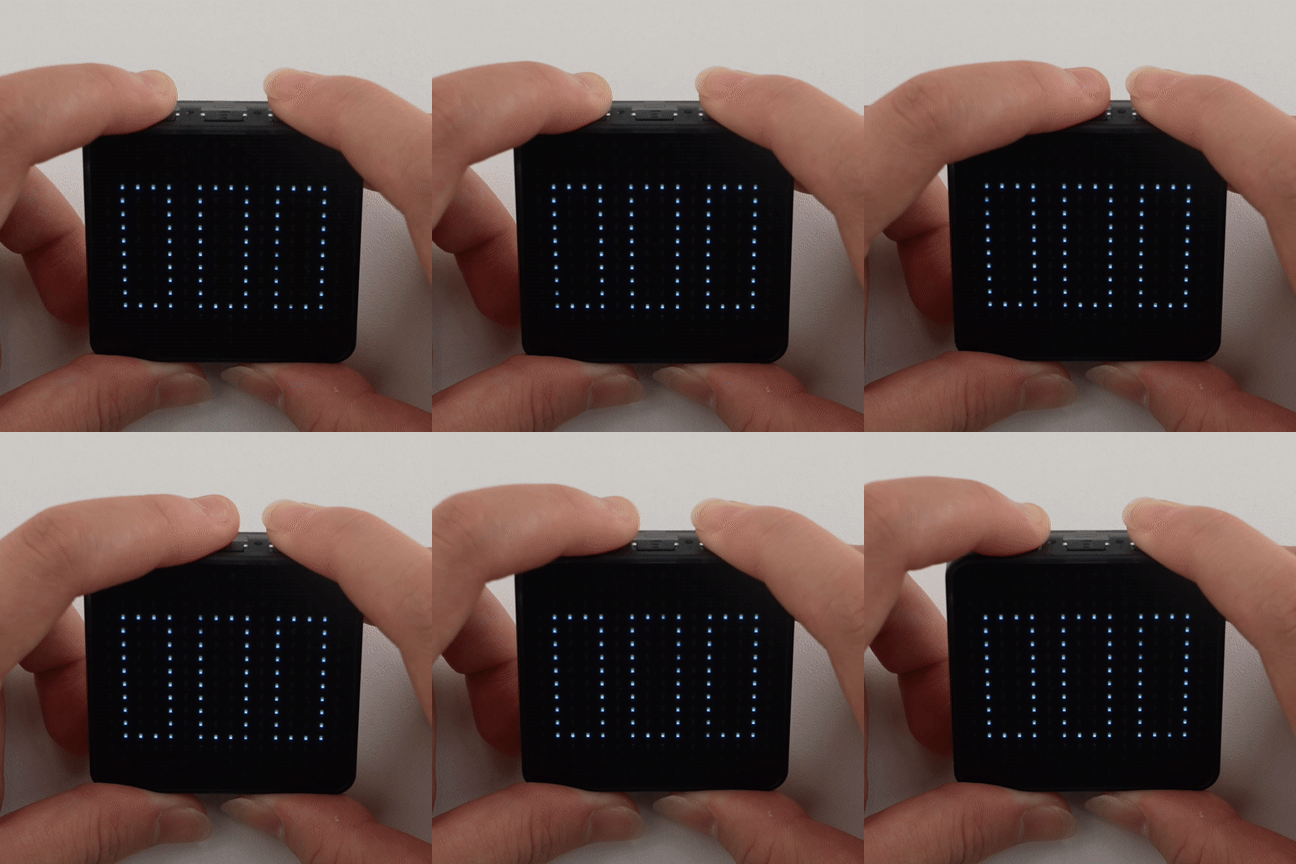
}The LED matrix displays three hollow boxes corresponding to KEY1, KEY2, and KEY3. The box is filled while its key is held, and the serial monitor outputs press and click events.
API
The CoreMatrix button section uses Button_Class from the M5Unified library. For more button-related APIs, refer to the following documentation:
Page Tools