

Arduino入門
2. デバイス&サンプル
3. M5Unified
4. M5GFX
5. 拡張モジュール&サンプル
Unit
Module
Atomic
Tab5
IoT
アクセサリー
Chain PIR 使用チュートリアル
1. 準備作業
- 環境設定:Arduino IDE 入門ガイド を参照して IDE をインストールし、使用する開発ボードに応じたボードパッケージと必要なドライバライブラリをインストールしてください。
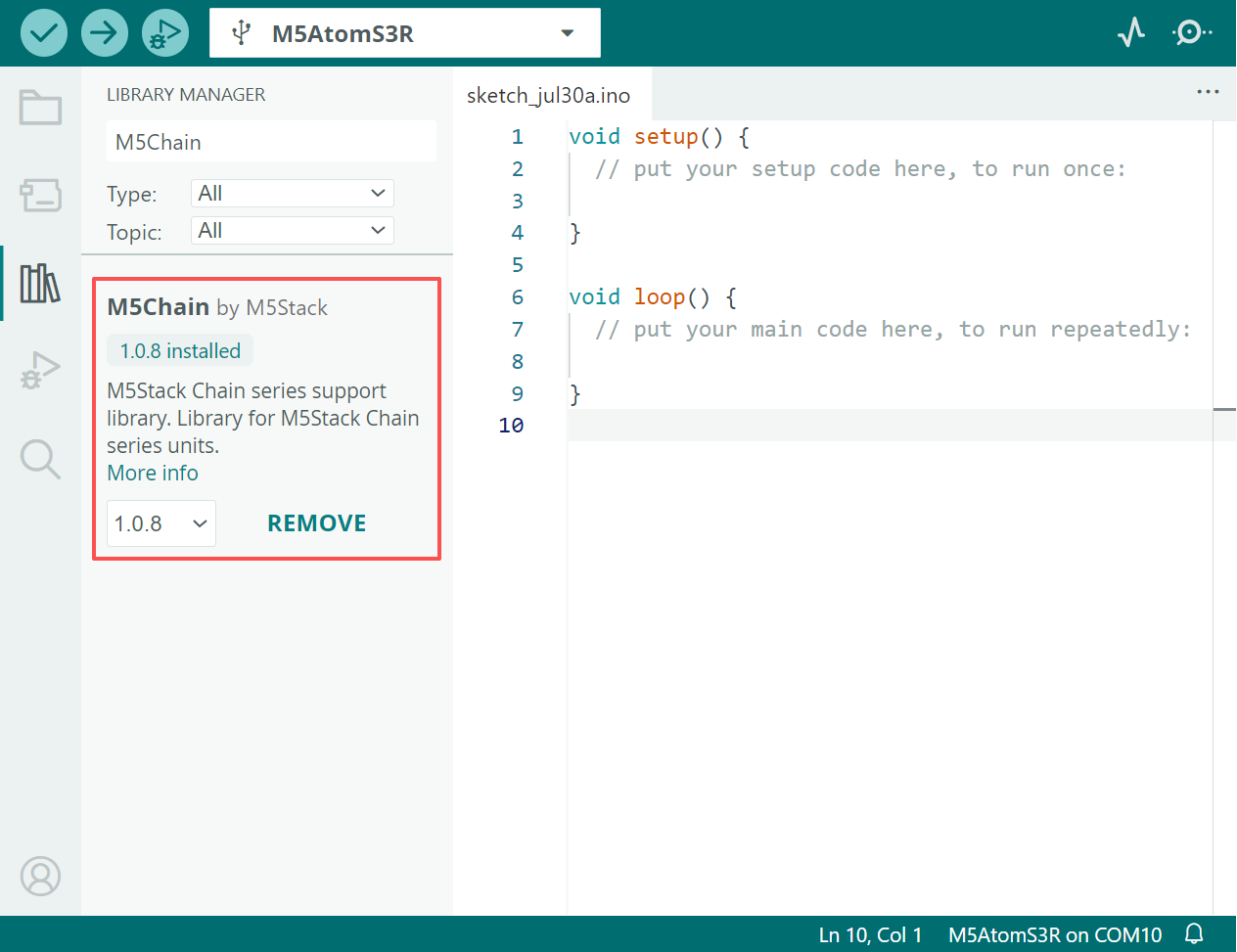
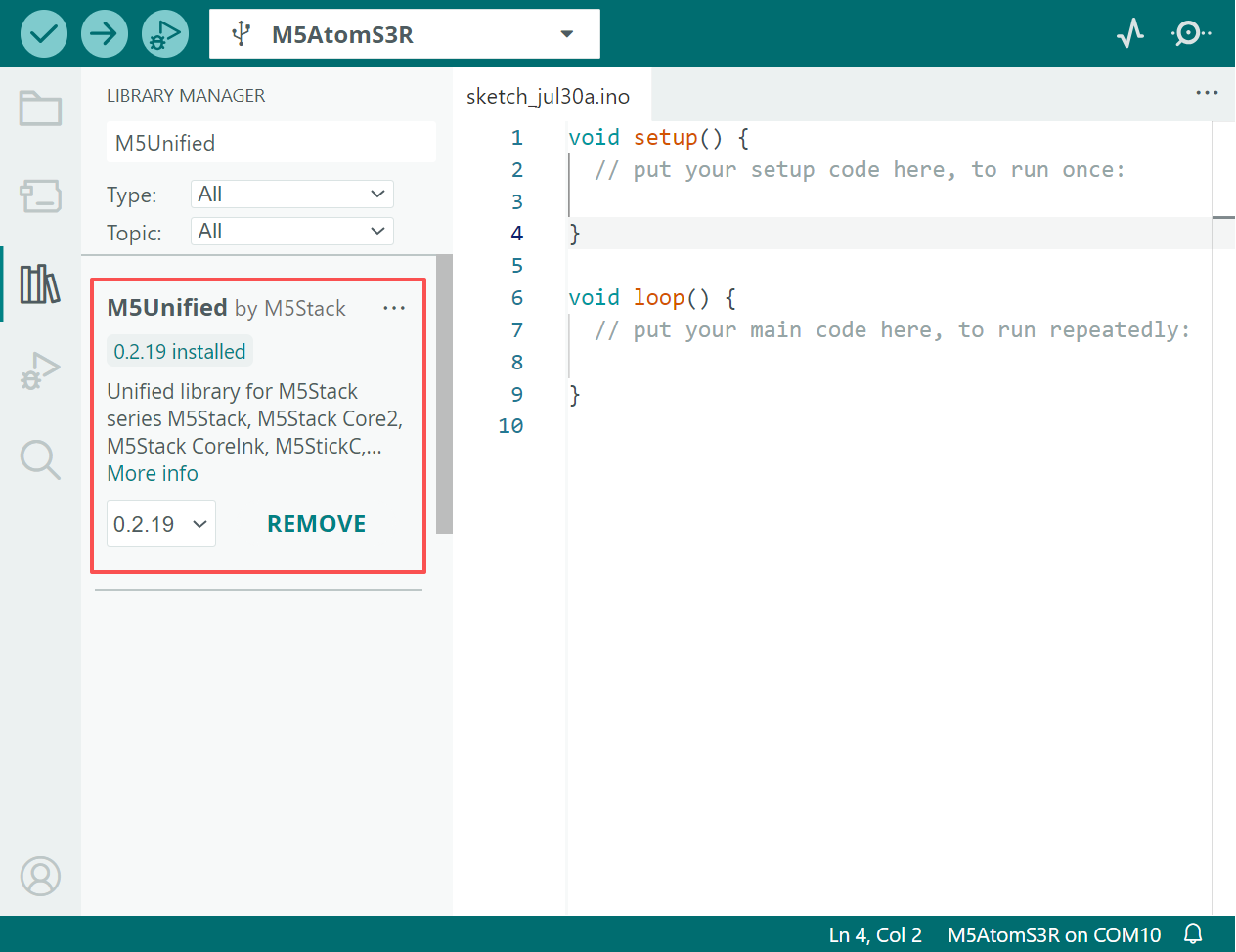
- 使用するドライバライブラリ:
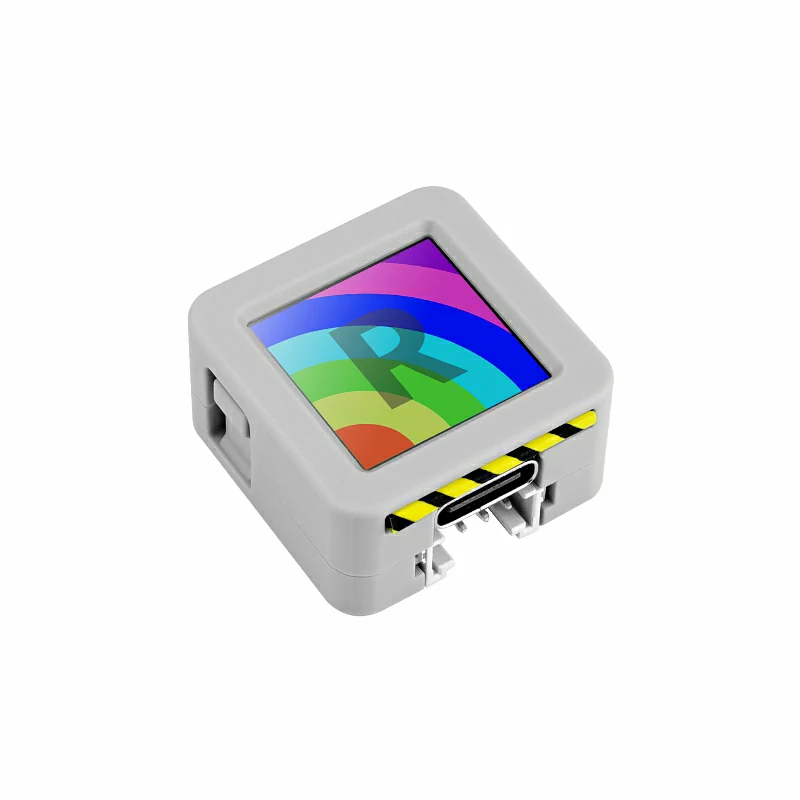
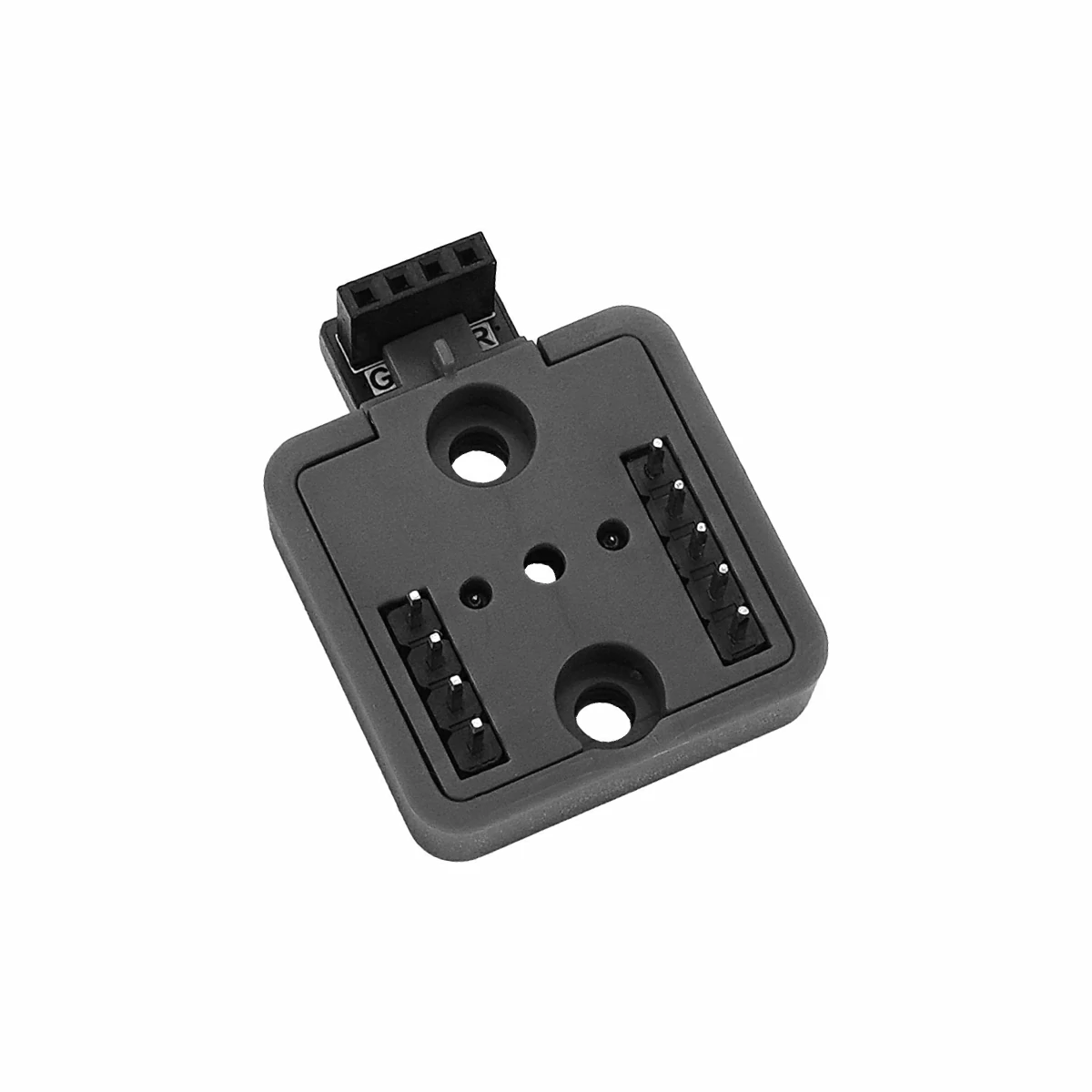
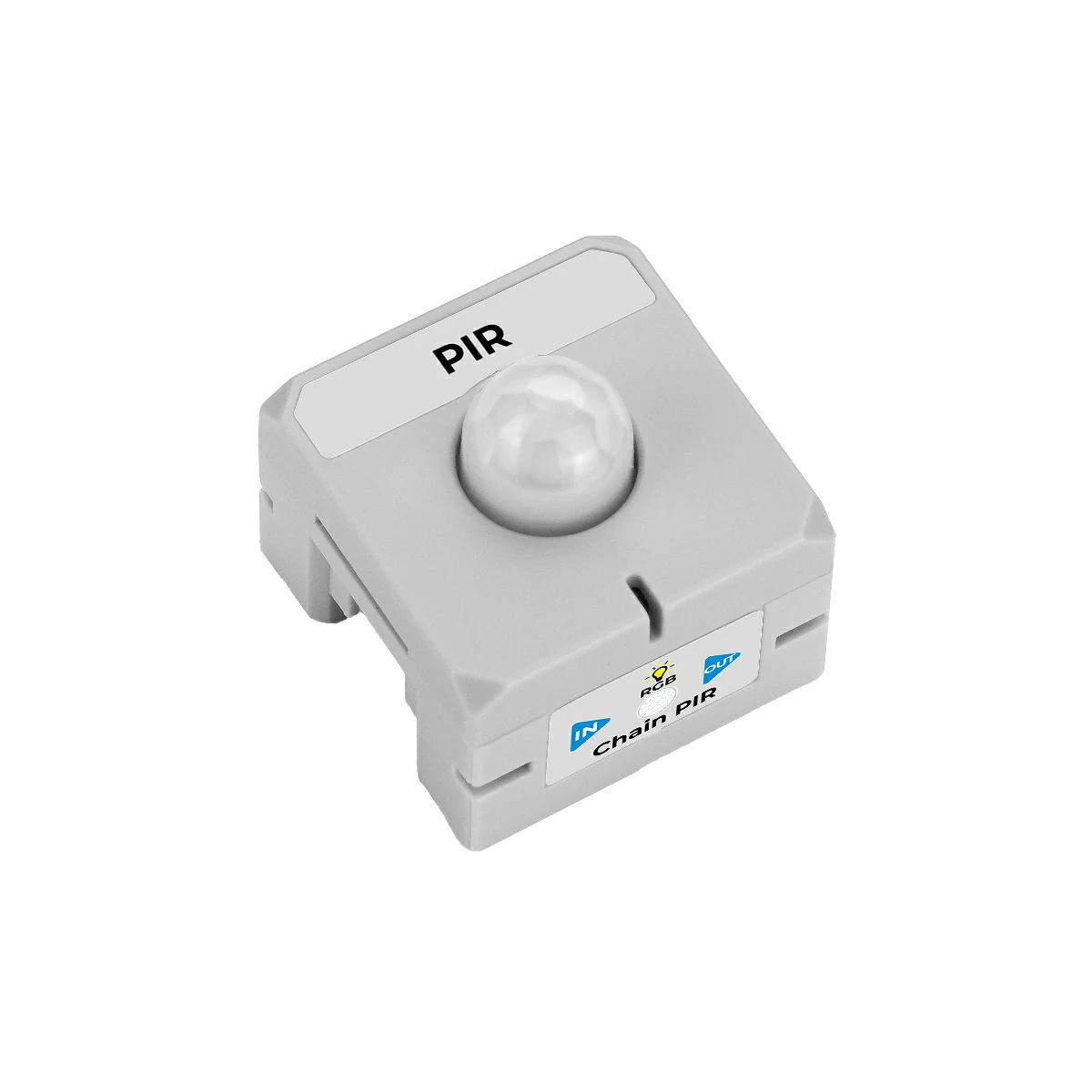
- 使用するハードウェア製品:
2. サンプルプログラム
M5Chain ライブラリ バージョン >= 1.0.8
M5Unified ライブラリ バージョン >= 0.2.18
Atomic toChain Base を使用して、メインコントローラの AtomS3R と Chain PIR を接続します。接続時は方向に注意し、三角形の矢印が AtomS3R から外側へ向くようにしてください(下図参照):
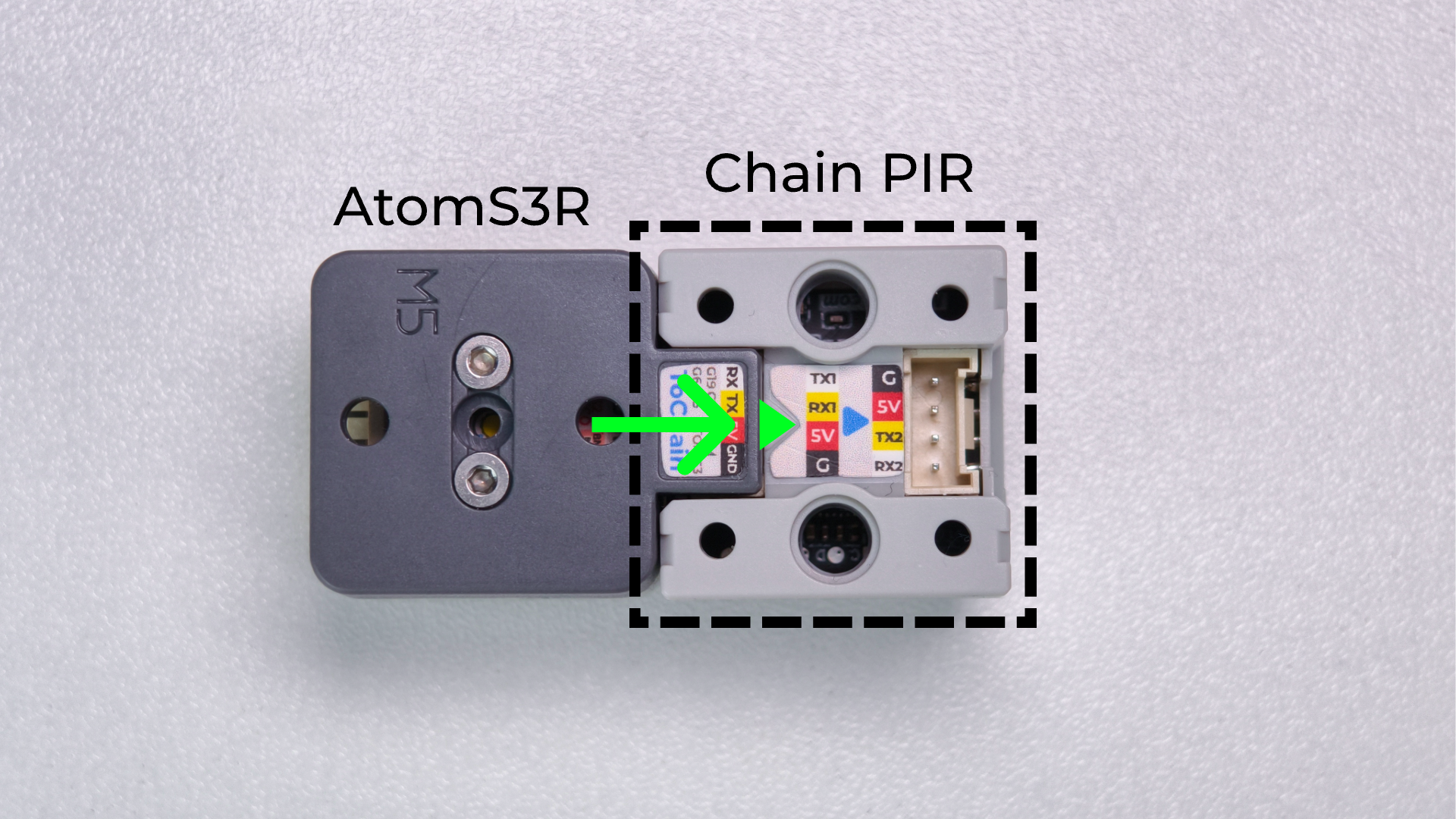
TXD_PIN = GPIO_NUM_5(GPIO5)
このサンプルでは、AtomS3R の GPIO6 を RX、GPIO5 を TX として使用します。別のメインコントローラを使用する場合は、実際の配線に合わせてプログラム内の RXD_PIN と TXD_PIN を変更してください。
2.1 イベントトリガーモード
イベントトリガーモードでは、まず setPIRDetectTriggerMode() を使用して自動通知を有効にします。その後は PIR の状態をポーリングせず、Chain PIR から通知される進入イベントと退出イベントのみを受信します。
#include <M5Chain.h>
#include <M5Unified.h>

#define RXD_PIN GPIO_NUM_6  // AtomS3R RX
#define TXD_PIN GPIO_NUM_5  // AtomS3R TX

// Maximum number of devices handled by this demo.
constexpr uint8_t MAX_DEVICES = 16;

Chain M5Chain;
uint8_t pir_id = 0;

void showStatus(const char *text, uint16_t color)
{
    // Show one centered status message on the AtomS3R display.
    M5.Display.fillScreen(0x0000);
    M5.Display.setTextDatum(middle_center);
    M5.Display.setTextColor(color);
    M5.Display.setTextSize(2);
    M5.Display.drawString(text, 64, 64);
}

void showModeStatus(const char *mode, const char *status, uint16_t color)
{
    // Keep the operating mode visible above the current PIR state.
    M5.Display.fillScreen(0x0000);
    M5.Display.setTextDatum(middle_center);
    M5.Display.setTextColor(color);
    M5.Display.setTextSize(2);
    M5.Display.drawString(mode, 64, 43);
    M5.Display.drawString(status, 64, 78);
}

bool findPIR()
{
    // Enumerate the Chain bus and select the first PIR device.
    uint16_t device_count = 0;
    if (!M5Chain.isDeviceConnected() ||
        M5Chain.getDeviceNum(&device_count) != CHAIN_OK ||
        device_count == 0 || device_count > MAX_DEVICES) {
        return false;
    }

    device_info_t devices[MAX_DEVICES];
    device_list_t device_list{device_count, devices};
    if (!M5Chain.getDeviceList(&device_list)) {
        return false;
    }

    for (uint16_t i = 0; i < device_count; ++i) {
        if (devices[i].device_type == CHAIN_PIR_TYPE_CODE) {
            pir_id = devices[i].id;
            return true;
        }
    }
    return false;
}

void setup()
{
    // Initialize the AtomS3R display and USB serial output.
    auto cfg = M5.config();
    cfg.serial_baudrate = 115200;
    M5.begin(cfg);
    M5.Display.setRotation(3);  // Rotate the display 90 degrees counterclockwise.
    showStatus("STARTING", 0xFFFF);

    M5Chain.begin(&Serial2, 115200, RXD_PIN, TXD_PIN);

    if (!findPIR()) {
        Serial.println("Chain PIR not found");
        showStatus("PIR ERROR", 0xF800);
        return;
    }

    uint8_t operation_status = 0;
    // Enable unsolicited PIR status change reports.
    chain_status_t status = M5Chain.setPIRDetectTriggerMode(
        pir_id, CHAIN_DETECT_REPORT_MODE, &operation_status);
    if (status == CHAIN_OK && operation_status == 1) {
        Serial.println("[EVENT MODE] IDLE");
        showModeStatus("EVENT MODE", "IDLE", 0x07E0);
    } else {
        pir_id = 0;
        Serial.println("Failed to enable event trigger mode");
        showStatus("PIR ERROR", 0xF800);
    }
}

void loop()
{
    if (pir_id == 0) {
        delay(1000);
        return;
    }

    pir_detect_report_t event;
    // Read queued reports; no PIR status request is sent here.
    while (M5Chain.getPIRDetectTrigger(pir_id, &event)) {
        if (event == CHAIN_PIR_REPORT_PERSON_COME) {
            Serial.println("[EVENT MODE] Motion detected!");
            showModeStatus("EVENT MODE", "MOTION", 0xF800);
        } else if (event == CHAIN_PIR_REPORT_PERSON_LEAVE) {
            Serial.println("[EVENT MODE] IDLE");
            showModeStatus("EVENT MODE", "IDLE", 0x07E0);
        }
    }
    delay(5);
}イベントトリガーモードでは、PIR の状態が変化したときだけ情報を出力します。人の動きを検出すると、AtomS3R の画面に赤色で MOTION と表示され、シリアルモニタに [EVENT MODE] Motion detected! と出力されます。待機中は画面に緑色で IDLE と表示され、シリアルモニタに [EVENT MODE] IDLE と出力されます。状態に変化がない場合、新しい PIR イベントは生成されません。
イベントトリガーモードのプログラムをコンパイルしてデバイスに書き込みます。Arduino IDE 右上のボタンをクリックしてシリアルモニタ(Serial Monitor)を開くと、以下のように出力されます:
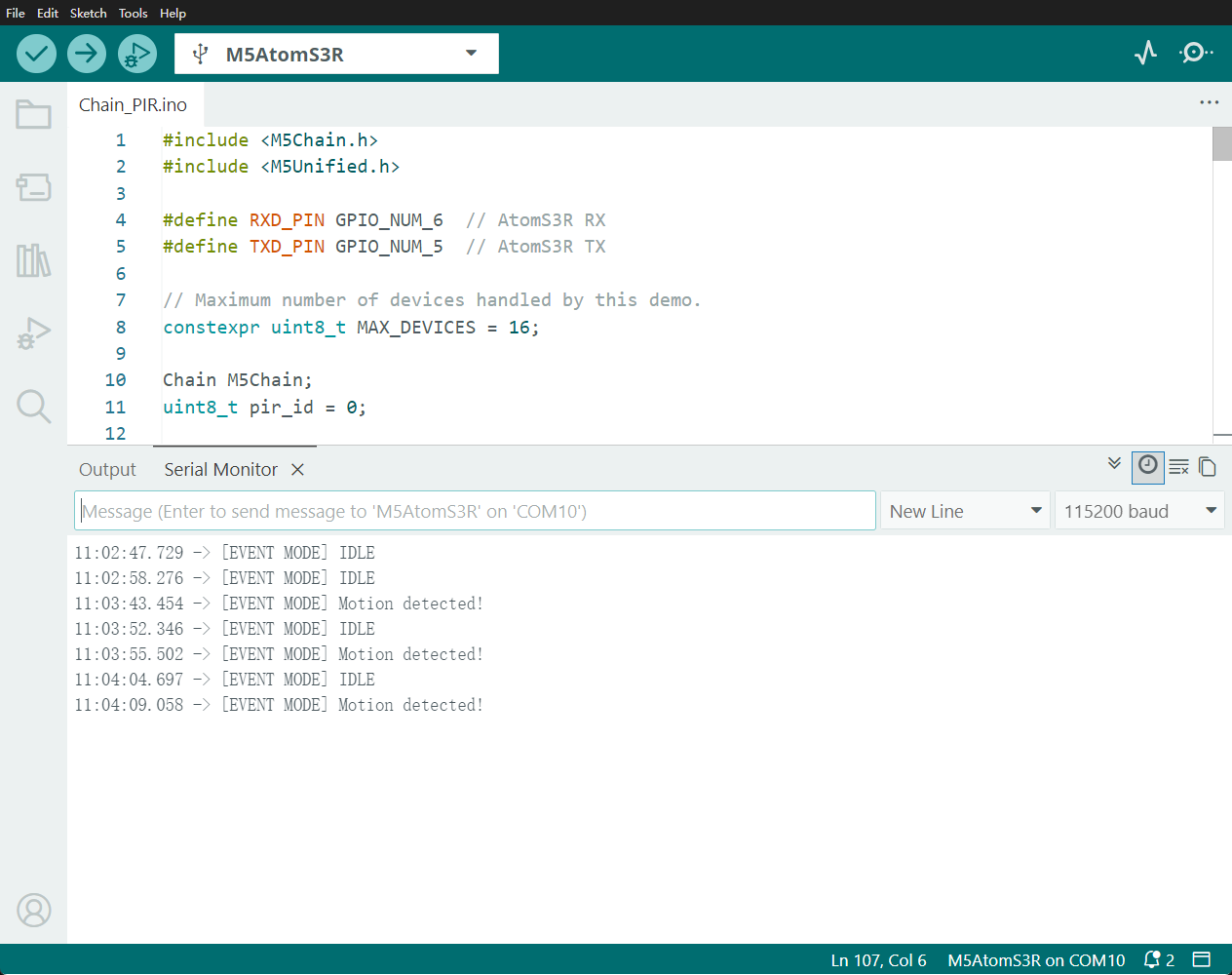
イベントトリガーモードのサンプル動作は以下のとおりです:
2.2 ポーリングモード
ポーリングモードでは、まず自動通知を無効にし、その後 500 ms ごとに getIRStatus() を呼び出して PIR の現在の状態を取得します。
#include <M5Chain.h>
#include <M5Unified.h>

#define RXD_PIN GPIO_NUM_6  // AtomS3R RX
#define TXD_PIN GPIO_NUM_5  // AtomS3R TX

// Maximum number of devices handled by this demo.
constexpr uint8_t MAX_DEVICES = 16;

Chain M5Chain;
uint8_t pir_id = 0;
int8_t last_pir_status = -1;

void showStatus(const char *text, uint16_t color)
{
    // Show one centered status message on the AtomS3R display.
    M5.Display.fillScreen(0x0000);
    M5.Display.setTextDatum(middle_center);
    M5.Display.setTextColor(color);
    M5.Display.setTextSize(2);
    M5.Display.drawString(text, 64, 64);
}

void showModeStatus(const char *mode, const char *status, uint16_t color)
{
    // Keep the operating mode visible above the current PIR state.
    M5.Display.fillScreen(0x0000);
    M5.Display.setTextDatum(middle_center);
    M5.Display.setTextColor(color);
    M5.Display.setTextSize(2);
    M5.Display.drawString(mode, 64, 43);
    M5.Display.drawString(status, 64, 78);
}

bool findPIR()
{
    // Enumerate the Chain bus and select the first PIR device.
    uint16_t device_count = 0;
    if (!M5Chain.isDeviceConnected() ||
        M5Chain.getDeviceNum(&device_count) != CHAIN_OK ||
        device_count == 0 || device_count > MAX_DEVICES) {
        return false;
    }

    device_info_t devices[MAX_DEVICES];
    device_list_t device_list{device_count, devices};
    if (!M5Chain.getDeviceList(&device_list)) {
        return false;
    }

    for (uint16_t i = 0; i < device_count; ++i) {
        if (devices[i].device_type == CHAIN_PIR_TYPE_CODE) {
            pir_id = devices[i].id;
            return true;
        }
    }
    return false;
}

void setup()
{
    // Initialize the AtomS3R display and USB serial output.
    auto cfg = M5.config();
    cfg.serial_baudrate = 115200;
    M5.begin(cfg);
    M5.Display.setRotation(3);  // Rotate the display 90 degrees counterclockwise.
    showStatus("STARTING", 0xFFFF);

    M5Chain.begin(&Serial2, 115200, RXD_PIN, TXD_PIN);

    if (!findPIR()) {
        Serial.println("Chain PIR not found");
        showStatus("PIR ERROR", 0xF800);
        return;
    }

    uint8_t operation_status = 0;
    // Disable unsolicited reports so this demo uses polling only.
    chain_status_t status = M5Chain.setPIRDetectTriggerMode(
        pir_id, CHAIN_DETECT_NONE_REPORT_MODE, &operation_status);
    if (status == CHAIN_OK && operation_status == 1) {
        Serial.println("[POLL MODE] IDLE");
        showModeStatus("POLL MODE", "IDLE", 0x07E0);
    } else {
        pir_id = 0;
        Serial.println("Failed to disable event trigger mode");
        showStatus("PIR ERROR", 0xF800);
    }
}

void loop()
{
    if (pir_id == 0) {
        delay(1000);
        return;
    }

    pir_detect_result_t pir_status = CHAIN_PIR_NO_PERSON;
    // Request the current PIR status once every 500 ms.
    chain_status_t status = M5Chain.getIRStatus(pir_id, &pir_status);
    if (status == CHAIN_OK) {
        Serial.println(pir_status == CHAIN_PIR_PERSON
                           ? "[POLL MODE] Motion detected!"
                           : "[POLL MODE] IDLE");
        if (pir_status != last_pir_status) {
            showModeStatus("POLL MODE",
                           pir_status == CHAIN_PIR_PERSON ? "MOTION" : "IDLE",
                           pir_status == CHAIN_PIR_PERSON ? 0xF800 : 0x07E0);
            last_pir_status = pir_status;
        }
    } else {
        Serial.printf("PIR read failed: %d\n", status);
        showStatus("READ ERROR", 0xF800);
    }
    delay(500);
}ポーリングモードでは、500 ms ごとに現在の状態を取得して出力します。人の動きを検出すると、画面に赤色で MOTION と表示され、シリアルモニタに [POLL MODE] Motion detected! と出力されます。待機中は画面に緑色で IDLE と表示され、シリアルモニタに [POLL MODE] IDLE と出力されます。delay(500) を変更すると、ポーリング周期を調整できます。
ポーリングモードのプログラムをコンパイルしてデバイスに書き込みます。Arduino IDE 右上のボタンをクリックしてシリアルモニタ(Serial Monitor)を開くと、以下のように出力されます:
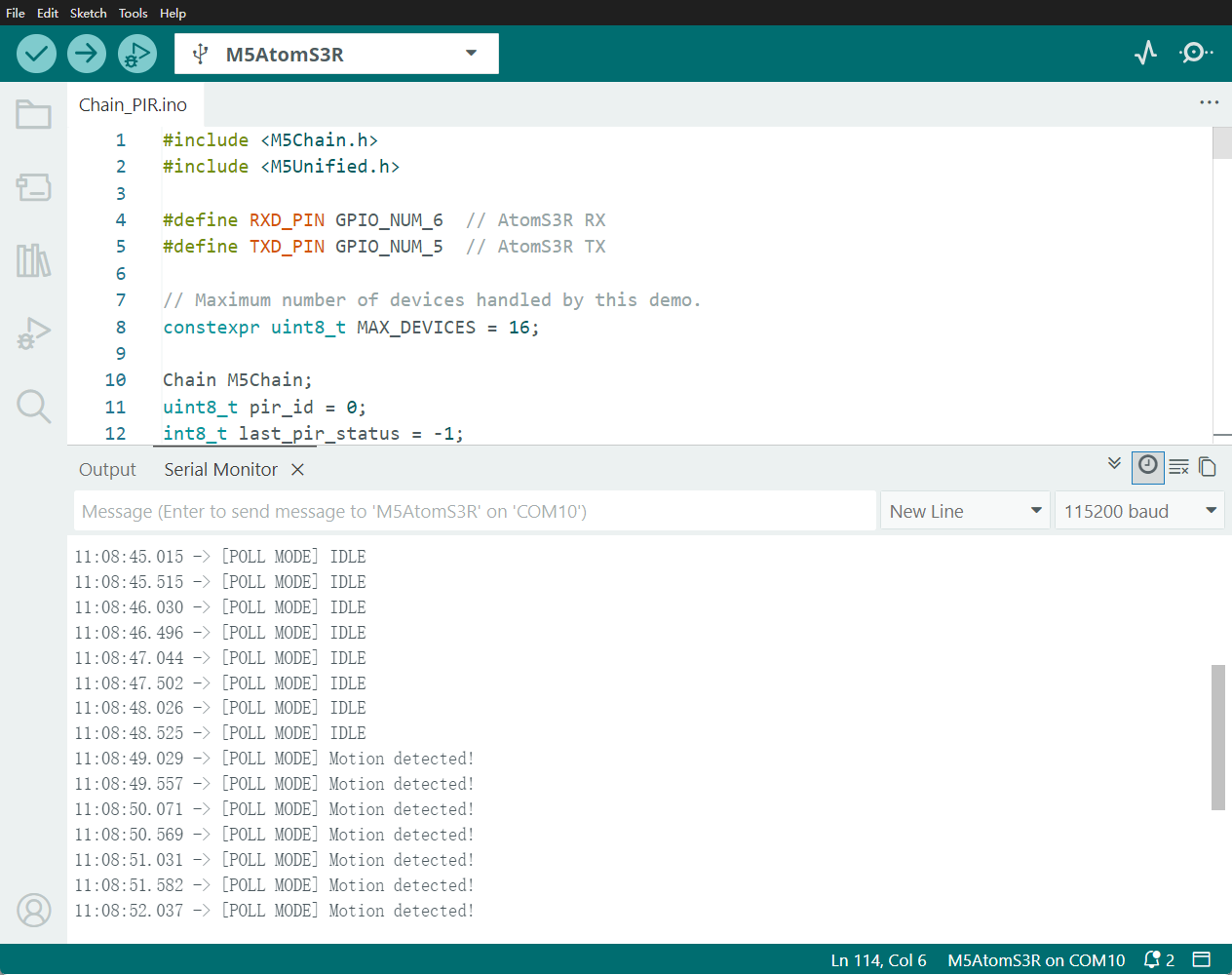
ポーリングモードのサンプル動作は以下のとおりです: