

Arduino 上手教程
2. 设备开发 & 案例程序
3. M5Unified
4. M5GFX
5. 扩展模块
Unit
Module
Atomic
Tab5
IoT
StackChan Display 屏幕显示
说明
StackChan 使用 M5GFX 库作为屏幕驱动, 参考下方 API & 案例即可实现简单的显示, 获取更多 API 内容可以参考 M5GFX 文档。
案例程序
编译要求
- M5Stack 板管理版本 >= 3.2.2
- 开发板选项 = M5CoreS3
- M5Unified 库版本 >= 0.2.11
- M5GFX 库版本 >= 0.2.18
cpp
1 2 3 4 5 6 7 8 9 10 11 12 13 14 15 16 17 18 19 20 21 22 23 24 25 26 27 28
#include <M5Unified.h>

void draw_function(LovyanGFX* gfx) {
    int x      = rand() % gfx->width();
    int y      = rand() % gfx->height();
    int r      = (gfx->width() >> 4) + 2;
    uint16_t c = rand();
    gfx->fillRect(x - r, y - r, r * 2, r * 2, c);
}

void setup() {
    auto cfg = M5.config();
    M5.begin(cfg);
    int textsize = M5.Display.height() / 60;
    if (textsize == 0) {
        textsize = 1;
    }
    M5.Display.setTextSize(textsize);
}

void loop() {
    int x      = rand() % M5.Display.width();
    int y      = rand() % M5.Display.height();
    int r      = (M5.Display.width() >> 4) + 2;
    uint16_t c = rand();
    M5.Display.fillCircle(x, y, r, c);
    draw_function(&M5.Display);
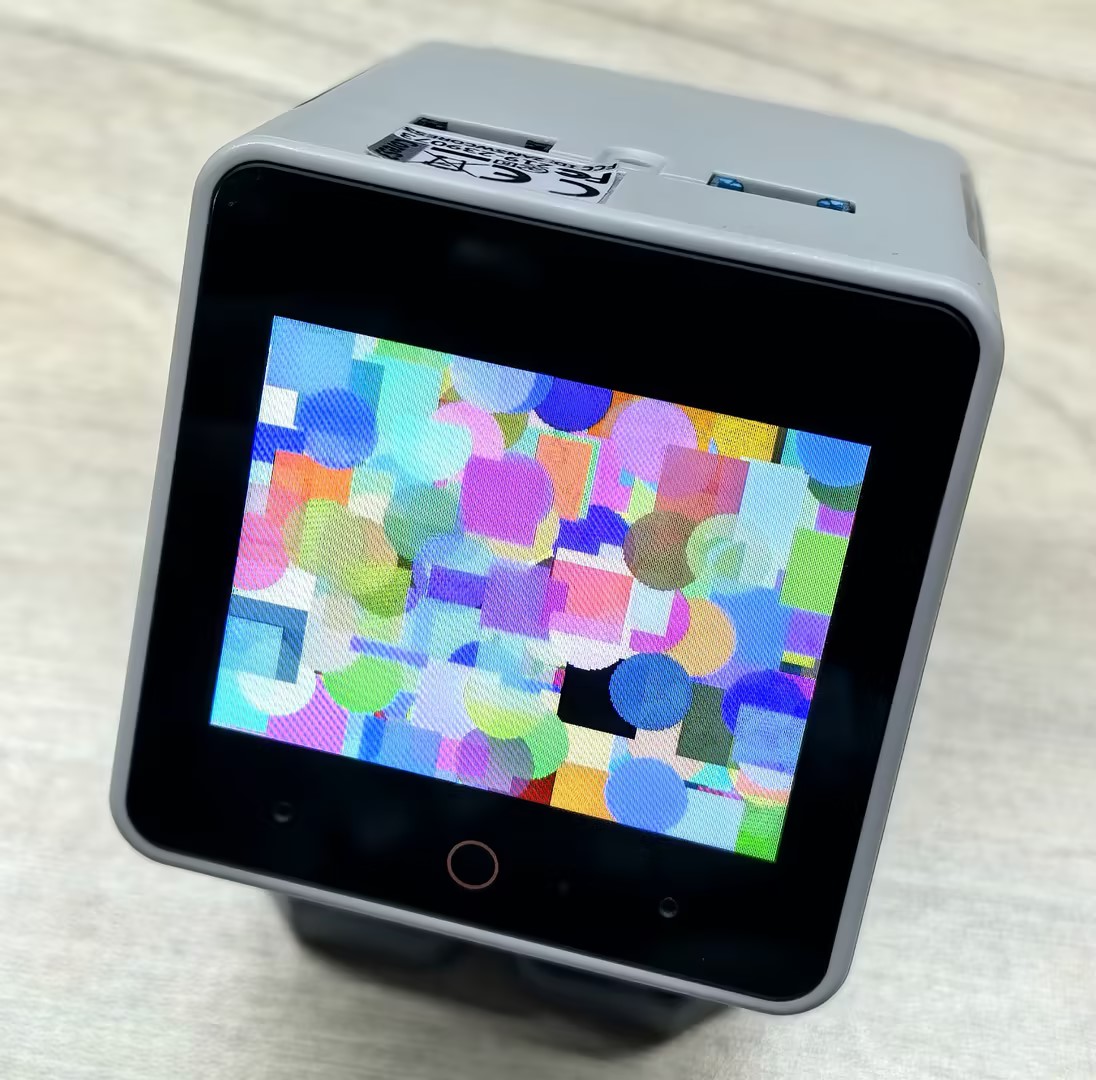
}例程效果如下图所示,程序会在屏幕上随机位置绘制不同颜色的圆形和矩形:
Page Tools