

Arduino Quick Start
2. Devices & Examples
3. M5Unified
4. M5GFX
5. Extensions
Unit
Module
Atomic
Tab5
IoT
Accessories
Chain Switch Tutorial
1. Preparation
- Environment setup: Refer to the Arduino IDE Getting Started Guide to complete the IDE installation, and install the corresponding board manager and required driver libraries according to the development board you are using.
- Libraries used:
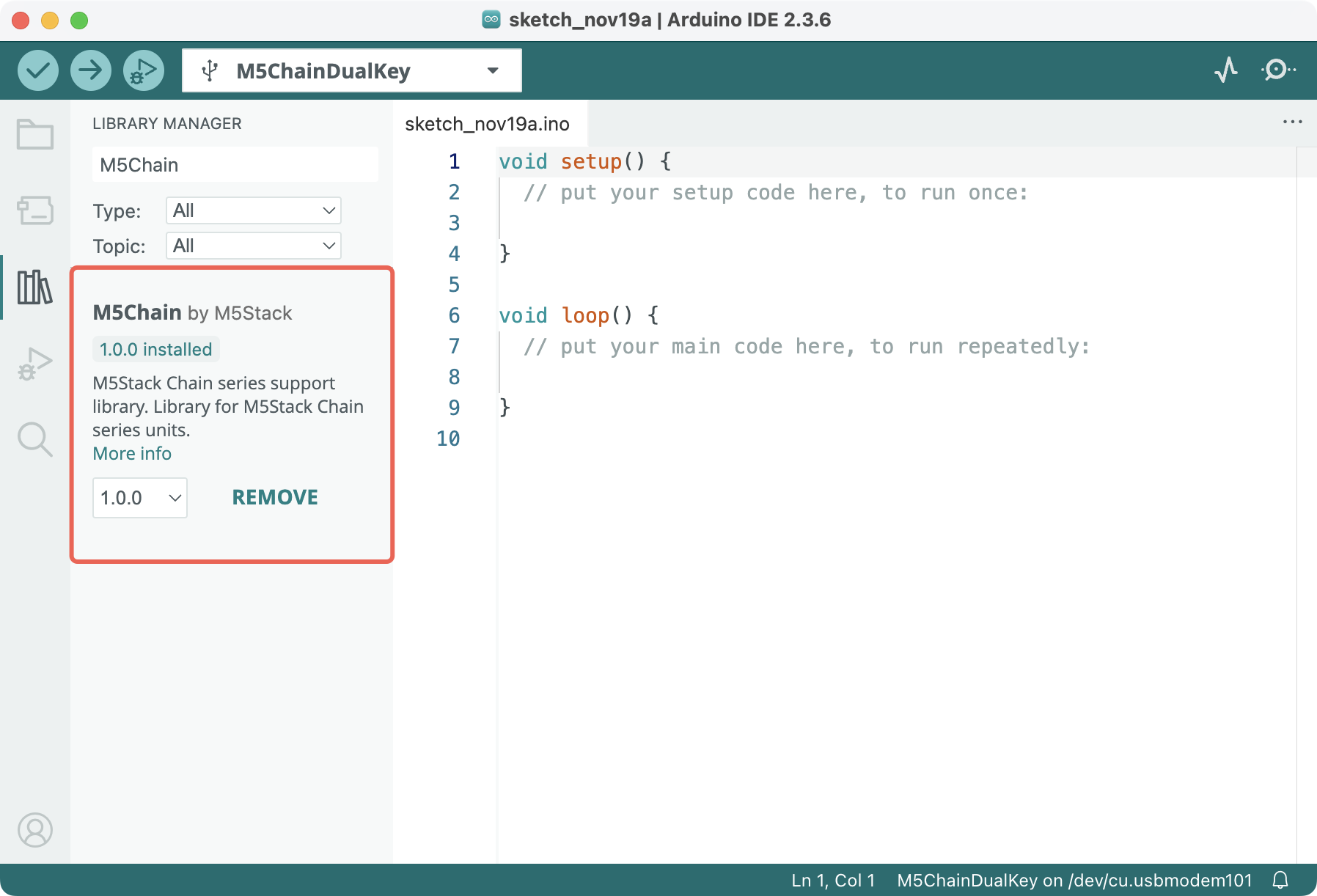
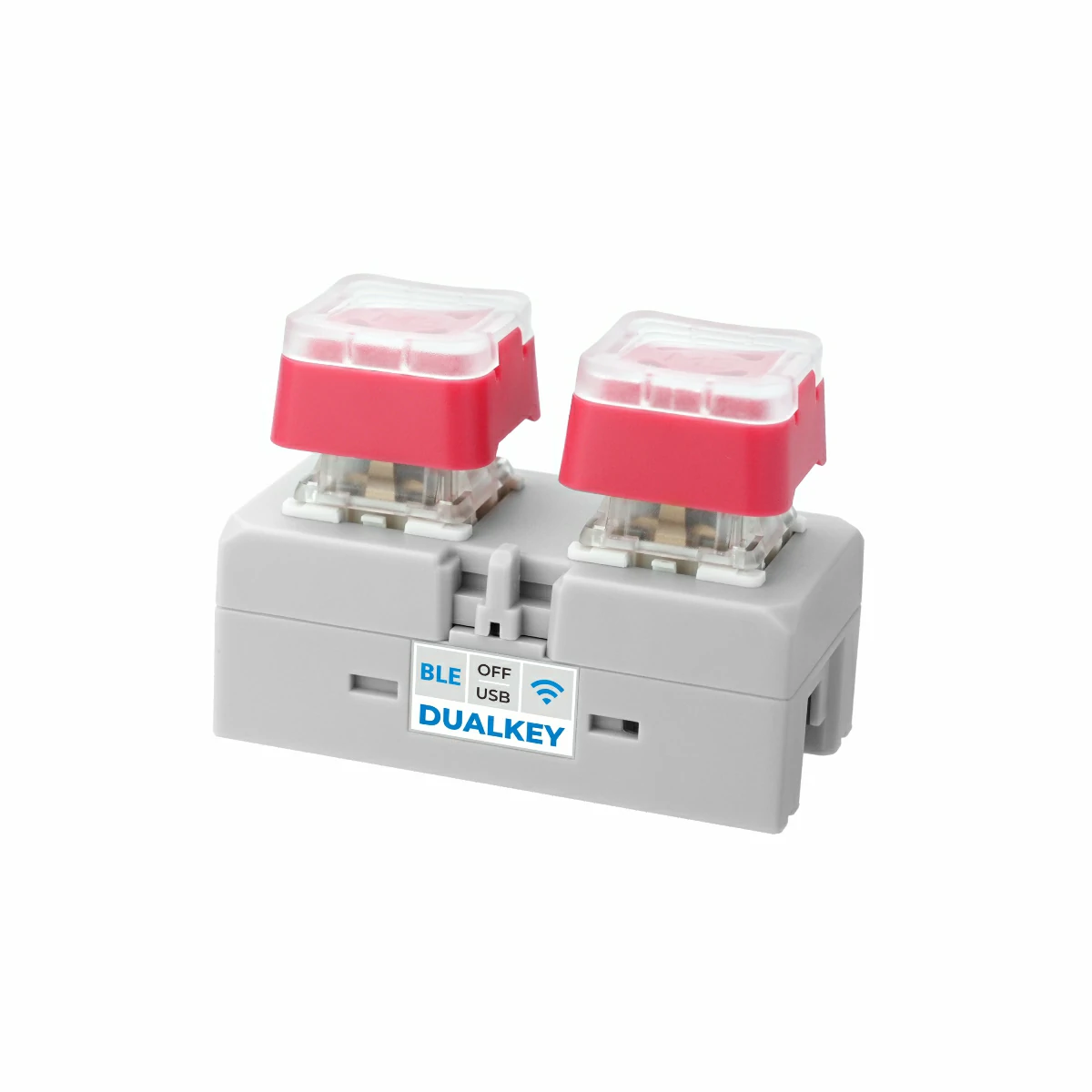
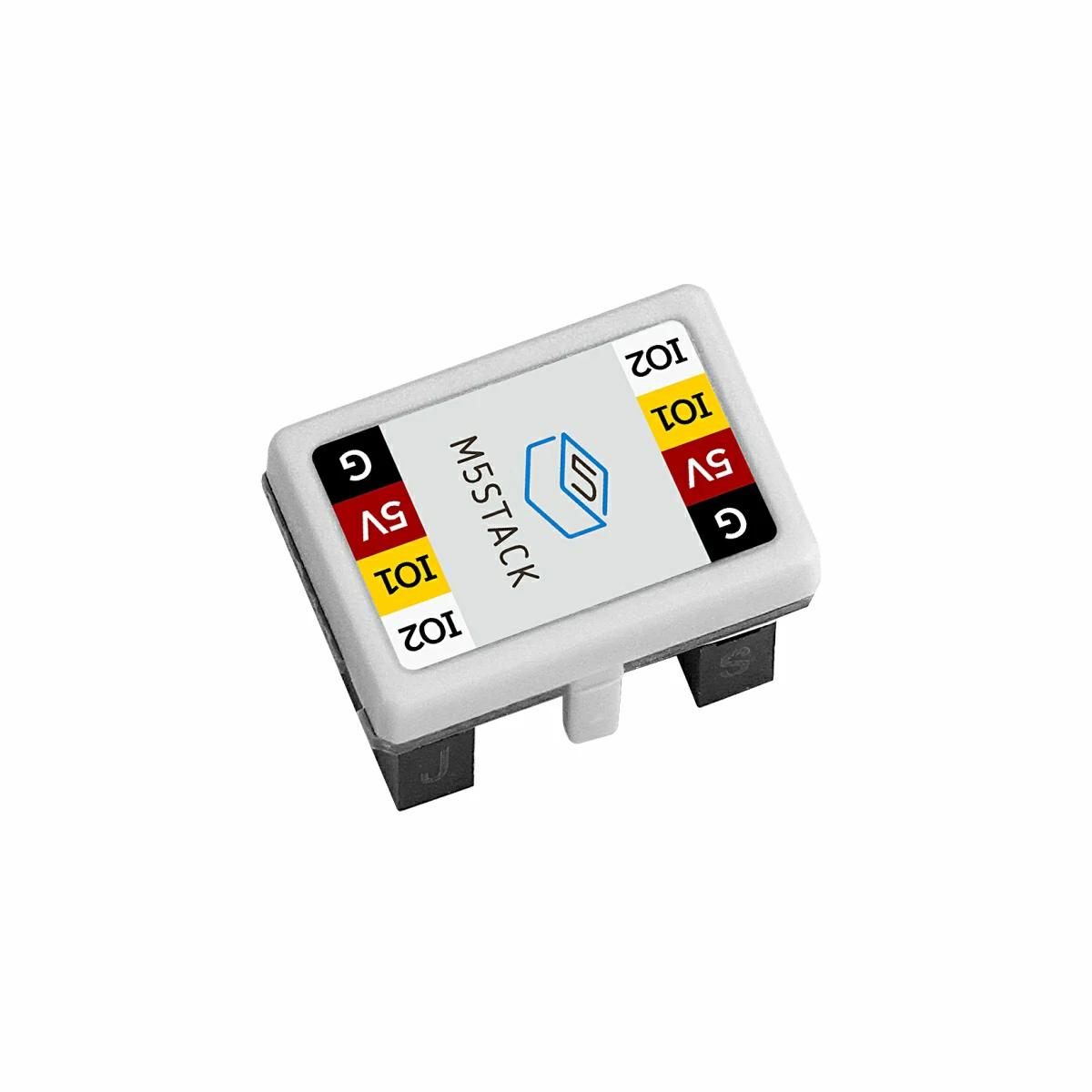
- Hardware used:
- Chain DualKey
- Chain series connectors, such as Chain Bridge or Chain Return
- Chain Switch

2. Example Program
M5Chain library version >= 1.0.8
#include "M5Chain.h"

#define RXD_PIN GPIO_NUM_5  // 47 for the other side of Chain DualKey
#define TXD_PIN GPIO_NUM_6  // 48 for the other side of Chain DualKey

Chain M5Chain;

device_list_t *device_list = NULL;
uint16_t device_count = 0;
uint8_t opr_status = 0;

uint8_t switch_id = 0;
bool switch_found = false;

const uint16_t OPEN_THRESHOLD = 3967;
const uint16_t CLOSE_THRESHOLD = 128;

void setup() {
  Serial.begin(115200);
  delay(1000);
  Serial.println("===========================");
  Serial.println("M5Stack Chain Switch Test");

  M5Chain.begin(&Serial2, 115200, RXD_PIN, TXD_PIN);
  while (!M5Chain.isDeviceConnected()) {
    Serial.println("No device connected");
    delay(1000);
  }

  M5Chain.getDeviceNum(&device_count);
  device_list = (device_list_t *)malloc(sizeof(device_list_t));
  device_list->count = device_count;
  device_list->devices = (device_info_t *)malloc(sizeof(device_info_t) * device_count);
  M5Chain.getDeviceList(device_list);

  for (uint16_t i = 0; i < device_count; i++) {
    if (device_list->devices[i].device_type == CHAIN_SWITCH_TYPE_CODE) {
      switch_id = device_list->devices[i].id;
      switch_found = true;
      Serial.printf("ID[%d] is Chain Switch\n", switch_id);
      break;
    }
  }

  if (!switch_found) {
    Serial.println("Chain Switch not found");
    return;
  }

  // Set the onboard RGB LED brightness (0-100).
  M5Chain.setRGBLight(switch_id, 50, &opr_status);

  // Set open/close thresholds without saving them to flash.
  M5Chain.setSwitchThresholdValue(switch_id, OPEN_THRESHOLD, CLOSE_THRESHOLD,
                                  &opr_status, CHAIN_SAVE_FLASH_DISABLE);
  M5Chain.setSwitchDirection(switch_id, CHAIN_SWITCH_DOWNUP_INC, &opr_status,
                             CHAIN_SAVE_FLASH_DISABLE);
}

void loop() {
  if (!switch_found) {
    delay(1000);
    return;
  }

  uint16_t switch12Bit = 0;
  switch_status_type_t switch_status = CHAIN_SWITCH_OPEN;

  if (M5Chain.getSwitch12BitAdc(switch_id, &switch12Bit) == CHAIN_OK &&
      M5Chain.getSwitchStatus(switch_id, &switch_status) == CHAIN_OK) {
    uint8_t rgb[3];
    if (switch_status == CHAIN_SWITCH_CLOSE) {
      rgb[0] = 0;
      rgb[1] = 255;
      rgb[2] = 0;
    } else {
      rgb[0] = 255;
      rgb[1] = 0;
      rgb[2] = 0;
    }
    M5Chain.setRGBValue(switch_id, 0, 1, rgb, sizeof(rgb), &opr_status);

    Serial.printf("ADC: %u, status: %s\n", switch12Bit,
                  switch_status == CHAIN_SWITCH_CLOSE ? "ON" : "OFF");
  } else {
    Serial.println("Failed to read Chain Switch");
  }

  delay(200);
}Use the Chain Bridge connector to connect the main controller Chain DualKey and Chain Switch. Pay attention to the direction when connecting: the triangular arrow should point outward from the main controller Chain DualKey, as shown below:
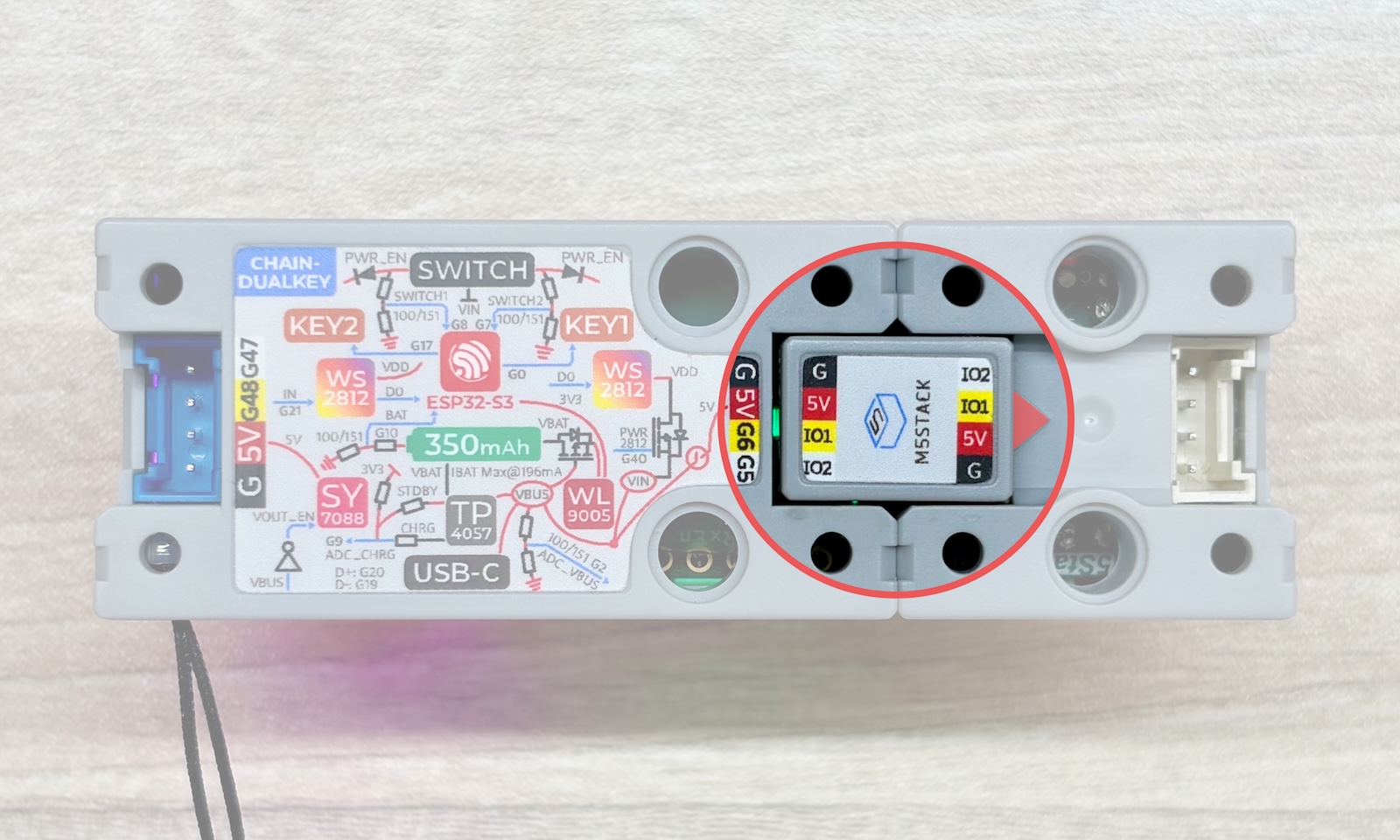
TXD_PIN = GPIO_NUM_6 (GPIO6)
This example uses GPIO5 on Chain DualKey as RX and GPIO6 as TX. If Chain Switch is connected to the interface on the other side of Chain DualKey, or another main controller is used, modify RXD_PIN and TXD_PIN in the program according to the actual wiring.
The slider of Chain Switch is connected to PB0 (ADC_IN) of the STM32G031G8U6 and uses the MCU's built-in 12-bit ADC, with an output range of 0 ~ 4095. OPEN_THRESHOLD and CLOSE_THRESHOLD in the program represent the open and close thresholds, respectively, with a value range of 0 ~ 4095. The example sets them to 3967 and 128, and uses CHAIN_SWITCH_DOWNUP_INC to set the direction in which moving the slider from bottom to top increases the ADC value.
Compile and upload the above program to the device, then click the button in the upper-right corner of Arduino IDE to open Serial Monitor. You can see the real-time 12-bit ADC value and switch status of Chain Switch. When Chain Switch is ON, the onboard RGB LED is green; when it is OFF, the LED is red:
The example output is shown below:
