

Arduino 上手教程
2. 设备开发 & 案例程序
3. M5Unified
4. M5GFX
5. 扩展模块
Unit
Module
Atomic
Tab5
IoT
ToughC5 Touch 触摸屏
ToughC5 触摸屏相关 API 与案例程序。
案例程序
编译要求
- M5Stack 板管理版本 >=
3.3.9 - 开发板选项 =
M5ToughC5 - M5Unified 库版本 >=
0.2.22 - M5GFX 库版本 >=
0.2.28
cpp
1 2 3 4 5 6 7 8 9 10 11 12 13 14 15 16 17 18 19 20 21 22 23 24 25 26 27 28 29 30 31 32 33 34 35 36 37
#include <M5Unified.h>
#include <M5GFX.h>

m5::touch_detail_t touchDetail;

int width, height;

void setup() {
  M5.begin();
  M5.Display.setRotation(1);
  M5.Display.setFont(&fonts::DejaVu24);

  width = M5.Display.width();
  height = M5.Display.height();

  Serial.begin(115200);
  Serial.println("Start touching!");
  M5.Display.print("Start touching!");
}

void loop() {
  M5.update();
  touchDetail = M5.Touch.getDetail();

  if (touchDetail.isPressed()) {
    Serial.printf("x:%d, y:%d\r\n", touchDetail.x, touchDetail.y);

    for (int i = 0; i < width; i += 10) {
      for (int j = 0; j < height; j += 10) {
        uint8_t cr = map((touchDetail.x - i) % width, 0, width, 0, 256);
        uint8_t cg = map((touchDetail.y - j) % height, 0, height, 0, 256);
        uint16_t color = M5.Display.color565(cr, cg, 255 - (cr + cg) / 2);
        M5.Display.fillRect(i, j, 10, 10, color);
      }
    }
  }
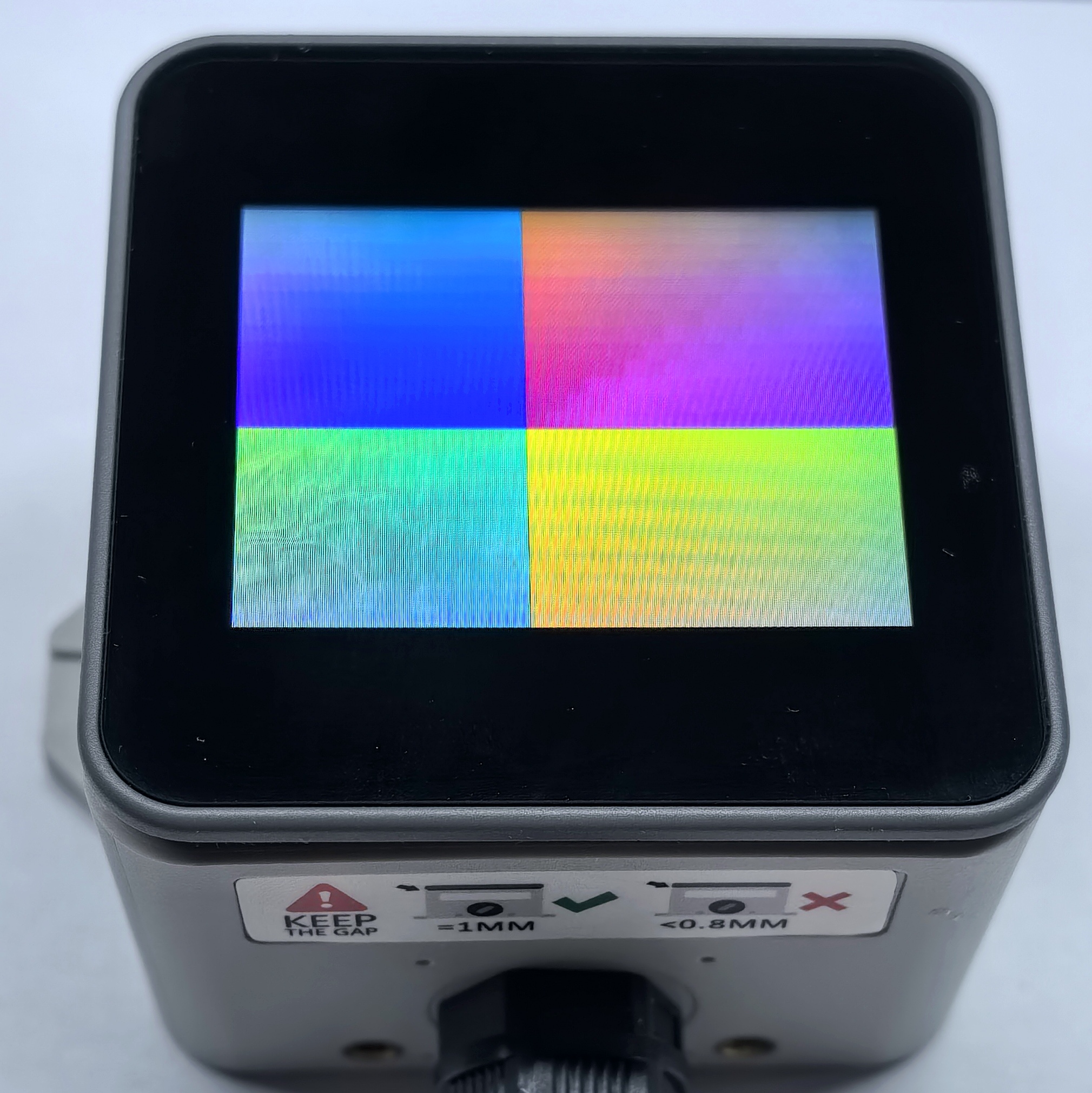
}当手指触摸屏幕时,程序会通过串口输出触摸点坐标,并让屏幕上的彩色阵列跟随触摸点移动。
API
ToughC5 触摸屏部分使用了 M5Unified 库中的 Touch_Class,更多相关 API 可以参考下方文档:
Page Tools