

Arduino 上手教程
2. 设备开发 & 案例程序
3. M5Unified
4. M5GFX
5. 扩展模块
Unit
Module
Atomic
Tab5
IoT
Chain PIR 使用教程
1.准备工作
- 环境配置:参考 Arduino IDE 上手教程 完成 IDE 安装,并根据实际使用的开发板安装对应的板管理与需要的驱动库。
- 使用到的驱动库:
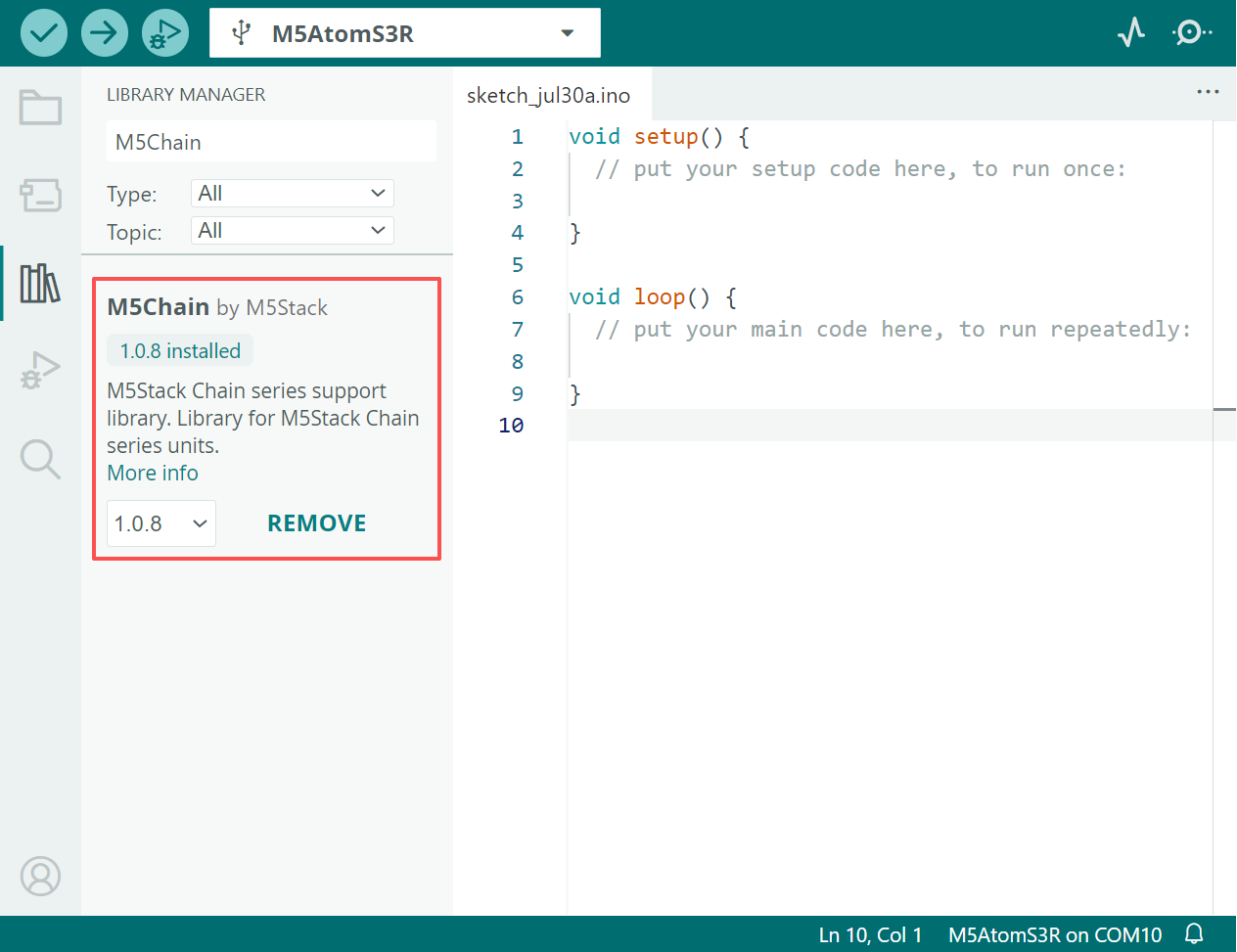
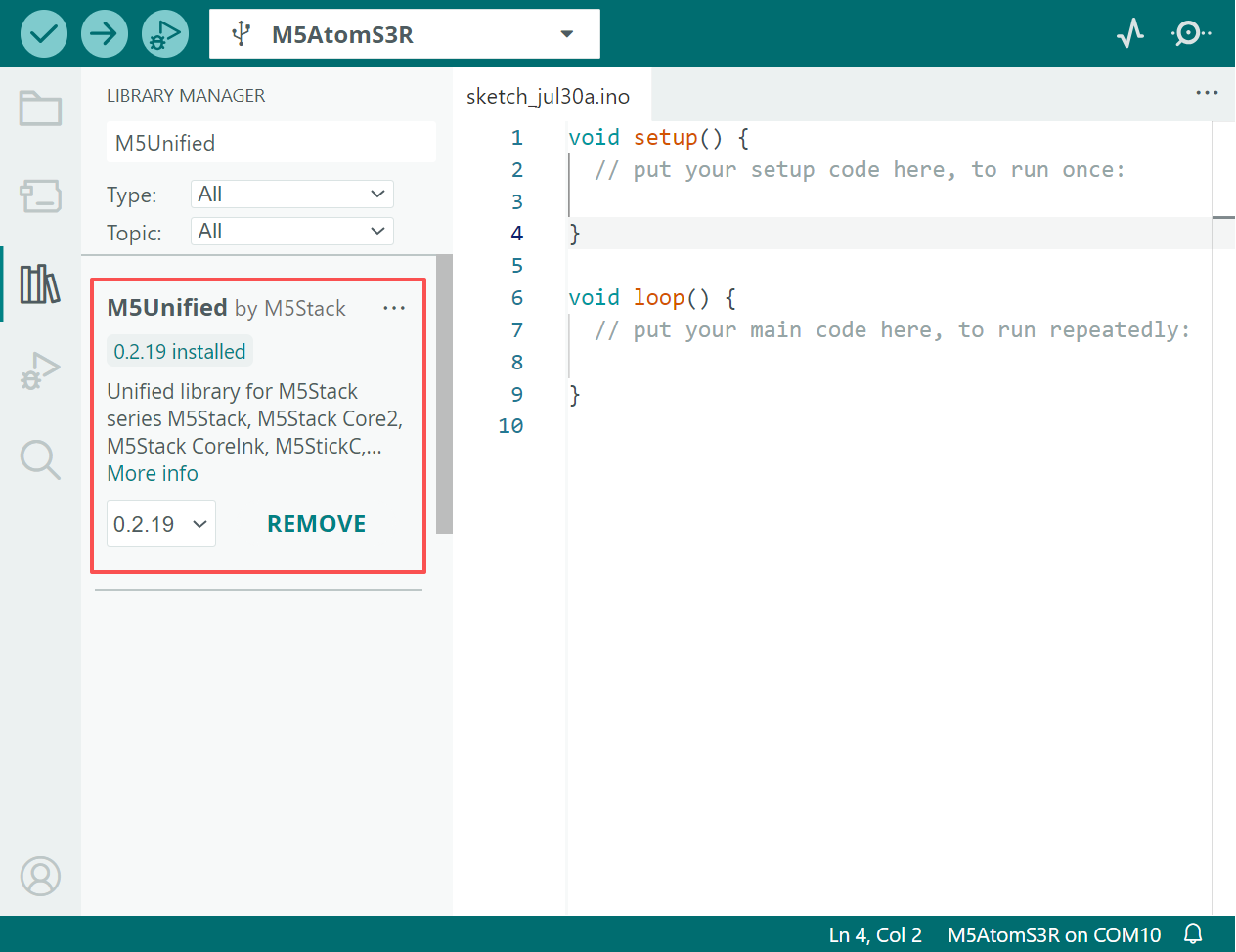
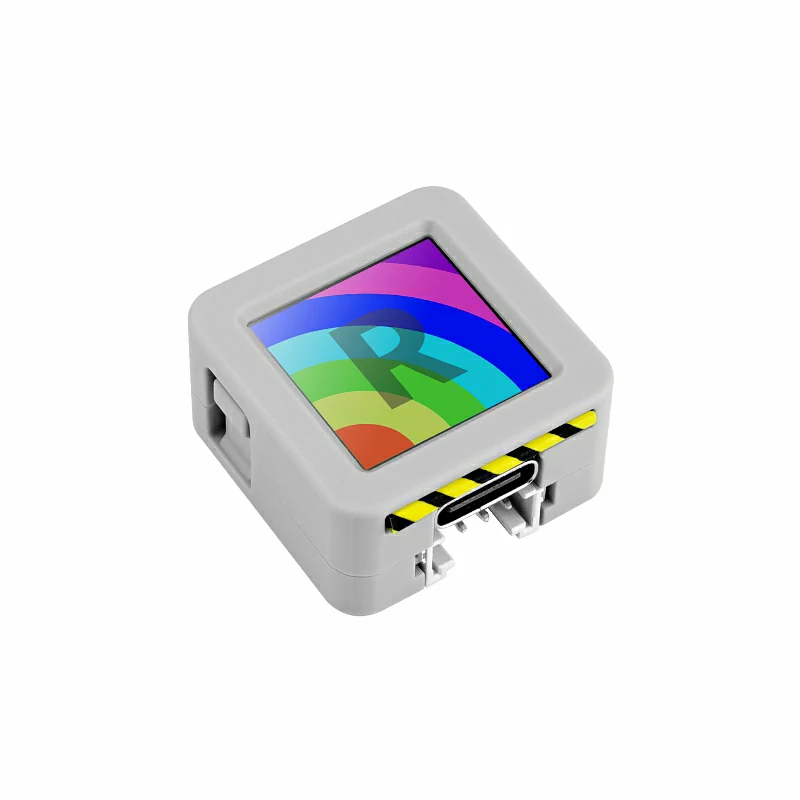
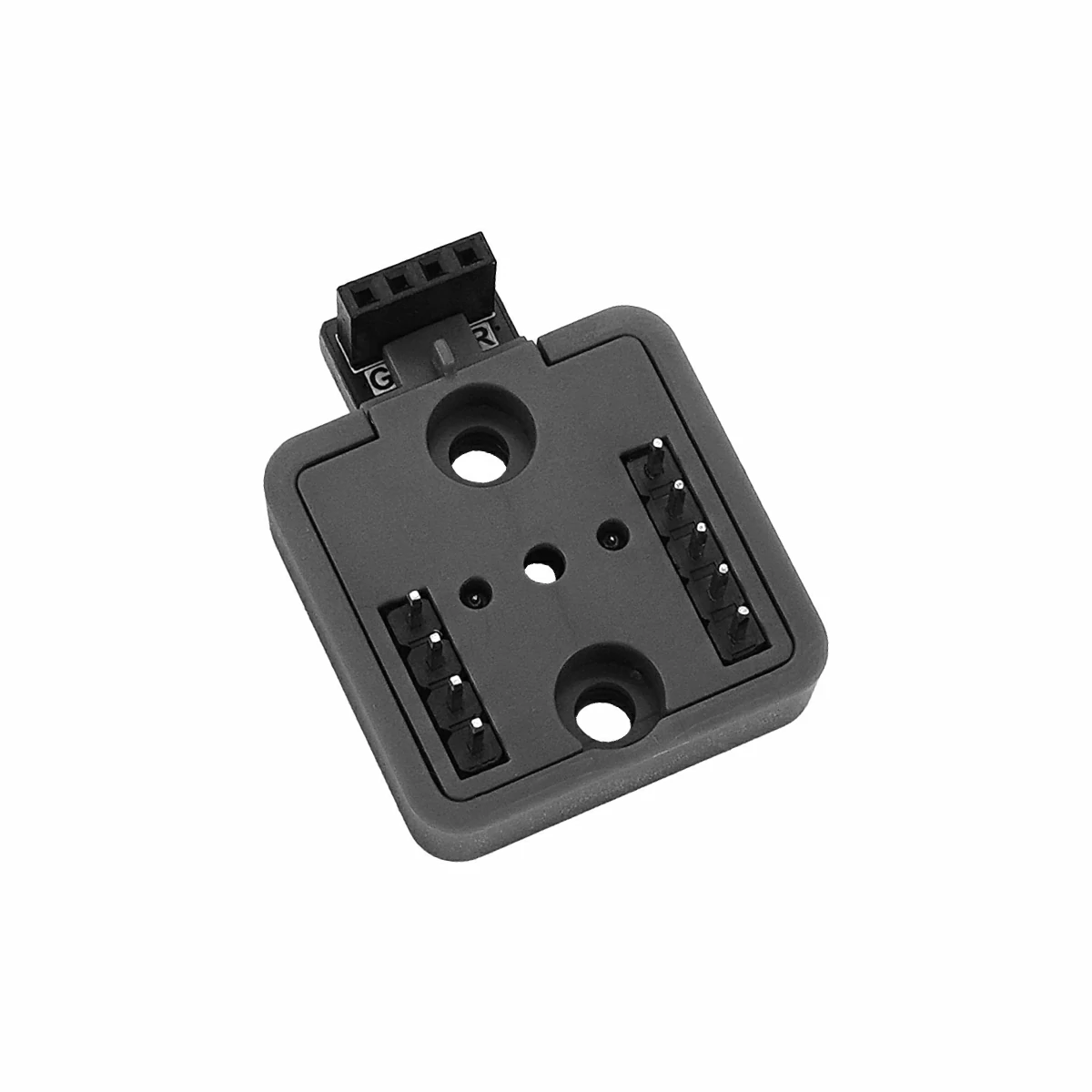
- 使用到的硬件产品:
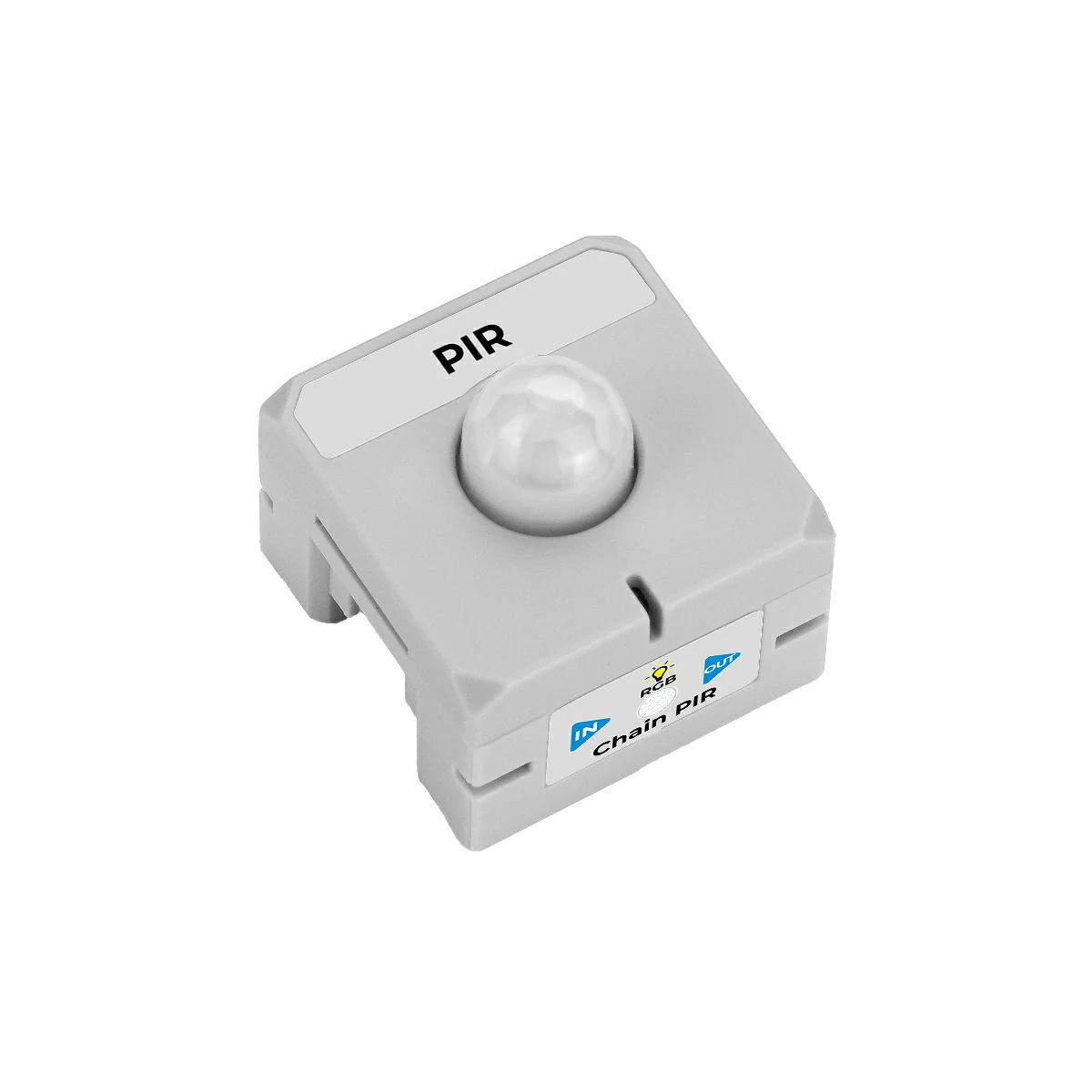
2.示例程序
M5Chain 库版本 >= 1.0.8
M5Unified 库版本 >= 0.2.18
用 Atomic toChain Base 连接主控 AtomS3R 和 Chain PIR。连接时需要注意方向,三角箭头从主控 AtomS3R 指向外侧,如图:
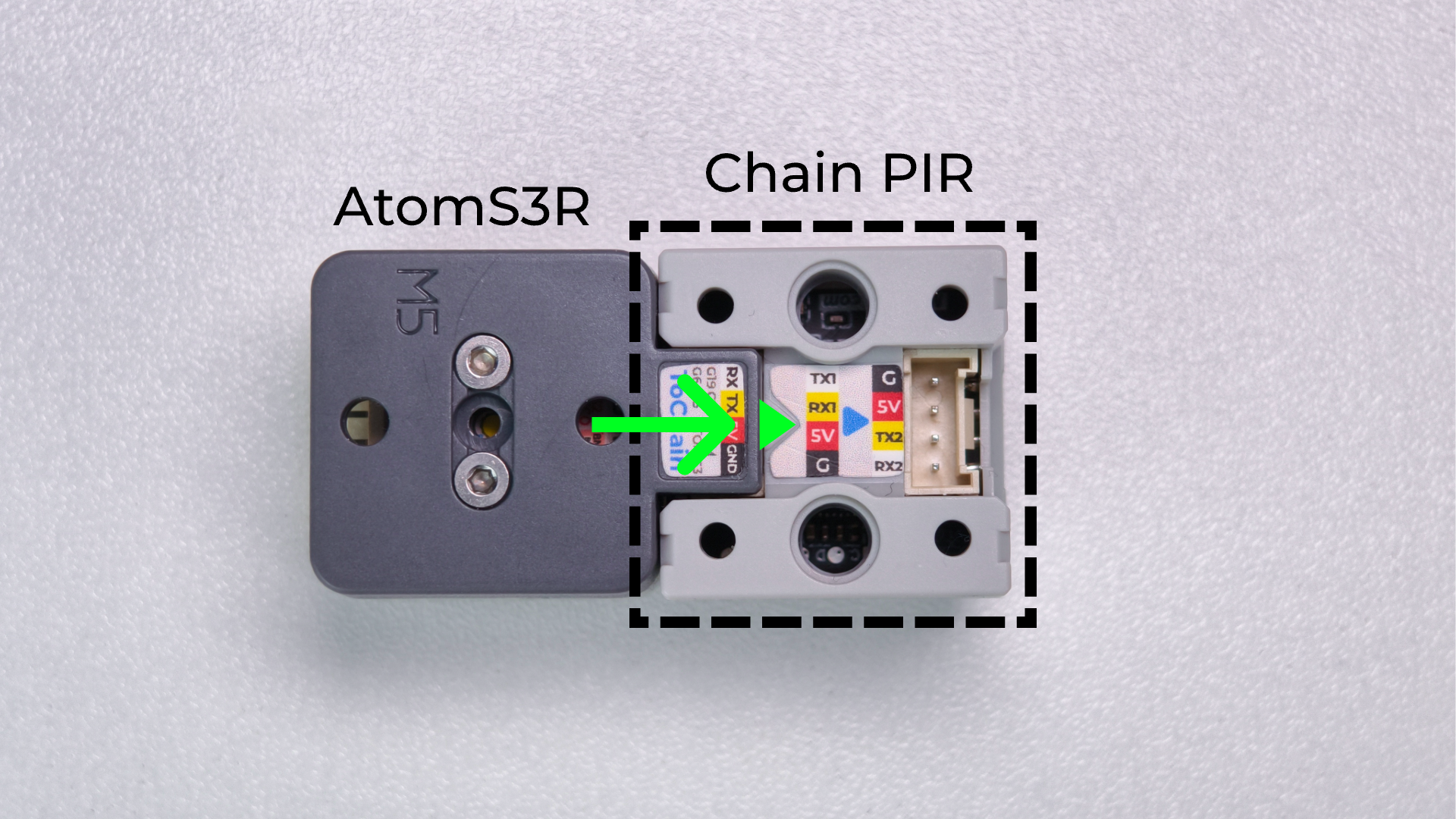
TXD_PIN = GPIO_NUM_5(GPIO5)
本案例使用 AtomS3R 的 GPIO6 作为 RX、GPIO5 作为 TX。若改用其他主控设备,请根据实际接线修改程序中的 RXD_PIN 和 TXD_PIN。
2.1 事件触发模式
事件触发模式下,程序先通过 setPIRDetectTriggerMode() 开启主动上报。之后不再主动查询 PIR 状态,只接收 Chain PIR 上报的进入和离开事件。
#include <M5Chain.h>
#include <M5Unified.h>

#define RXD_PIN GPIO_NUM_6  // AtomS3R RX
#define TXD_PIN GPIO_NUM_5  // AtomS3R TX

// Maximum number of devices handled by this demo.
constexpr uint8_t MAX_DEVICES = 16;

Chain M5Chain;
uint8_t pir_id = 0;

void showStatus(const char *text, uint16_t color)
{
    // Show one centered status message on the AtomS3R display.
    M5.Display.fillScreen(0x0000);
    M5.Display.setTextDatum(middle_center);
    M5.Display.setTextColor(color);
    M5.Display.setTextSize(2);
    M5.Display.drawString(text, 64, 64);
}

void showModeStatus(const char *mode, const char *status, uint16_t color)
{
    // Keep the operating mode visible above the current PIR state.
    M5.Display.fillScreen(0x0000);
    M5.Display.setTextDatum(middle_center);
    M5.Display.setTextColor(color);
    M5.Display.setTextSize(2);
    M5.Display.drawString(mode, 64, 43);
    M5.Display.drawString(status, 64, 78);
}

bool findPIR()
{
    // Enumerate the Chain bus and select the first PIR device.
    uint16_t device_count = 0;
    if (!M5Chain.isDeviceConnected() ||
        M5Chain.getDeviceNum(&device_count) != CHAIN_OK ||
        device_count == 0 || device_count > MAX_DEVICES) {
        return false;
    }

    device_info_t devices[MAX_DEVICES];
    device_list_t device_list{device_count, devices};
    if (!M5Chain.getDeviceList(&device_list)) {
        return false;
    }

    for (uint16_t i = 0; i < device_count; ++i) {
        if (devices[i].device_type == CHAIN_PIR_TYPE_CODE) {
            pir_id = devices[i].id;
            return true;
        }
    }
    return false;
}

void setup()
{
    // Initialize the AtomS3R display and USB serial output.
    auto cfg = M5.config();
    cfg.serial_baudrate = 115200;
    M5.begin(cfg);
    M5.Display.setRotation(3);  // Rotate the display 90 degrees counterclockwise.
    showStatus("STARTING", 0xFFFF);

    M5Chain.begin(&Serial2, 115200, RXD_PIN, TXD_PIN);

    if (!findPIR()) {
        Serial.println("Chain PIR not found");
        showStatus("PIR ERROR", 0xF800);
        return;
    }

    uint8_t operation_status = 0;
    // Enable unsolicited PIR status change reports.
    chain_status_t status = M5Chain.setPIRDetectTriggerMode(
        pir_id, CHAIN_DETECT_REPORT_MODE, &operation_status);
    if (status == CHAIN_OK && operation_status == 1) {
        Serial.println("[EVENT MODE] IDLE");
        showModeStatus("EVENT MODE", "IDLE", 0x07E0);
    } else {
        pir_id = 0;
        Serial.println("Failed to enable event trigger mode");
        showStatus("PIR ERROR", 0xF800);
    }
}

void loop()
{
    if (pir_id == 0) {
        delay(1000);
        return;
    }

    pir_detect_report_t event;
    // Read queued reports; no PIR status request is sent here.
    while (M5Chain.getPIRDetectTrigger(pir_id, &event)) {
        if (event == CHAIN_PIR_REPORT_PERSON_COME) {
            Serial.println("[EVENT MODE] Motion detected!");
            showModeStatus("EVENT MODE", "MOTION", 0xF800);
        } else if (event == CHAIN_PIR_REPORT_PERSON_LEAVE) {
            Serial.println("[EVENT MODE] IDLE");
            showModeStatus("EVENT MODE", "IDLE", 0x07E0);
        }
    }
    delay(5);
}事件触发模式只在 PIR 状态发生变化时输出信息。检测到人体活动时,AtomS3R屏幕显示红色 MOTION,串口输出 [EVENT MODE] Motion detected!;空闲时,屏幕显示绿色 IDLE,串口输出 [EVENT MODE] IDLE。没有状态变化时,设备不会产生新的 PIR 事件。
将事件触发模式程序编译并上传至设备,点击 Arduino IDE 右上角的按钮打开串口监视器(Serial Monitor),串口输出如下:
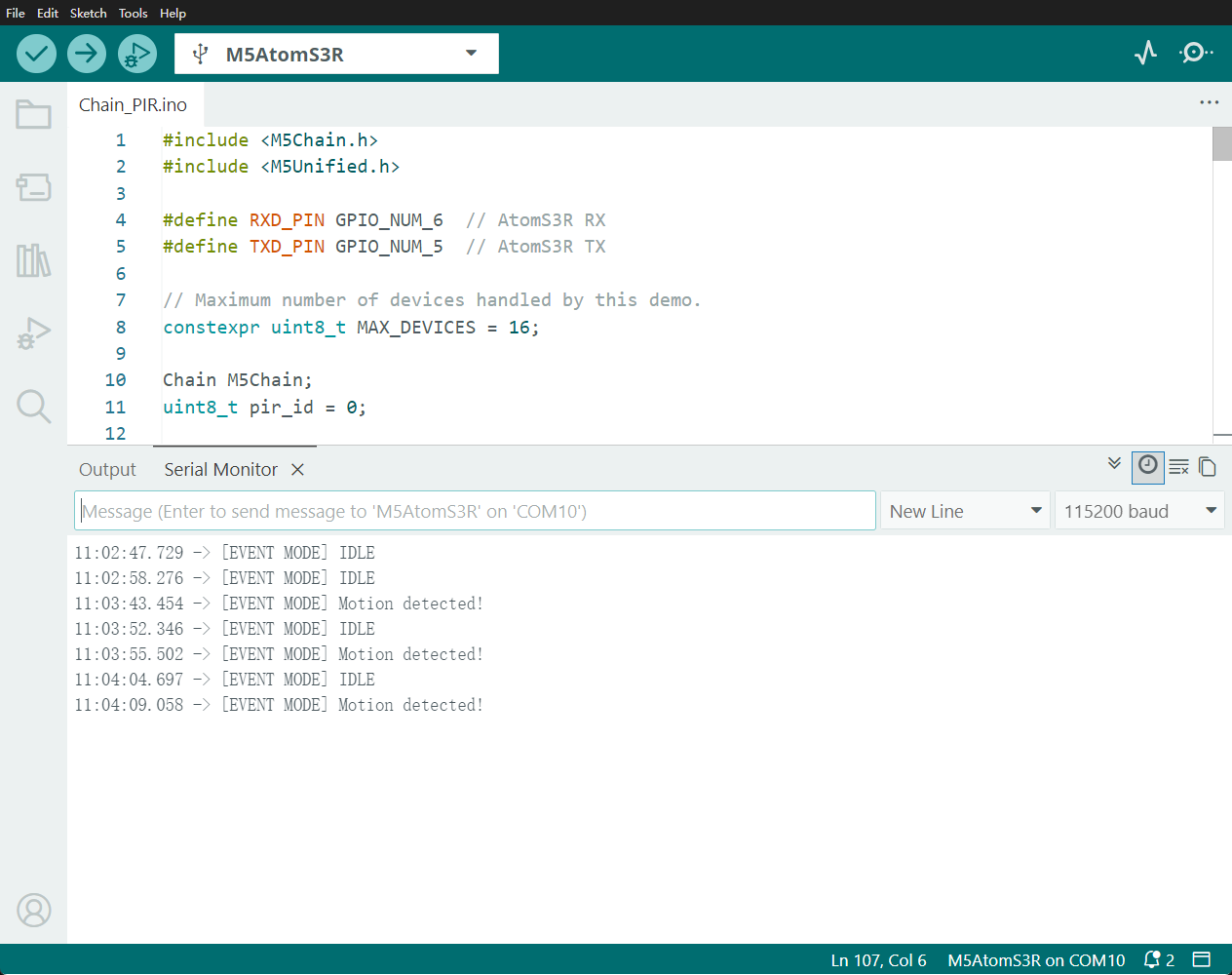
事件触发模式例程效果如下:
2.2 主动获取模式
主动获取模式下,程序先关闭主动上报,然后每 500 ms 调用一次 getIRStatus() 查询 PIR 当前状态。
#include <M5Chain.h>
#include <M5Unified.h>

#define RXD_PIN GPIO_NUM_6  // AtomS3R RX
#define TXD_PIN GPIO_NUM_5  // AtomS3R TX

// Maximum number of devices handled by this demo.
constexpr uint8_t MAX_DEVICES = 16;

Chain M5Chain;
uint8_t pir_id = 0;
int8_t last_pir_status = -1;

void showStatus(const char *text, uint16_t color)
{
    // Show one centered status message on the AtomS3R display.
    M5.Display.fillScreen(0x0000);
    M5.Display.setTextDatum(middle_center);
    M5.Display.setTextColor(color);
    M5.Display.setTextSize(2);
    M5.Display.drawString(text, 64, 64);
}

void showModeStatus(const char *mode, const char *status, uint16_t color)
{
    // Keep the operating mode visible above the current PIR state.
    M5.Display.fillScreen(0x0000);
    M5.Display.setTextDatum(middle_center);
    M5.Display.setTextColor(color);
    M5.Display.setTextSize(2);
    M5.Display.drawString(mode, 64, 43);
    M5.Display.drawString(status, 64, 78);
}

bool findPIR()
{
    // Enumerate the Chain bus and select the first PIR device.
    uint16_t device_count = 0;
    if (!M5Chain.isDeviceConnected() ||
        M5Chain.getDeviceNum(&device_count) != CHAIN_OK ||
        device_count == 0 || device_count > MAX_DEVICES) {
        return false;
    }

    device_info_t devices[MAX_DEVICES];
    device_list_t device_list{device_count, devices};
    if (!M5Chain.getDeviceList(&device_list)) {
        return false;
    }

    for (uint16_t i = 0; i < device_count; ++i) {
        if (devices[i].device_type == CHAIN_PIR_TYPE_CODE) {
            pir_id = devices[i].id;
            return true;
        }
    }
    return false;
}

void setup()
{
    // Initialize the AtomS3R display and USB serial output.
    auto cfg = M5.config();
    cfg.serial_baudrate = 115200;
    M5.begin(cfg);
    M5.Display.setRotation(3);  // Rotate the display 90 degrees counterclockwise.
    showStatus("STARTING", 0xFFFF);

    M5Chain.begin(&Serial2, 115200, RXD_PIN, TXD_PIN);

    if (!findPIR()) {
        Serial.println("Chain PIR not found");
        showStatus("PIR ERROR", 0xF800);
        return;
    }

    uint8_t operation_status = 0;
    // Disable unsolicited reports so this demo uses polling only.
    chain_status_t status = M5Chain.setPIRDetectTriggerMode(
        pir_id, CHAIN_DETECT_NONE_REPORT_MODE, &operation_status);
    if (status == CHAIN_OK && operation_status == 1) {
        Serial.println("[POLL MODE] IDLE");
        showModeStatus("POLL MODE", "IDLE", 0x07E0);
    } else {
        pir_id = 0;
        Serial.println("Failed to disable event trigger mode");
        showStatus("PIR ERROR", 0xF800);
    }
}

void loop()
{
    if (pir_id == 0) {
        delay(1000);
        return;
    }

    pir_detect_result_t pir_status = CHAIN_PIR_NO_PERSON;
    // Request the current PIR status once every 500 ms.
    chain_status_t status = M5Chain.getIRStatus(pir_id, &pir_status);
    if (status == CHAIN_OK) {
        Serial.println(pir_status == CHAIN_PIR_PERSON
                           ? "[POLL MODE] Motion detected!"
                           : "[POLL MODE] IDLE");
        if (pir_status != last_pir_status) {
            showModeStatus("POLL MODE",
                           pir_status == CHAIN_PIR_PERSON ? "MOTION" : "IDLE",
                           pir_status == CHAIN_PIR_PERSON ? 0xF800 : 0x07E0);
            last_pir_status = pir_status;
        }
    } else {
        Serial.printf("PIR read failed: %d\n", status);
        showStatus("READ ERROR", 0xF800);
    }
    delay(500);
}主动获取模式每 500 ms 查询并打印一次当前状态。检测到人体活动时,屏幕显示红色 MOTION,串口输出 [POLL MODE] Motion detected!;空闲时,屏幕显示绿色 IDLE,串口输出 [POLL MODE] IDLE。修改 delay(500) 可以调整主动查询周期。
将主动获取模式程序编译并上传至设备,点击 Arduino IDE 右上角的按钮打开串口监视器(Serial Monitor),串口输出如下:
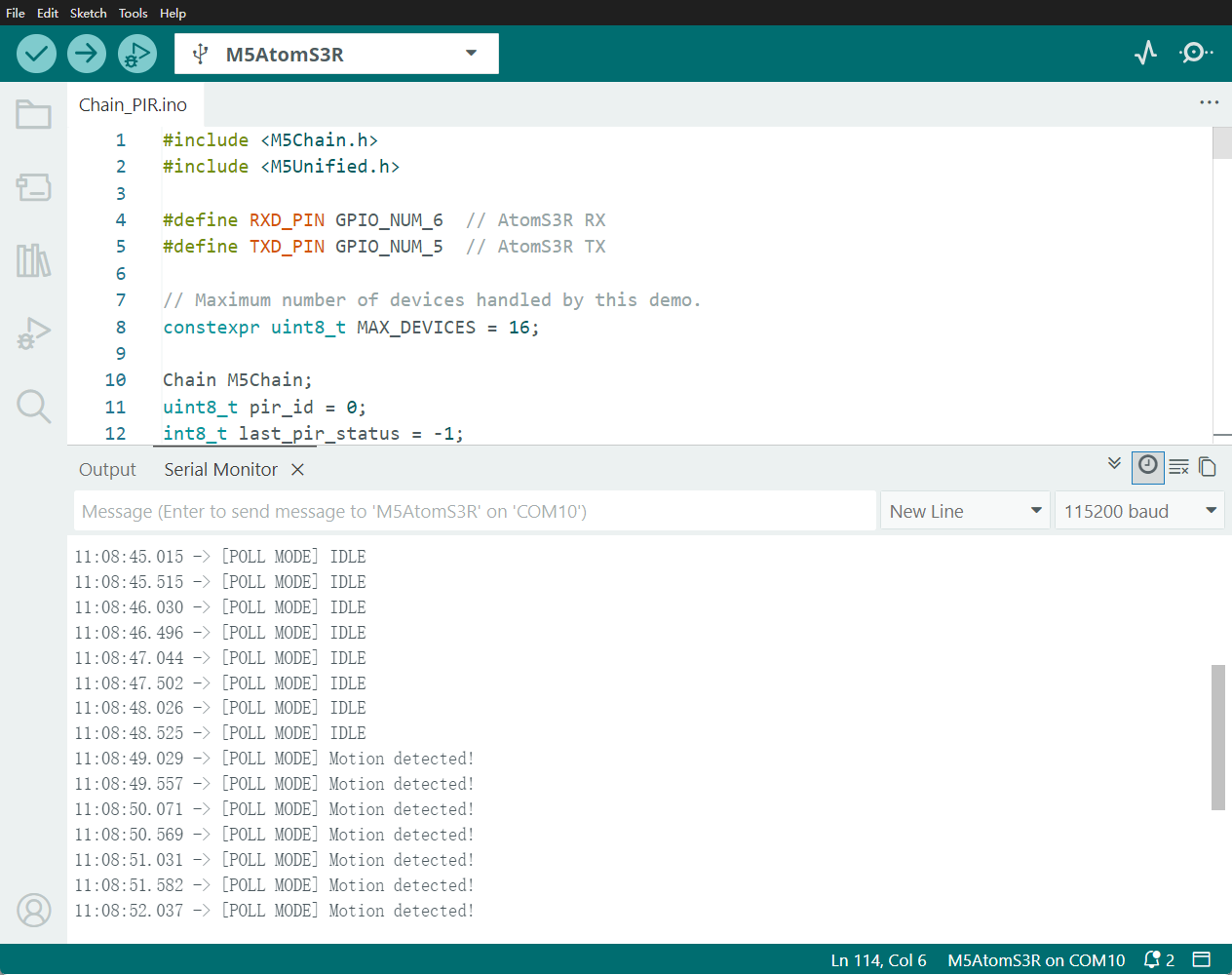
主动获取模式例程效果如下: