

Arduino 上手教程
2. 设备开发 & 案例程序
3. M5Unified
4. M5GFX
5. 扩展模块
Unit
Module
Atomic
Tab5
IoT
Faces Calculator3 Arduino 使用教程
1. 准备工作
- 环境配置:参考 Arduino IDE 上手教程 完成 IDE 安装,并根据实际使用的开发板安装对应的板管理与驱动库。
- 使用到的驱动库:
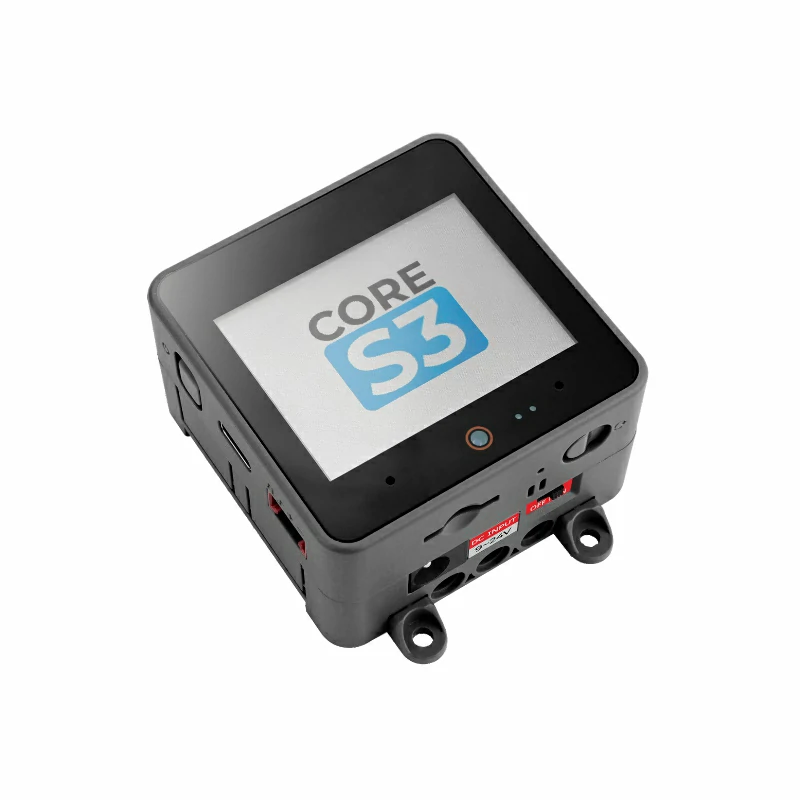
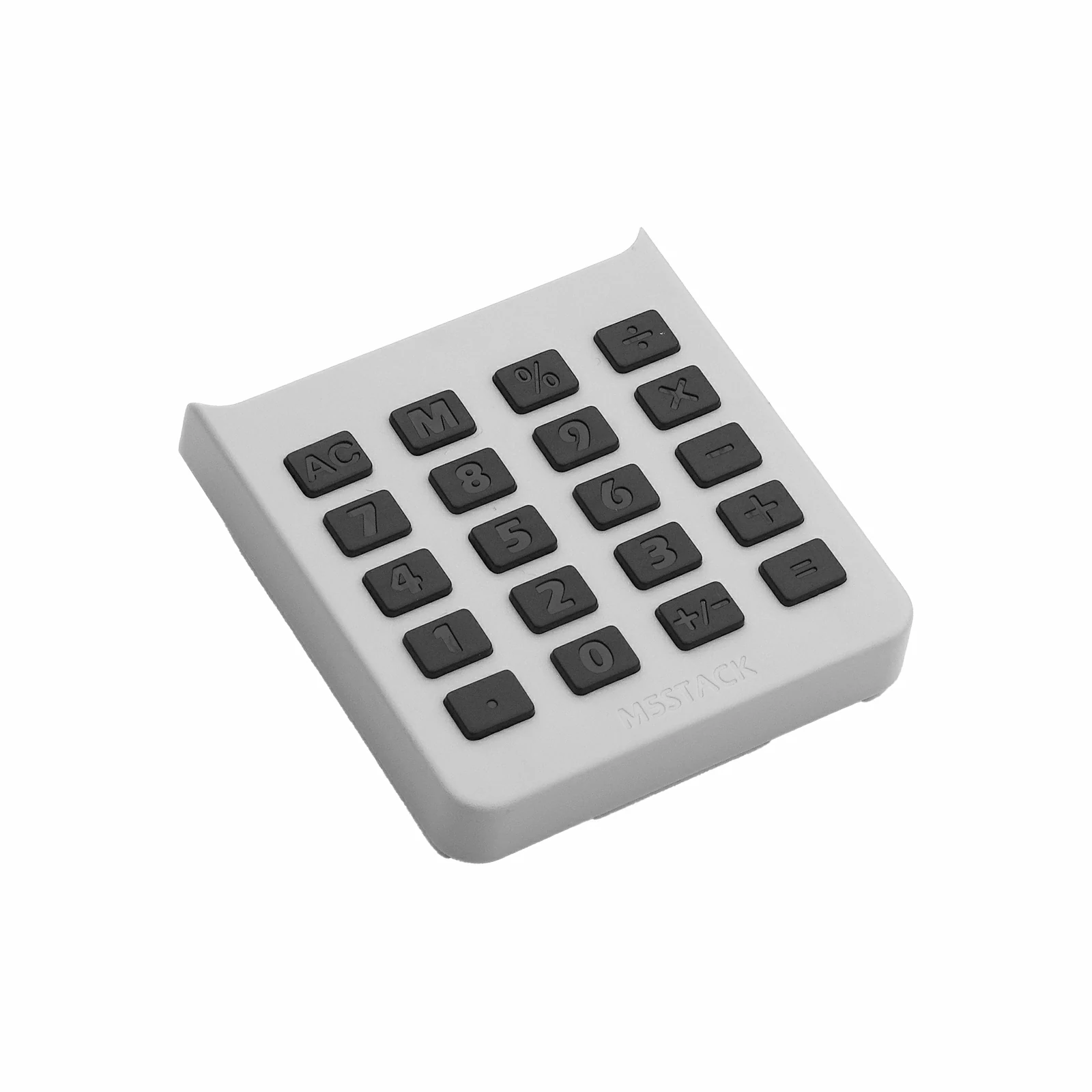
- 使用到的硬件产品:
2. 注意事项
引脚兼容性
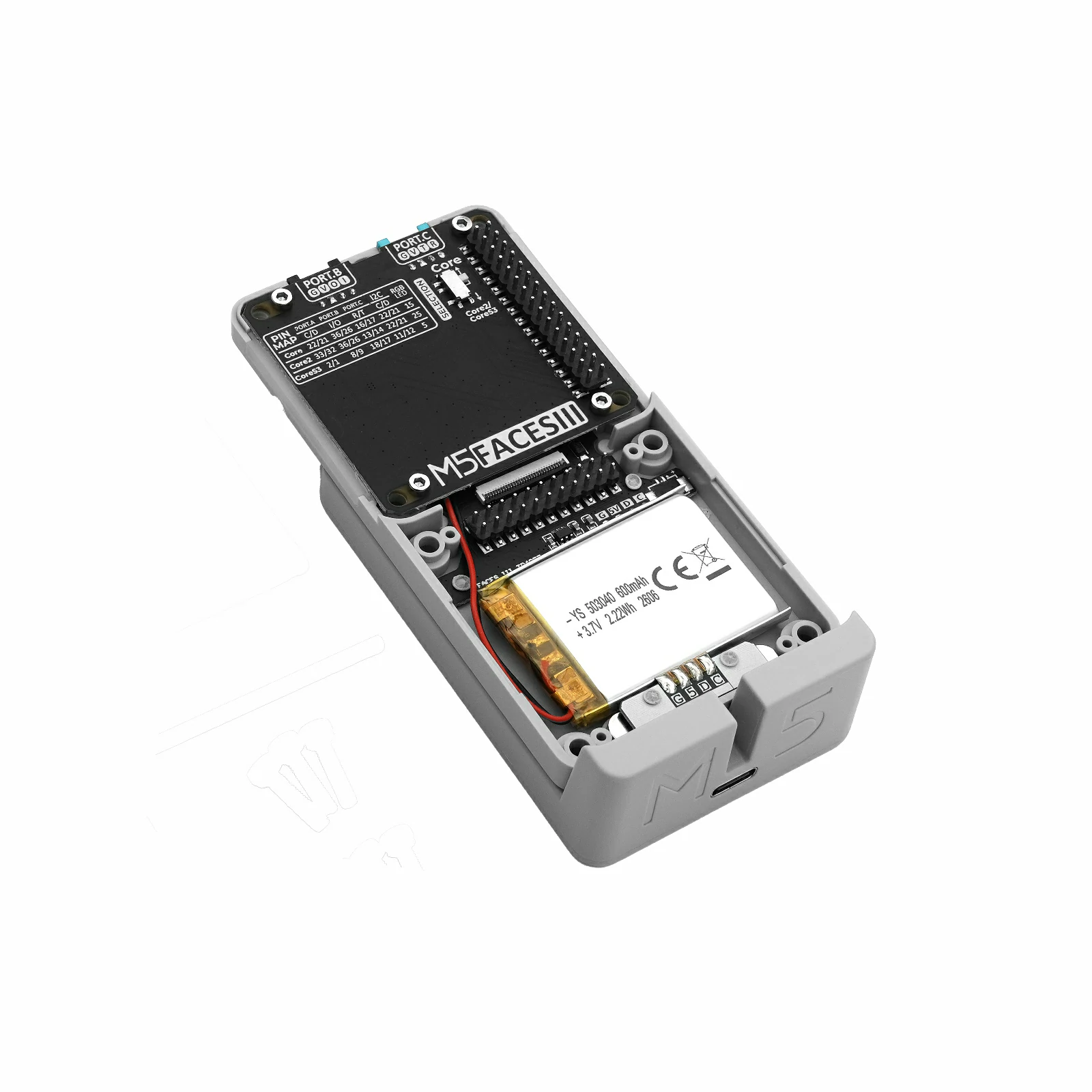
Faces Calculator3 通过 Faces Bottom3 的 M5-Bus 与主控连接。由于不同主控的 M5-Bus 引脚定义不同,使用前请参考下方引脚兼容表,并根据实际引脚连接情况修改案例程序。
3. 案例程序
- 本教程中使用的主控设备为 CoreS3,将 Faces Calculator3 插入 Faces Bottom3 的面板接口,再通过 M5-Bus 将 Faces Bottom3 与 CoreS3 连接。Faces Calculator3 通过 I2C 与主控通信,设备连接后对应的 I2C IO 为
G12 (SDA)、G11 (SCL),中断引脚为G10 (INT)。
cpp
1 2 3 4 5 6 7 8 9 10 11 12 13 14 15 16 17 18 19 20 21 22 23 24 25 26 27 28 29 30 31 32 33 34 35 36 37 38 39 40 41 42 43 44 45 46 47 48 49 50 51 52 53 54 55 56 57 58 59 60 61 62 63 64 65 66 67 68 69 70 71 72 73 74 75 76 77 78 79 80 81 82 83 84 85 86 87 88 89 90 91 92 93 94 95 96 97 98 99 100 101 102 103 104 105 106 107 108 109 110 111 112 113 114 115 116 117 118 119 120 121 122 123 124 125 126 127 128 129 130 131 132 133 134 135 136 137 138 139 140 141 142 143 144 145 146 147 148 149 150 151 152 153 154 155 156 157 158 159 160 161 162 163 164 165 166 167 168 169 170 171 172 173 174 175 176 177 178 179 180 181 182 183 184 185 186 187 188 189 190 191 192 193 194 195 196 197 198 199 200 201 202 203 204 205 206 207 208 209 210 211 212 213 214 215 216 217 218 219 220 221 222 223 224 225 226 227 228 229 230 231 232 233 234 235 236 237 238 239 240 241 242 243 244 245 246 247 248 249 250 251 252 253 254 255 256 257 258 259 260 261
#include <Arduino.h>
#include <M5Faces.h>
#include <M5Unified.h>
#include <math.h>

namespace {

M5Faces_Calculator3 calculator;
String entry = "0";
String last_key;
double left_value = 0.0;
char pending_operator = 0;
bool has_left_value = false;
bool just_evaluated = false;
bool calc_error = false;
double memory_value = 0.0;
bool memory_valid = false;

String format_number(double value)
{
    if (!isfinite(value)) return "ERROR";

    String result(value, 6);
    while (result.indexOf('.') >= 0 && result.endsWith("0")) result.remove(result.length() - 1);
    if (result.endsWith(".")) result.remove(result.length() - 1);
    if (result == "-0") result = "0";
    return result;
}

bool apply_operation(double right_value)
{
    switch (pending_operator) {
        case '+':
            left_value += right_value;
            break;
        case '-':
            left_value -= right_value;
            break;
        case '*':
            left_value *= right_value;
            break;
        case '/':
            if (right_value == 0.0) return false;
            left_value /= right_value;
            break;
        default:
            left_value = right_value;
            break;
    }
    return isfinite(left_value);
}

void clear_calculator()
{
    entry            = "0";
    left_value       = 0.0;
    pending_operator = 0;
    has_left_value   = false;
    just_evaluated   = false;
    calc_error       = false;
    memory_value     = 0.0;
    memory_valid     = false;
}

void draw_key(int x, int y, int w, int h, const char* label, bool highlighted)
{
    const uint16_t fill = highlighted ? TFT_GREEN : TFT_DARKGREY;
    const uint16_t text = highlighted ? TFT_BLACK : TFT_WHITE;
    M5.Display.fillRoundRect(x, y, w, h, 5, fill);
    M5.Display.drawRoundRect(x, y, w, h, 5, TFT_WHITE);
    M5.Display.setTextColor(text, fill);
    M5.Display.drawString(label, x + w / 2, y + h / 2);
}

void redraw_calculator()
{
    M5.Display.fillScreen(TFT_BLACK);
    M5.Display.setTextDatum(middle_center);
    M5.Display.setTextColor(TFT_GREEN, TFT_BLACK);
    M5.Display.drawString("Faces Calculator3", M5.Display.width() / 2, 13);

    String display = calc_error ? "ERROR" : entry;
    if (!calc_error && has_left_value && pending_operator) {
        display = format_number(left_value) + String(pending_operator) + entry;
    }

    // Keep the display panel edges aligned with the four keypad columns.
    M5.Display.fillRoundRect(8, 23, 296, 40, 6, TFT_DARKGREY);
    M5.Display.drawRoundRect(8, 23, 296, 40, 6, TFT_WHITE);
    M5.Display.setTextColor(calc_error ? TFT_RED : TFT_WHITE, TFT_DARKGREY);
    M5.Display.setTextDatum(middle_right);
    M5.Display.drawString(display, 300, 43);

    static const char* labels[] = {
        "AC", "M", "%", "/",
        "7", "8", "9", "*",
        "4", "5", "6", "+",
        "1", "2", "3", "-",
        ".", "0", "+/-", "=",
    };
    M5.Display.setTextDatum(middle_center);
    for (int index = 0; index < 20; ++index) {
        const int column = index % 4;
        const int row    = index / 4;
        const int x      = 8 + column * 76;
        const int y      = 67 + row * 34;
        draw_key(x, y, 68, 30, labels[index], last_key == labels[index]);
    }
}

void handle_key(char value)
{
    if (calc_error) clear_calculator();

    if (value >= '0' && value <= '9') {
        if (just_evaluated || entry == "0") entry = "";
        if (entry.length() < 16) entry += value;
        if (entry.length() == 0) entry = "0";
        just_evaluated = false;
        last_key       = String(value);
        return;
    }

    if (value == '.') {
        if (just_evaluated) entry = "0";
        if (entry.indexOf('.') < 0 && entry.length() < 16) entry += ".";
        just_evaluated = false;
        last_key       = ".";
        return;
    }

    if (value == '\b') {
        clear_calculator();
        last_key = "AC";
        return;
    }

    // Calculator3's physical AC key is reported as ASCII 'A'.
    if (value == 'A') {
        clear_calculator();
        last_key = "AC";
        return;
    }

    // The single M key acts as store on first press and recall afterwards.
    if (value == 'M') {
        if (memory_valid) {
            entry         = format_number(memory_value);
            just_evaluated = true;
        } else {
            memory_value = entry.toDouble();
            memory_valid = true;
        }
        last_key = "M";
        return;
    }

    if (value == '%') {
        entry = format_number(entry.toDouble() / 100.0);
        last_key = "%";
        just_evaluated = true;
        return;
    }

    // Calculator3 reports the physical +/- key as ASCII backtick (0x60).
    if (value == '`') {
        if (entry.startsWith("-")) {
            entry.remove(0, 1);
        } else if (entry != "0") {
            entry = "-" + entry;
        }
        last_key = "+/-";
        just_evaluated = false;
        return;
    }

    if (value == '+' || value == '-' || value == '*' || value == '/') {
        const double current = entry.toDouble();
        if (!has_left_value) {
            left_value     = current;
            has_left_value = true;
        } else if (pending_operator && !apply_operation(current)) {
            calc_error = true;
            last_key   = String(value);
            return;
        }
        pending_operator = value;
        entry             = "0";
        just_evaluated    = false;
        last_key          = String(value);
        return;
    }

    if (value == '=' || value == '\n') {
        if (has_left_value && pending_operator) {
            if (!apply_operation(entry.toDouble())) {
                calc_error = true;
            } else {
                entry = format_number(left_value);
            }
            has_left_value   = false;
            pending_operator = 0;
            just_evaluated   = true;
        }
        last_key = "=";
    }
}

}  // namespace

void setup()
{
    Serial.begin(115200);

    auto config           = M5.config();
    config.fallback_board = m5::board_t::board_M5StackCoreS3;
    M5.begin(config);

    if (!M5.In_I2C.isEnabled()) {
        const int sda = M5.getPin(m5::pin_name_t::in_i2c_sda);
        const int scl = M5.getPin(m5::pin_name_t::in_i2c_scl);
        M5.In_I2C.begin(I2C_NUM_1, sda, scl);
    }

    M5.Display.setRotation(1);
    M5.Display.setFont(&fonts::FreeMonoBold12pt7b);
    M5.Display.setTextSize(1);
    M5.Display.setTextWrap(false);
    M5.Display.setTextScroll(false);
    redraw_calculator();

    if (calculator.begin(&M5.In_I2C) != M5FACES_OK) {
        Serial.println("Calculator3 init failed");
        M5.Display.setTextDatum(middle_center);
        M5.Display.setTextColor(TFT_RED, TFT_BLACK);
        M5.Display.drawString("init failed", M5.Display.width() / 2, 120);
        return;
    }

    Serial.println("Calculator3 ready");
    redraw_calculator();
}

void loop()
{
    if (calculator.update()) {
        const uint8_t raw = calculator.getKey();
        const char value  = calculator.getChar();
        const char* name  = M5Faces_Calculator3::calc3_code_parse(raw);
        Serial.printf("Calculator3 raw=0x%02X key=%s", raw, name ? name : "UNKNOWN");
        if (value >= ' ' && value <= '~') Serial.printf(" value='%c'", value);
        Serial.println();

        if (value != '\0') {
            handle_key(value);
            redraw_calculator();
        }
    }
    delay(5);
}
4. 编译与上传
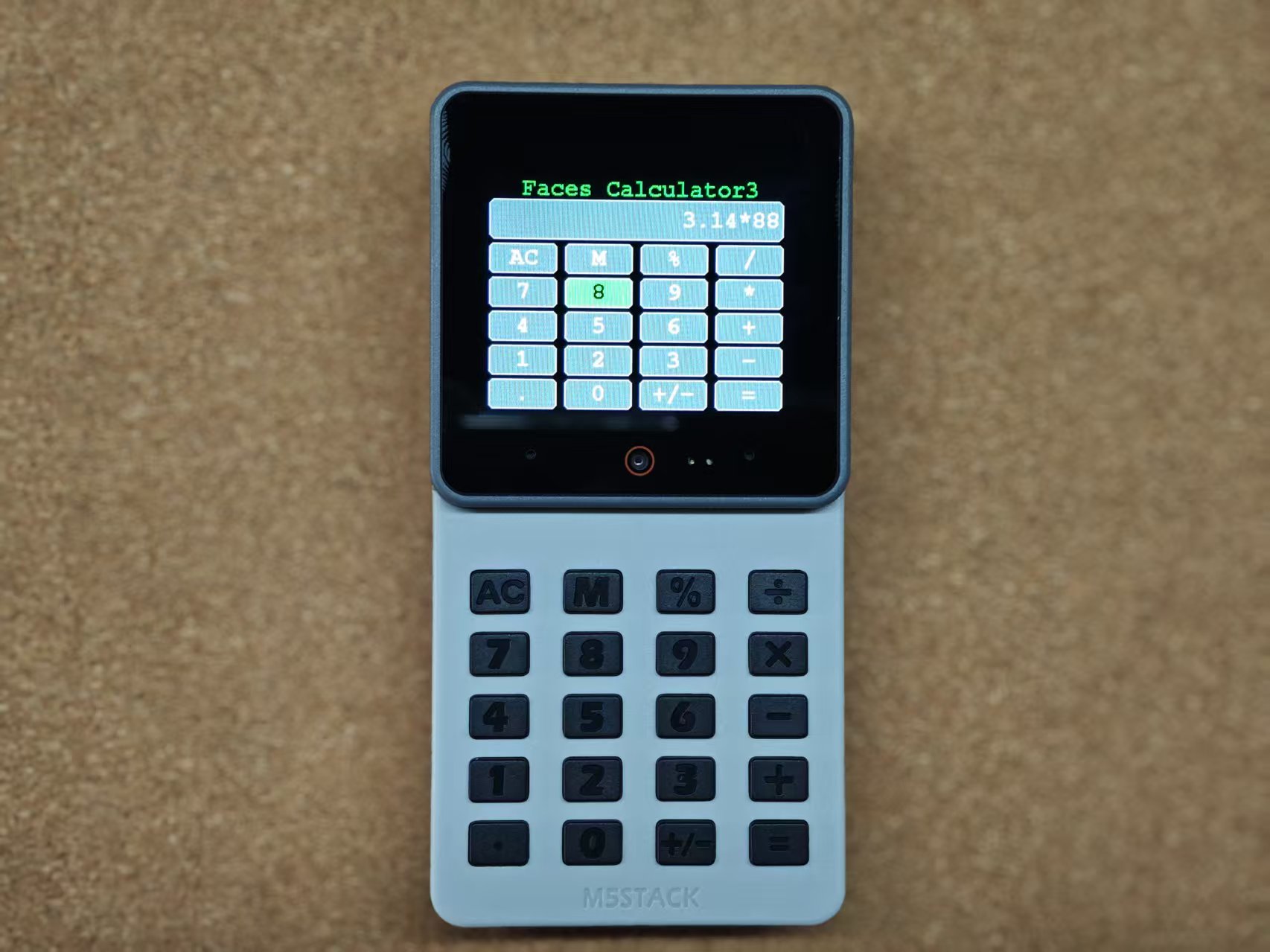
在 Arduino IDE 中选择 CoreS3 对应的开发板和端口,点击“验证”编译程序;编译通过后点击“上传”,将程序烧录至 CoreS3。上传完成后可打开串口监视器查看运行输出。
5. 参考链接
Page Tools