

Arduino 上手教程
2. 设备开发 & 案例程序
3. M5Unified
4. M5GFX
5. 扩展模块
Unit
Module
Atomic
Tab5
IoT
Unit BMM350 Arduino 使用教程
1. 准备工作
- 环境配置:参考 Arduino IDE 上手教程 完成 IDE 安装,并根据实际使用的开发板安装对应的板管理器和所需驱动库。
- 使用到的驱动库:
- 使用到的硬件产品:
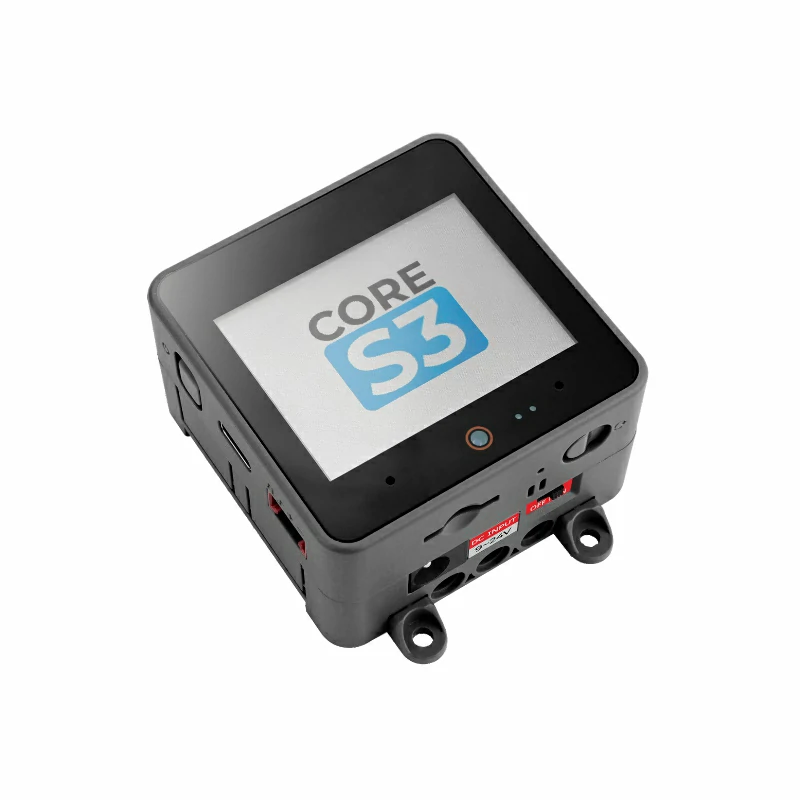
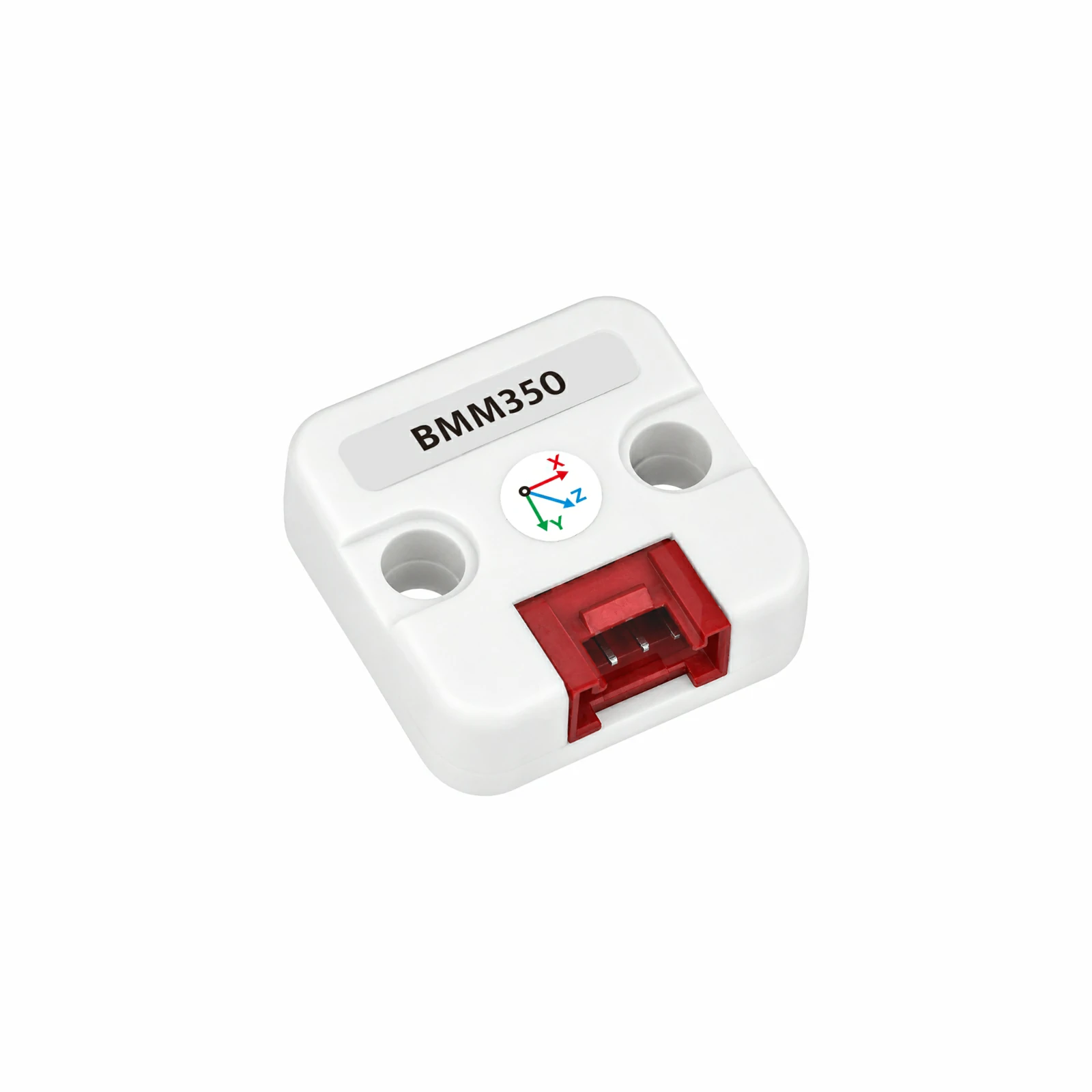
2. 案例程序
- 本教程中使用的主控设备为 CoreS3,搭配 Unit BMM350。Unit BMM350 采用 I2C 通信,设备地址为
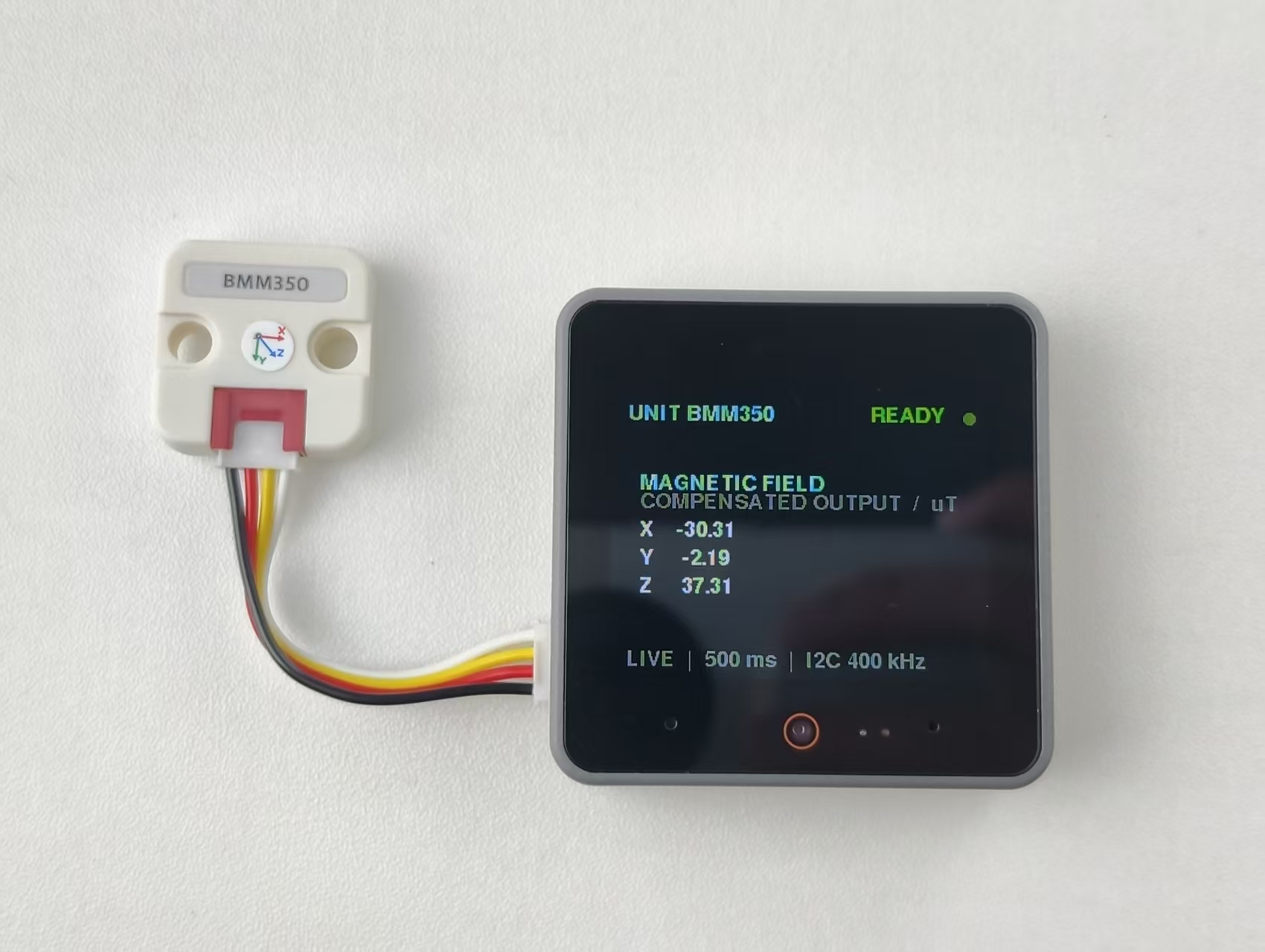
0x14。设备连接后对应的引脚为G2 (SDA)、G1 (SCL)。示例程序每 500 ms 读取一次 BMM350 的三轴磁场数据,在 CoreS3 屏幕上以仪表盘显示 X、Y、Z 三轴磁场值,并通过串口同步输出对应数据。
cpp
1 2 3 4 5 6 7 8 9 10 11 12 13 14 15 16 17 18 19 20 21 22 23 24 25 26 27 28 29 30 31 32 33 34 35 36 37 38 39 40 41 42 43 44 45 46 47 48 49 50 51 52 53 54 55 56 57 58 59 60 61 62 63 64 65 66 67 68 69 70 71 72 73 74 75 76 77 78 79 80 81 82 83 84 85 86 87 88 89 90 91 92 93 94 95 96 97 98 99 100 101 102 103 104 105 106 107 108 109 110 111 112 113 114 115 116 117 118 119 120 121 122 123 124 125 126 127 128
#include <M5Unified.h>
#include <M5UnitUnified.h>
#include <M5UnitUnifiedIMU.h>

m5::unit::UnitUnified units;
m5::unit::UnitBMM350 bmm350{0x14};
m5::imu::imu_convert_param_t convert_param{};

constexpr uint16_t COLOR_BG     = TFT_BLACK;
constexpr uint16_t COLOR_CARD   = TFT_BLACK;
constexpr uint16_t COLOR_BORDER = TFT_BLACK;
constexpr uint16_t COLOR_ACCENT = TFT_CYAN;
constexpr uint16_t COLOR_MUTED  = TFT_DARKGREY;
constexpr uint16_t COLOR_GOOD   = 0x5CE0;

void drawHeader(bool connected) {
    M5.Display.fillScreen(COLOR_BG);
    M5.Display.setTextSize(1);
    M5.Display.setTextColor(TFT_CYAN, COLOR_CARD);
    M5.Display.setCursor(12, 8);
    M5.Display.print("UNIT BMM350");
    M5.Display.setTextSize(1);
    M5.Display.setTextColor(connected ? TFT_GREEN : TFT_ORANGE, COLOR_CARD);
    M5.Display.setCursor(220, 8);
    M5.Display.print(connected ? "READY" : "WAIT");
    M5.Display.fillCircle(304, 18, 5, connected ? COLOR_GOOD : TFT_ORANGE);
}

void drawStatus(const char* message, uint16_t color) {
    M5.Display.fillScreen(COLOR_BG);
    drawHeader(false);
    M5.Display.setTextSize(1);
    M5.Display.setTextColor(color, COLOR_BG);
    M5.Display.setCursor(12, 76);
    M5.Display.print(message);
    M5.Display.setTextSize(1);
    M5.Display.setTextColor(COLOR_MUTED, COLOR_BG);
    M5.Display.setCursor(12, 112);
    M5.Display.print("I2C bus / sensor status");
}

void drawData(float mx, float my, float mz) {
    M5.Display.startWrite();
    // Clear the block so old values do not leave ghosts.
    M5.Display.fillRect(0, 56, 320, 120, TFT_BLACK);
    M5.Display.setTextSize(1);
    M5.Display.setTextColor(COLOR_ACCENT, COLOR_CARD);
    M5.Display.setCursor(22, 68);
    M5.Display.print("MAGNETIC FIELD");
    M5.Display.setTextColor(COLOR_MUTED, COLOR_CARD);
    M5.Display.setCursor(22, 84);
    M5.Display.print("COMPENSATED OUTPUT  /  uT");
    M5.Display.setTextColor(TFT_WHITE, COLOR_CARD);
    M5.Display.setTextSize(1);
    M5.Display.setCursor(22, 108);
    M5.Display.printf("X  % 8.2f   ", mx);
    M5.Display.setCursor(22, 132);
    M5.Display.printf("Y  % 8.2f   ", my);
    M5.Display.setCursor(22, 156);
    M5.Display.printf("Z  % 8.2f   ", mz);
    M5.Display.setTextSize(1);
    M5.Display.setTextColor(COLOR_MUTED, COLOR_BG);
    M5.Display.setCursor(12, 218);
    M5.Display.print("LIVE  |  500 ms  |  I2C 400 kHz");
    M5.Display.endWrite();
}

void setup() {
    Serial.begin(115200);
    const uint32_t serial_start = millis();
    while (!Serial && millis() - serial_start < 3000) {
        delay(10);
    }
    Serial.println("Starting Unit BMM350...");

    auto config = M5.config();
    M5.begin(config);
    M5.Display.setFont(&fonts::FreeSansBold9pt7b);
    M5.Display.setTextSize(1);
    M5.Display.setRotation(1);
    M5.Display.setTextWrap(false, false);
    drawStatus("Initializing...", COLOR_ACCENT);

    auto cfg = bmm350.component_config();
    cfg.clock = 400000;
    bmm350.component_config(cfg);

    if (!M5.Ex_I2C.begin() || !units.add(bmm350, M5.Ex_I2C) || !units.begin()) {
        while (true) {
            Serial.println("Unit BMM350 not found. Check wiring or I2C address.");
            drawStatus("Sensor not found", TFT_ORANGE);
            delay(1000);
        }
    }

    bmm350.imuConvertParam(convert_param);
    Serial.println("Unit BMM350 ready, address: 0x14");
    drawHeader(true);
}

void loop() {
    M5.update();
    units.update();

    static uint32_t last_output = 0;
    if (millis() - last_output < 500) {
        return;
    }
    last_output = millis();

    m5::imu::imu_raw_data_t raw{};
    static bool waiting_shown = false;
    if (m5::imu::any(bmm350.readImuRaw(raw))) {
        waiting_shown = false;
        const float mx = raw.mag[0] * convert_param.mag_res;
        const float my = raw.mag[1] * convert_param.mag_res;
        const float mz = raw.mag[2] * convert_param.mag_res;
        Serial.printf("Magnetic field: X %.2f, Y %.2f, Z %.2f uT\n",
                      mx, my, mz);
        drawData(mx, my, mz);
    } else {
        if (!waiting_shown) {
            waiting_shown = true;
            Serial.println("Waiting for Unit BMM350 data...");
            drawStatus("Waiting for data...", COLOR_ACCENT);
        }
    }
}3. 编译上传
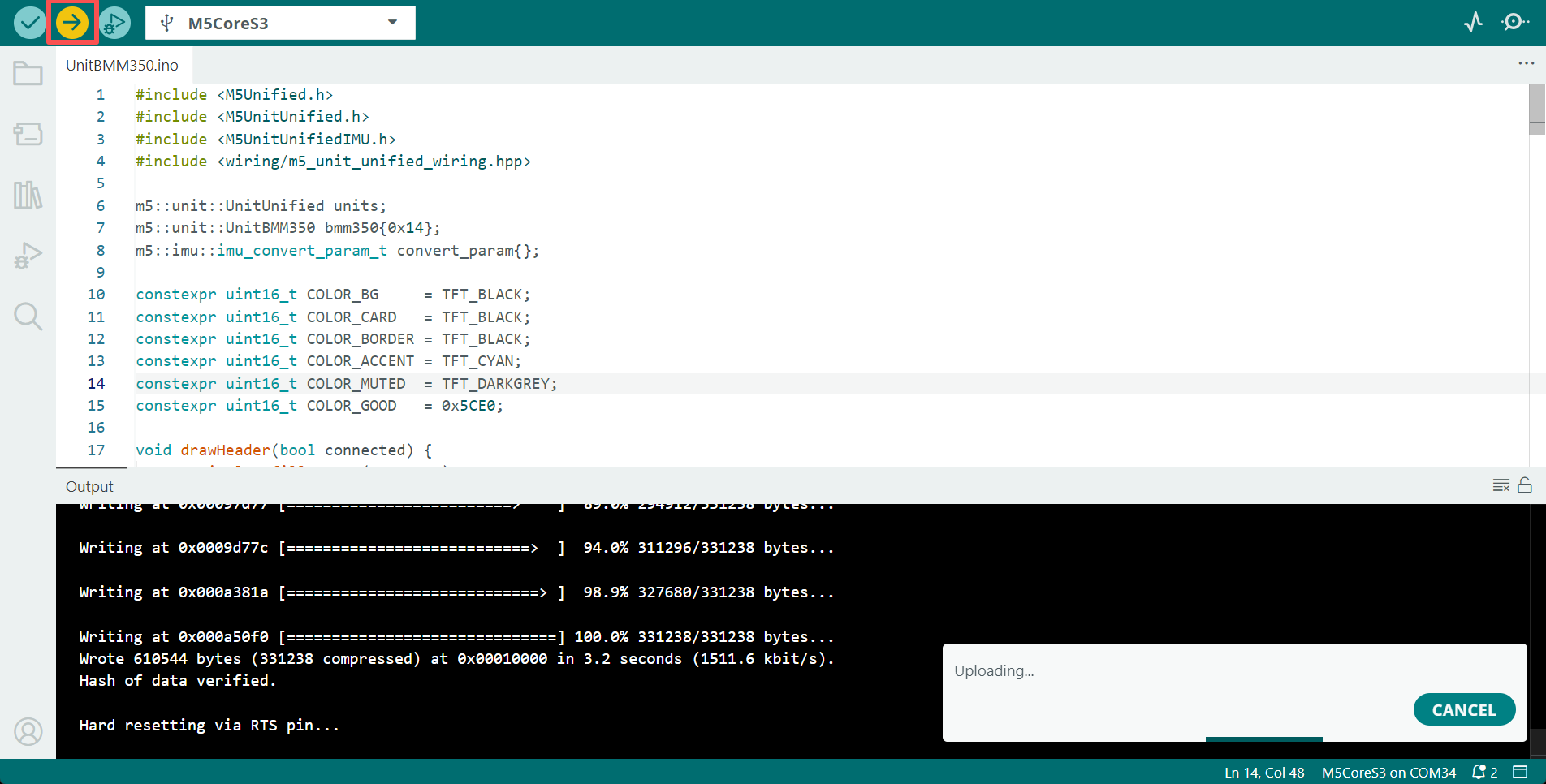
- 复制粘贴上述例程代码到项目代码区,选中设备端口(详情请参考 程序编译与烧录),点击 Arduino IDE 左上角编译上传按钮,等待程序完成编译并上传至设备。
4. 磁场数据查看
- 程序运行后,屏幕每 500 ms 刷新一次 X、Y、Z 三轴磁场数据,串口监视器同步输出对应数值。使用航向角功能前,请先完成磁力计校准。
Page Tools