

Arduino Quick Start
2. Devices & Examples
Demo Board-SHT30
3. M5Unified
4. M5GFX
5. Extensions
Unit
Module
Atomic
Tab5
IoT
Accessories
Demo Board-SHT30 Arduino Example Compilation and Upload
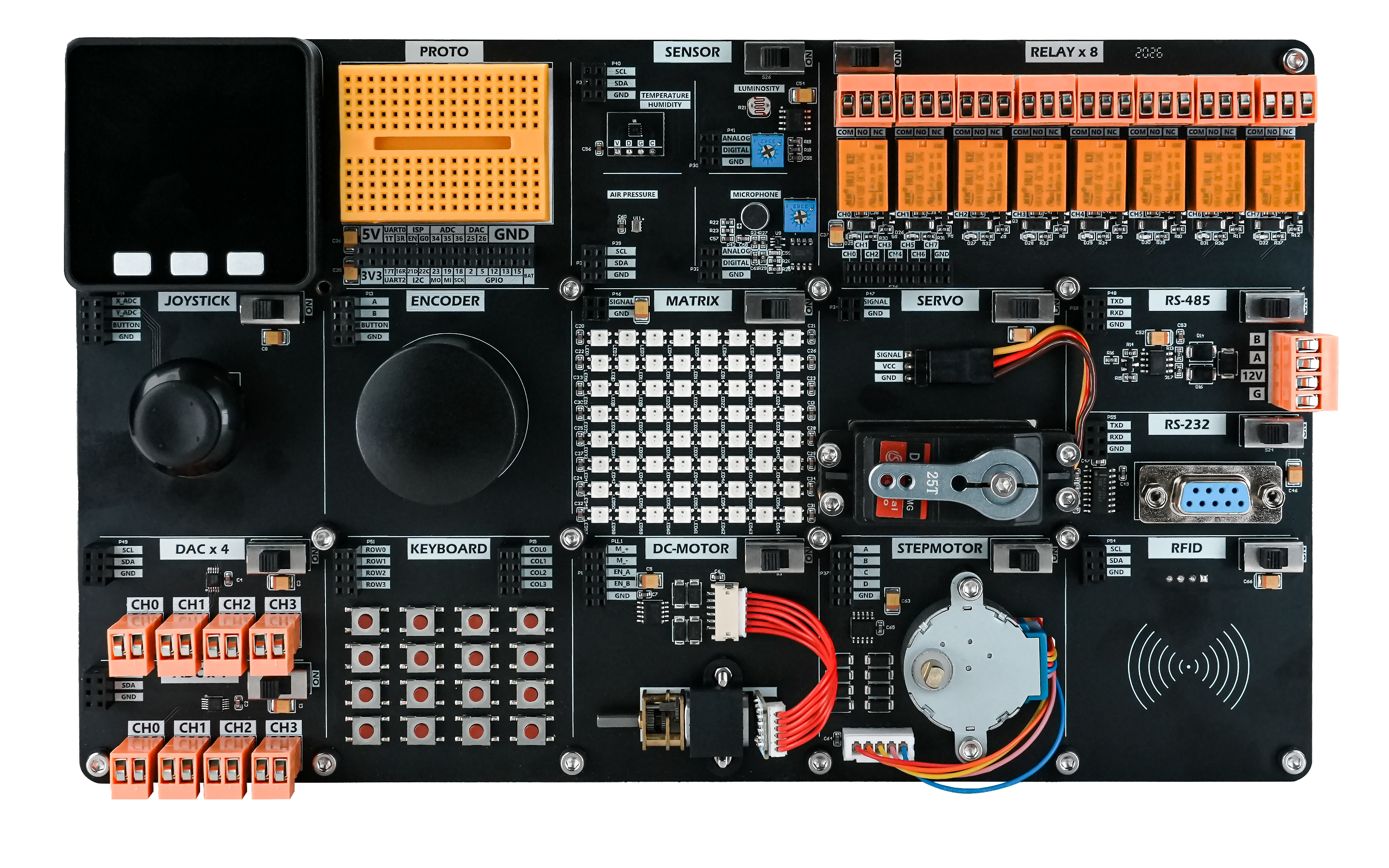
1. Preparation
- Install the Arduino IDE: Follow the Arduino IDE installation guide to complete the installation.
- Install board support: Follow the basic environment setup guide to install M5Stack board support and select the
M5Coreboard.
- Install board support: Follow the basic environment setup guide to install M5Stack board support and select the

- Install dependencies: Follow the library installation guide to install the
M5UnifiedandM5GFXlibraries, then install all dependencies as prompted.
- Install dependencies: Follow the library installation guide to install the


2. USB Driver Installation
Driver installation note
Click the link below to download the
CH9102 driver matching your operating system. After extracting the archive, install the package that corresponds to your OS architecture. (CH9102_VCP_SER_MacOS v1.7 may report an error during installation, but the installation is actually complete; you can ignore the message.)| Driver Name | Supported Driver Chip | Download Link |
|---|---|---|
| CH9102_VCP_SER_Windows | CH9102 | Download |
| CH9102_VCP_SER_MacOS v1.7 | CH9102 | Download |
3. Port Selection
Connect the device to the computer using a USB cable. After installing the driver, select the corresponding device port in the Arduino IDE.
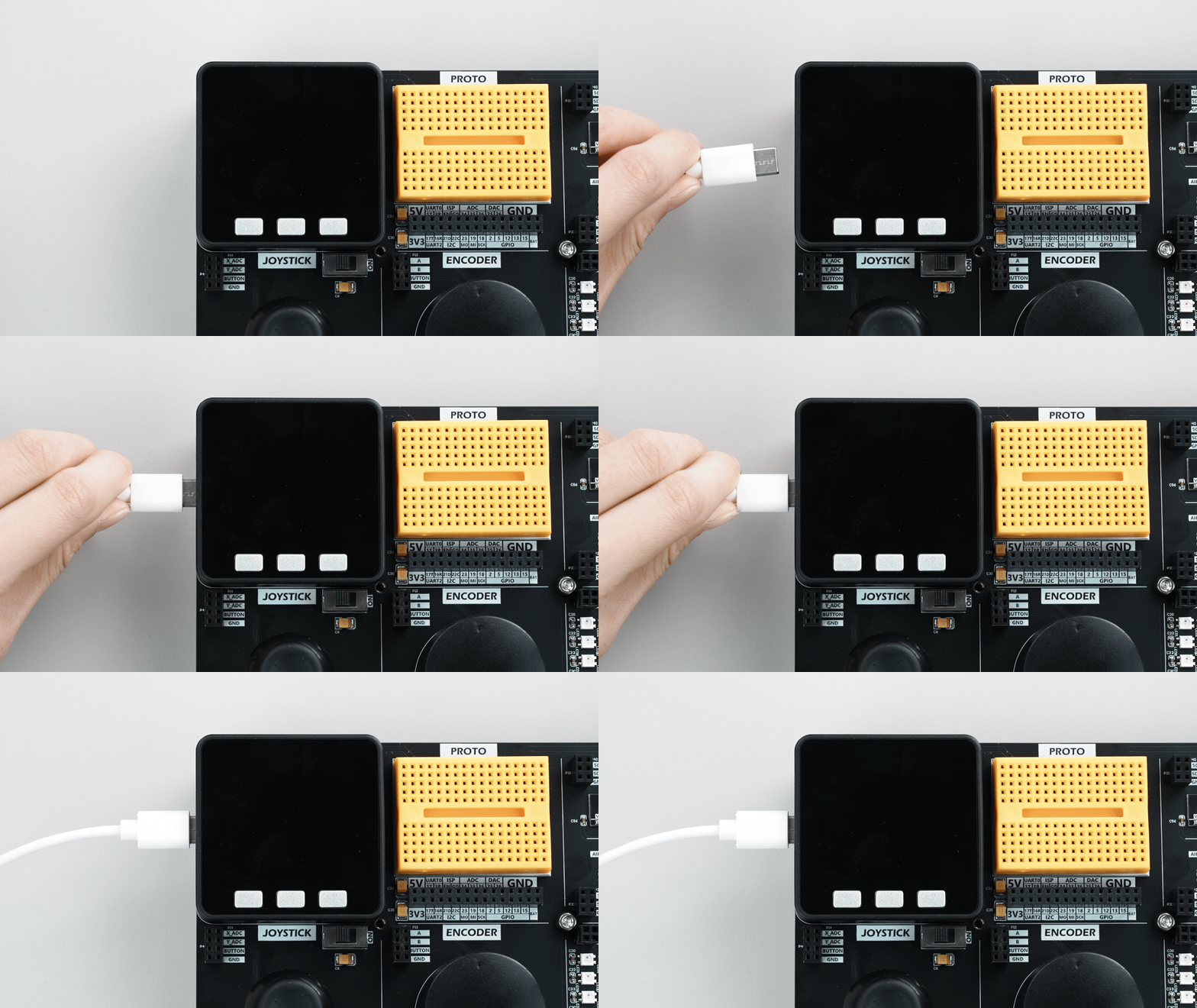

4. Program Compilation & Upload
Open the LongTextScroll example from the driver library, then click the Upload button. The program will be compiled and uploaded automatically.


The display effect is shown below:
5. Related Resources
Page Tools