

Arduino入門
2. デバイス&サンプル
Demo Board-SHT30
3. M5Unified
4. M5GFX
5. 拡張モジュール&サンプル
Unit
Module
Atomic
Tab5
IoT
アクセサリー
StickC Button
StickCのボタン入力に関するAPIとサンプルプログラムです。
注意
メインループ内で
M5.update()関数を呼び出してボタン状態を更新し、ブロッキング処理をできるだけ減らしてください。そうしないと、ボタンの変化を速やかに取得できない場合があります。サンプルプログラム
ビルド要件
- M5Stackボードパッケージ バージョン >= 3.3.8
- ボード選択 = M5StickC
- M5Unifiedライブラリ バージョン >= 0.2.18
- M5GFXライブラリ バージョン >= 0.2.24
cpp
1 2 3 4 5 6 7 8 9 10 11 12 13 14 15 16 17 18 19 20 21 22 23 24 25 26 27 28 29 30 31 32 33 34 35 36 37 38
#include <M5Unified.h>

constexpr uint8_t TEXT_SIZE = 2;

void showMessage(const char* message) {
    M5.Display.fillScreen(TFT_BLACK);
    M5.Display.setTextSize(TEXT_SIZE);
    M5.Display.setTextColor(TFT_YELLOW, TFT_BLACK);

    int16_t textWidth = M5.Display.textWidth(message);
    int16_t textHeight = M5.Display.fontHeight();
    int16_t x = (M5.Display.width() - textWidth) / 2;
    int16_t y = (M5.Display.height() - textHeight) / 2;

    M5.Display.setCursor(x, y);
    M5.Display.print(message);
}

void setup() {
    auto cfg = M5.config();
    M5.begin(cfg);

    M5.Display.setRotation(1);
    M5.Display.fillScreen(TFT_BLACK);
    M5.Display.setTextColor(TFT_YELLOW, TFT_BLACK);
    M5.Display.setTextSize(TEXT_SIZE);
}

void loop() {
    M5.update();

    if (M5.BtnA.wasReleased()) {
        showMessage("A Btn Pressed");
    }
    if (M5.BtnB.wasReleased()) {
        showMessage("B Btn Pressed");
    }
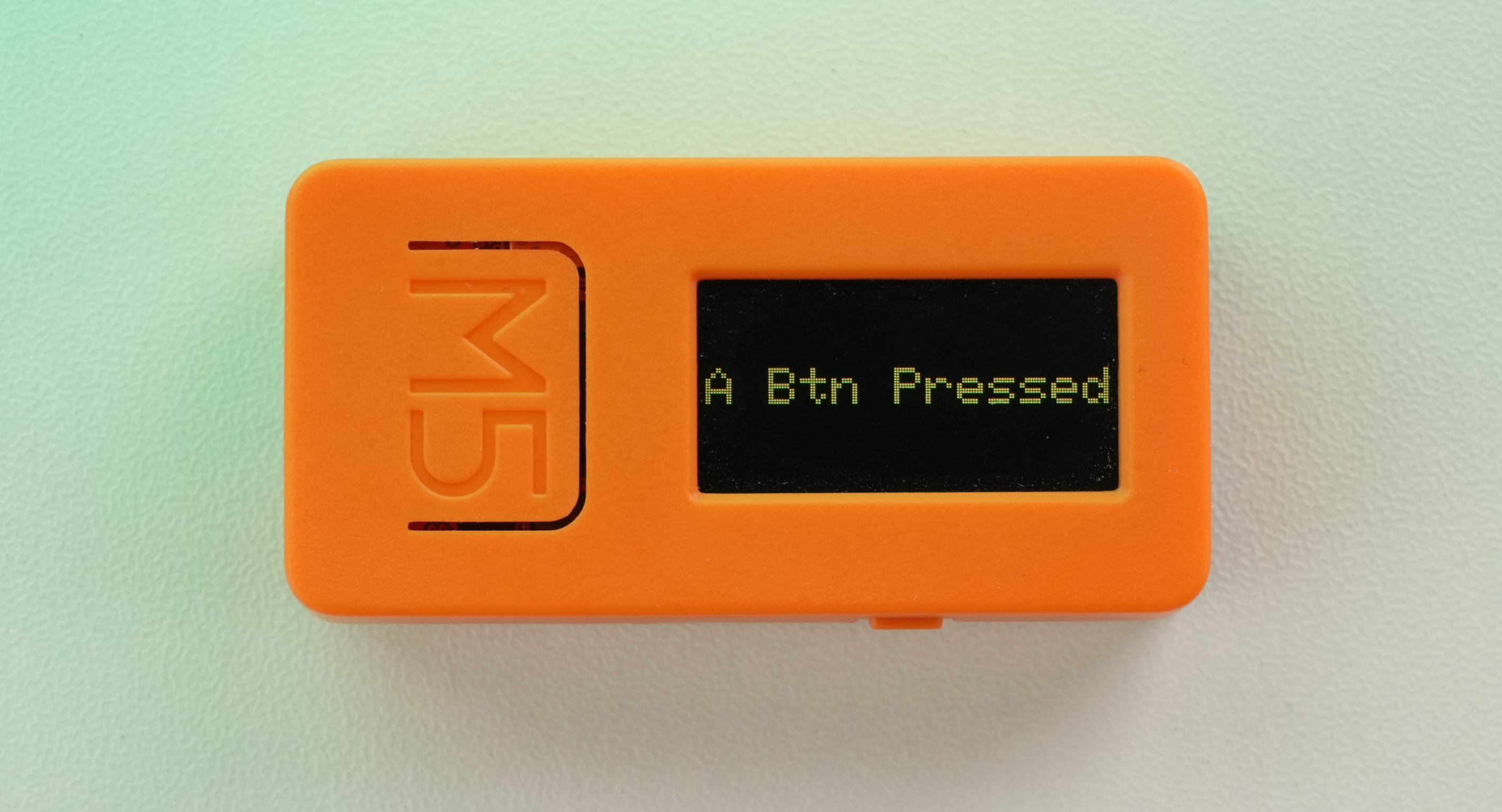
}このプログラムは、AまたはBボタンを押して離すと、対応するボタン状態を画面中央に表示します。
Page Tools