

Arduino Quick Start
2. Devices & Examples
Demo Board-SHT30
3. M5Unified
4. M5GFX
5. Extensions
Unit
Module
Atomic
Tab5
IoT
Accessories
Chain Captain Display
Chain Captain display related APIs and sample programs.
Note
Chain Captain uses the M5GFX library as the display driver. Refer to the API and example below for basic display operations. For more display APIs, refer to the M5GFX documentation.
Example
Compilation Requirements
- M5Stack Board Manager Version >=
3.3.10-a - Board Option =
M5ChainCaptain - M5Unified Library Version >=
0.3.0 - M5GFX Library Version >=
0.3.0
The LCD reset is controlled by M5IOE1 IO1, the backlight by M5IOE1 IO11, and the display power by M5IOE1 IO12. After power-on, M5Unified performs panel initialization and enables the power automatically.
cpp
1 2 3 4 5 6 7 8 9 10 11 12 13 14 15 16 17 18 19 20 21 22 23 24 25 26 27 28 29 30 31 32 33 34 35 36 37 38 39 40 41 42 43 44 45 46 47 48 49
#include <M5Unified.h>

static int ballX = 28;
static int ballY = 100;
static int dirX = 5;
static int dirY = 4;

void setup()
{
  delay(500);
  auto cfg = M5.config();
  cfg.serial_baudrate = 115200;
  M5.begin(cfg);

  M5.Display.setRotation(0);
  M5.Display.setBrightness(128);
  M5.Display.fillScreen(TFT_BLACK);
  M5.Display.setTextDatum(middle_center);
  M5.Display.setFont(&fonts::FreeSansBold12pt7b);
  M5.Display.setTextColor(TFT_WHITE, TFT_BLACK);
  M5.Display.drawString("Chain Captain", 120, 20);
}

void loop()
{
  // Bounce inside the drawing area.
  ballX += dirX;
  ballY += dirY;

  if (ballX < 12 || ballX > 228) {
    dirX = -dirX;
    ballX += dirX * 2;
  }
  if (ballY < 52 || ballY > 228) {
    dirY = -dirY;
    ballY += dirY * 2;
  }

  const uint16_t color = M5.Display.color565(ballX, 255 - ballY, 180);

  // Batch drawing to avoid flicker.
  M5.Display.startWrite();
  M5.Display.fillRect(8, 48, 224, 184, TFT_BLACK);
  M5.Display.drawRect(8, 48, 224, 184, TFT_DARKGREY);
  M5.Display.fillCircle(ballX, ballY, 10, color);
  M5.Display.endWrite();

  delay(20);
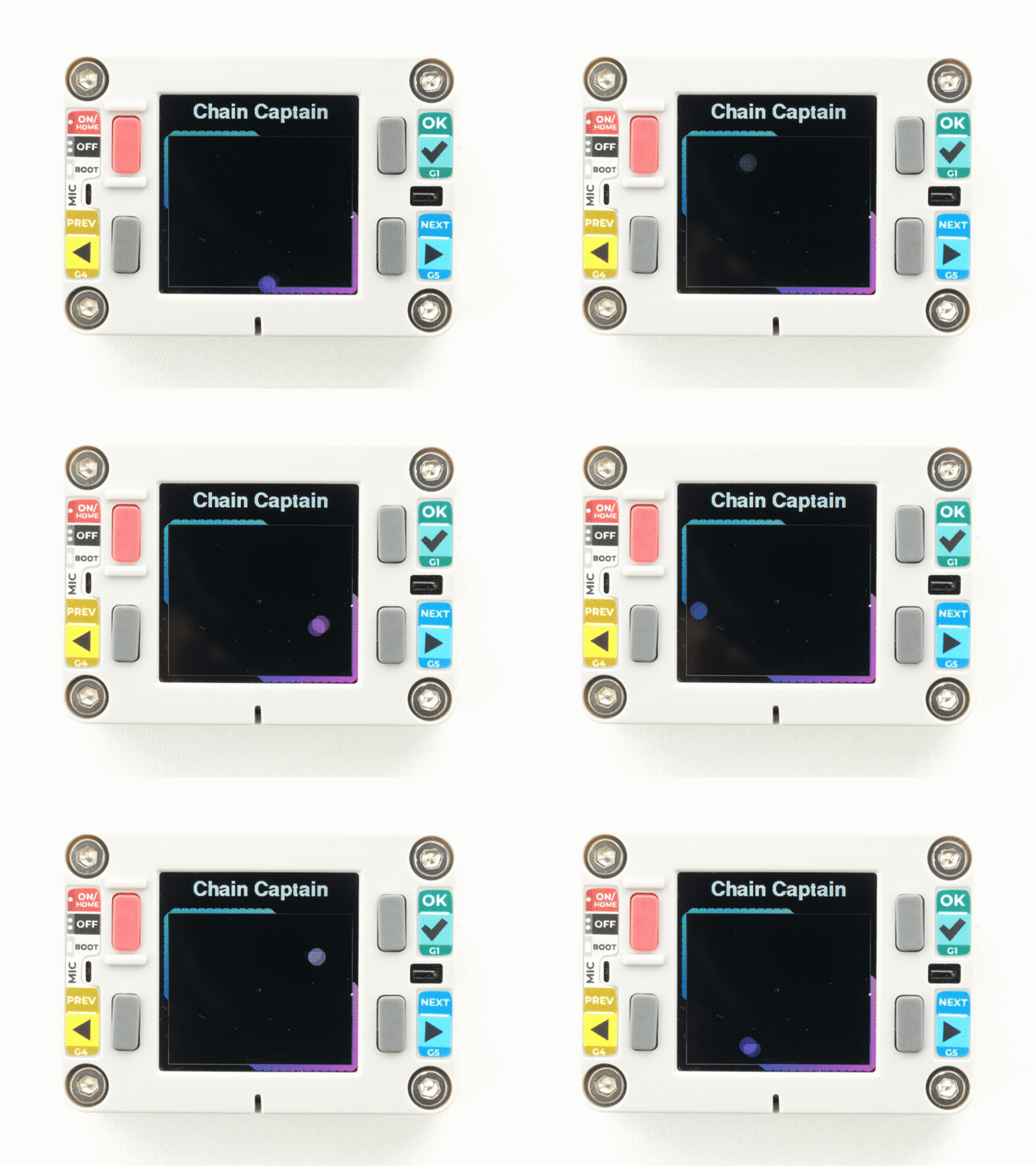
}After uploading, the device name is shown at the top of the screen, and a colored ball with a bounce effect is displayed below.
Page Tools