

Arduino入門
2. デバイス&サンプル
3. M5Unified
4. M5GFX
5. 拡張モジュール&サンプル
Unit
Module
Atomic
Tab5
IoT
アクセサリー
ToughC5 タッチスクリーン
ToughC5 のタッチスクリーン関連 API とサンプルプログラムです。
サンプルプログラム
コンパイル要件
- M5Stack ボードマネージャーのバージョン >=
3.3.9 - 開発ボードの選択 =
M5ToughC5 - M5Unified ライブラリのバージョン >=
0.2.22 - M5GFX ライブラリのバージョン >=
0.2.28
cpp
1 2 3 4 5 6 7 8 9 10 11 12 13 14 15 16 17 18 19 20 21 22 23 24 25 26 27 28 29 30 31 32 33 34 35 36 37
#include <M5Unified.h>
#include <M5GFX.h>

m5::touch_detail_t touchDetail;

int width, height;

void setup() {
  M5.begin();
  M5.Display.setRotation(1);
  M5.Display.setFont(&fonts::DejaVu24);

  width = M5.Display.width();
  height = M5.Display.height();

  Serial.begin(115200);
  Serial.println("Start touching!");
  M5.Display.print("Start touching!");
}

void loop() {
  M5.update();
  touchDetail = M5.Touch.getDetail();

  if (touchDetail.isPressed()) {
    Serial.printf("x:%d, y:%d\r\n", touchDetail.x, touchDetail.y);

    for (int i = 0; i < width; i += 10) {
      for (int j = 0; j < height; j += 10) {
        uint8_t cr = map((touchDetail.x - i) % width, 0, width, 0, 256);
        uint8_t cg = map((touchDetail.y - j) % height, 0, height, 0, 256);
        uint16_t color = M5.Display.color565(cr, cg, 255 - (cr + cg) / 2);
        M5.Display.fillRect(i, j, 10, 10, color);
      }
    }
  }
}画面に触れると、プログラムはタッチ座標をシリアルポートに出力し、画面上のカラフルなグリッドをタッチ位置に合わせて移動させます。
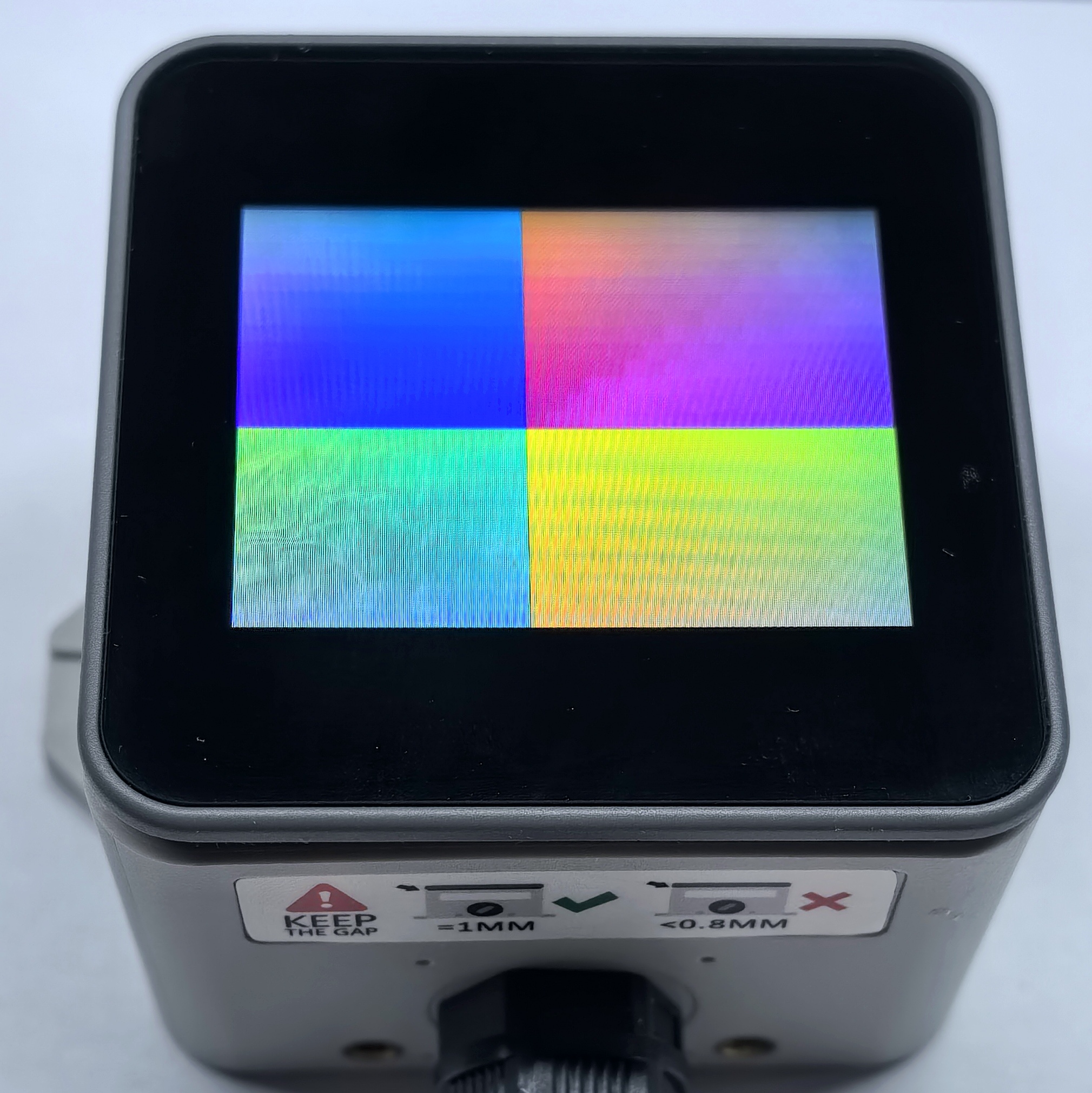
API
ToughC5 のタッチスクリーンの例では、M5Unified ライブラリの Touch_Class を使用します。関連 API については以下のドキュメントを参照してください。
Page Tools